


A technician app has to work at the stop: record readings, dosages, photos, and notes quickly, keep working without a signal, and sync cleanly when the connection comes back. Skimmer, PoolDial, Pool Service Software, The Dip App, and ProValet say their field apps work offline. For the rest, our sources don’t say, so the test is one stop in airplane mode.
I’m Parker Conley, the founder of PoolDial, so read this as a vendor’s guide rather than an independent ranking. I’ve ranked the products by situation and explained each one’s tradeoffs, and my own picks are labeled as opinion below.
For a solo operator or someone just starting out, I’d look at PoolDial or Skimmer. Both apps work offline. Once you have three or more technicians, or several crews, I’d look at Skimmer or Pool Brain first, and I’d have a technician run Pool Brain’s field app before deciding.
The owner shouldn’t be the one testing the app. Hand it to the technician who will use it every day, on the phone they already carry, and have them finish a stop with no signal.
Quick picks
| Situation | Look at | Why |
|---|---|---|
| Solo or just starting out | PoolDial or Skimmer | Both field apps work offline; PoolDial runs on iOS and Android and syncs when the connection returns |
| Free or tight budget | Pool Service Software (PSS) or The Dip App | PSS is free up to 10 properties and lists offline field work; The Dip App has free iOS and Android apps with offline mode |
| 3 to 5 technicians | Skimmer or Pool Brain | Skimmer’s technician workflows work without a cellular connection; Pool Brain adds required readings per service level |
| Large or multi-crew | Skimmer or Pool Brain | Skimmer has Enterprise controls; Pool Brain’s field app should be tested by your technicians first |
| Customers want an app | The Dip App or ProValet | Both have a customer-facing app where pool owners see their service and pay |
| Outside the United States | PoolDial or Pooltrackr | PoolDial supports regional currencies and metric units; Pooltrackr is built around Australia and New Zealand |
What each tool includes
This is what each product’s own materials, as summarized in our reviews, say about field work and offline use. Where a source doesn’t say whether an app works offline, the table says so instead of guessing. Prices are published list prices on the dates shown, not quotes.
| Software | Field app and offline work | Plan or price |
|---|---|---|
| SkimmerChecked Oct 29, 2026 | Technician workflows work without a cellular connection; much older history may need to download from the cloud | $49/mo up to 49 locations, then $2 per location |
| PoolDial | iOS and Android apps with offline mode; syncs when the connection returns | $2 per pool, $40/mo minimum |
| Pool Service Software (PSS)Checked Aug 12, 2026 | Lists offline field work and GPS; Android app on Google Play | Free up to 10 properties, then $49.99/mo |
| The Dip AppListed May 2026 | iOS and Android apps with offline mode, plus a customer app | Free core; card payments 3% + $2 |
| ProValetChecked Aug 12, 2026 | Lists offline technician work; separate homeowner app | $149/mo with one technician, then $59 each |
| Pool BrainChecked Oct 29, 2026 | Route optimization on web and mobile; offline not stated, so test it | $50/mo plus $65 per technician |
| PaythepoolmanChecked Aug 12, 2026 | Technician GPS and a branded customer app; offline not stated | $50/mo plus $15 per technician |
| PoolProofChecked Aug 14, 2026 | Technician field work and service documentation; offline not stated | $249/mo on an annual plan with 5 users |
| ServiceTitanChecked Aug 12, 2026 | ServiceTitan Field app with forms, photos, and notes; offline not stated | Quote required |
| PooltrackrChecked Aug 12, 2026 | Technician mobile tools with water-test device sync; AU/NZ only | $66/mo Field plan (AU/NZ) |
What to test
Put your top two or three through the same day of field work instead of comparing feature lists:
- Install each app on the phones your technicians actually carry, including any Android phones.
- Turn on airplane mode and complete a full stop with readings, dosages, photos, and notes.
- Reconnect and confirm that everything reached the office with the right time and photos.
- Open an older visit while offline to see how much history is stored on the phone.
- Have a technician, not the owner, run a full day of the route in each app.
The options
App-store scores below are dated snapshots from our reviews. Small samples say little, and Google Play scores describe the mobile app rather than the whole product.
1. Skimmer

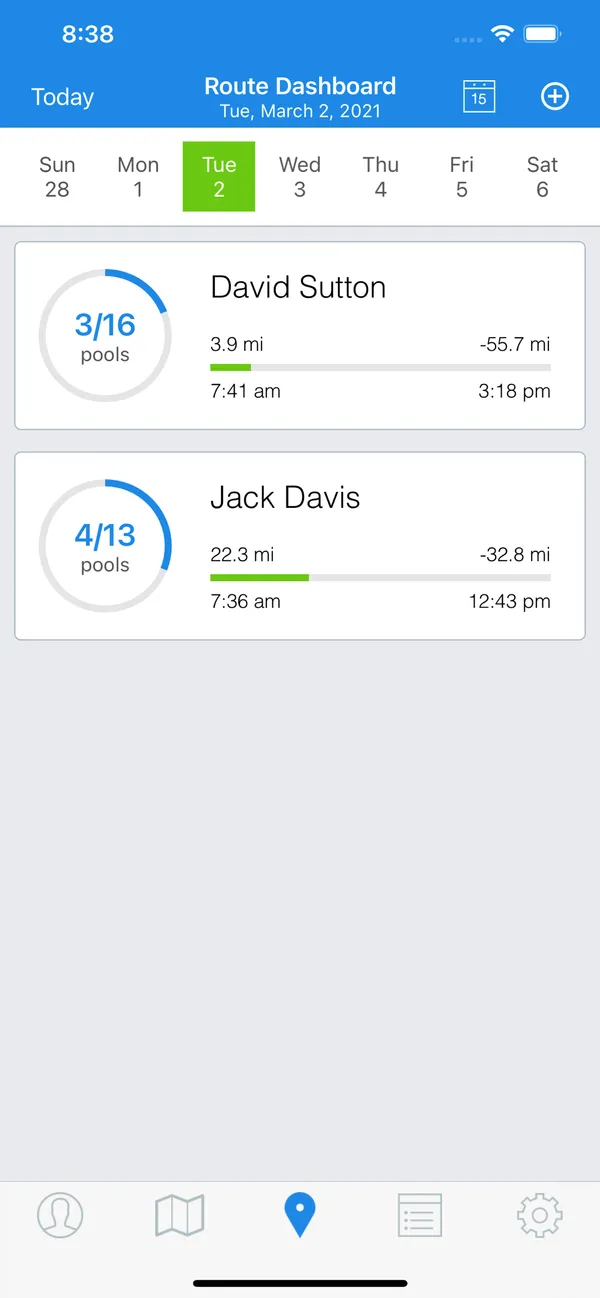
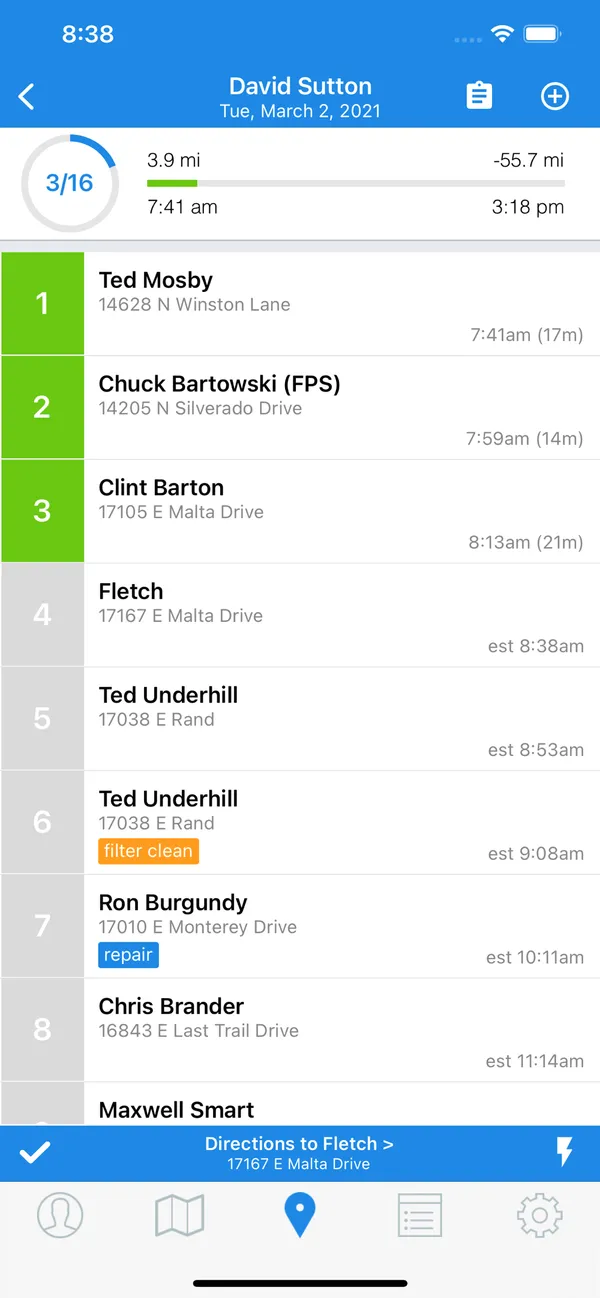
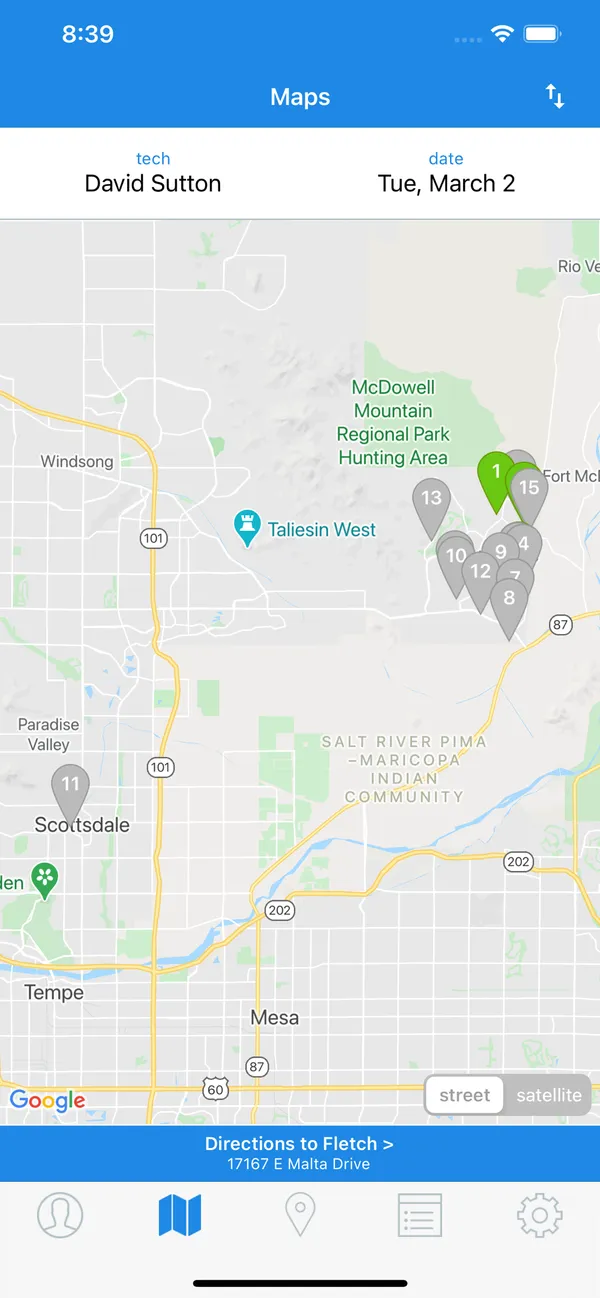
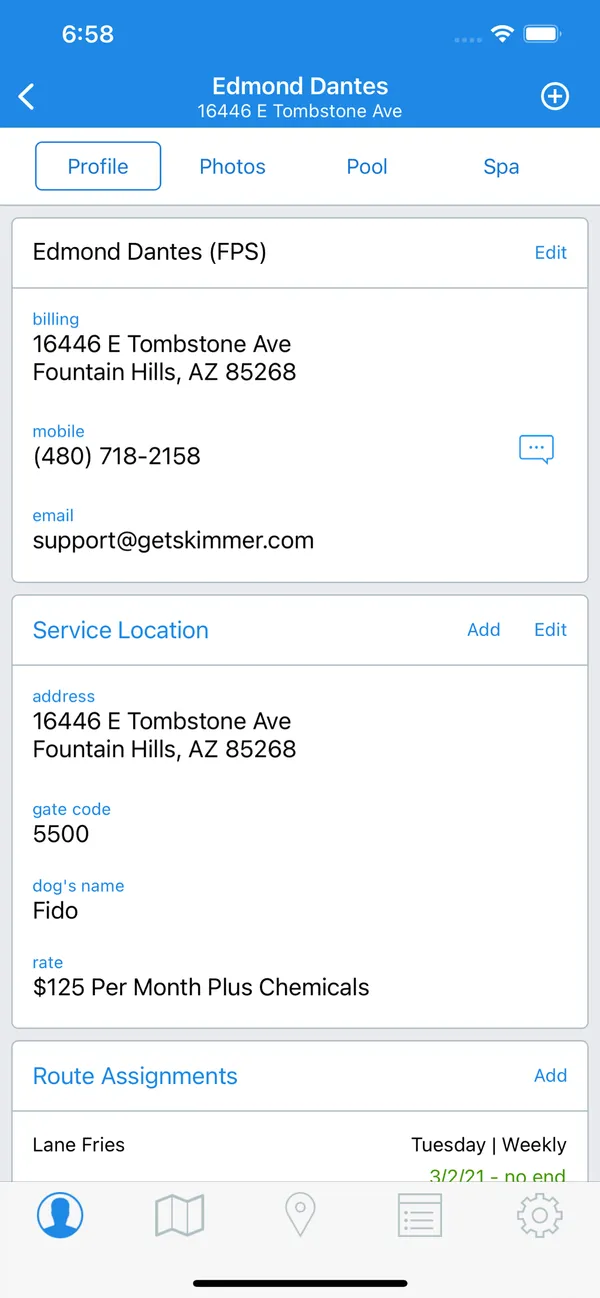
Skimmer ranks first because it has both a clear offline claim and the largest body of public feedback on its app. It says technician workflows work without a cellular connection, and its field work covers routes, service history, readings, and dosages. Google Play showed 4.7 from 769 reviews as of August 9, 2026, which is a far bigger sample than most apps here.
Skimmer also notes that much older service history may need to download from the cloud, so open an older visit during your offline test. A technician who relies on past readings at the stop should know what stays on the phone.
It costs $49 a month for up to 49 serviced locations, then $2 per location from 50 to 1,000, checked October 29, 2026. Route optimization comes with Scaling Up and Enterprise, not the entry plan, so check that if your technicians will need it in the app. Complete a stop with poor connectivity on the phones your team carries.
2. PoolDial

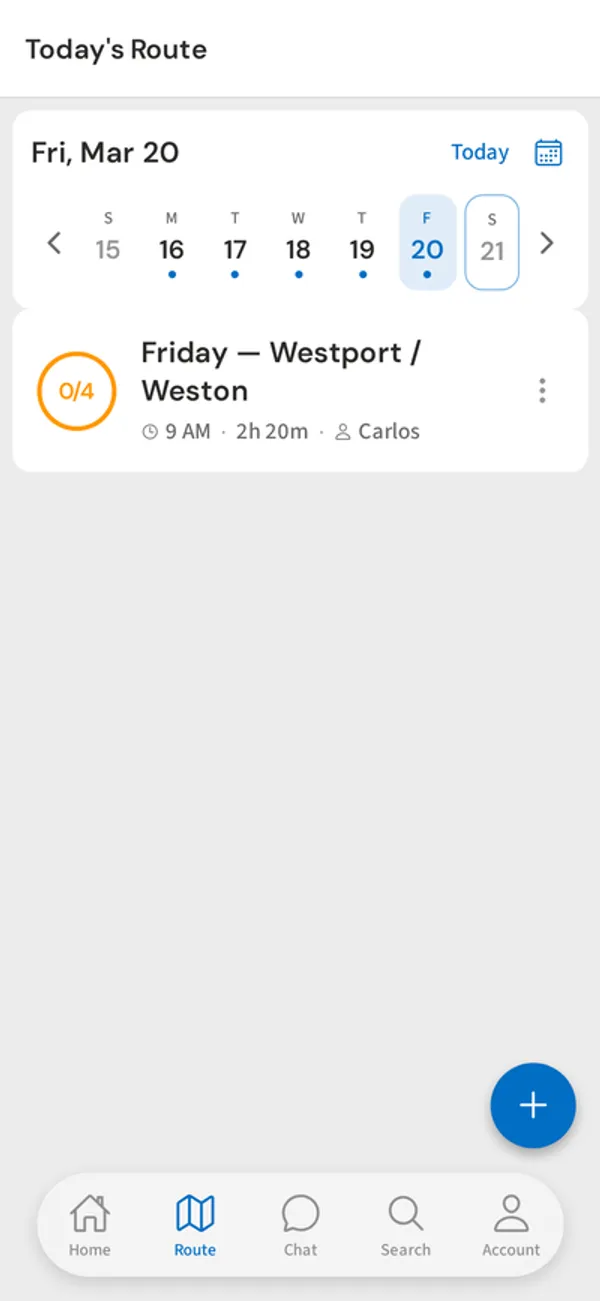
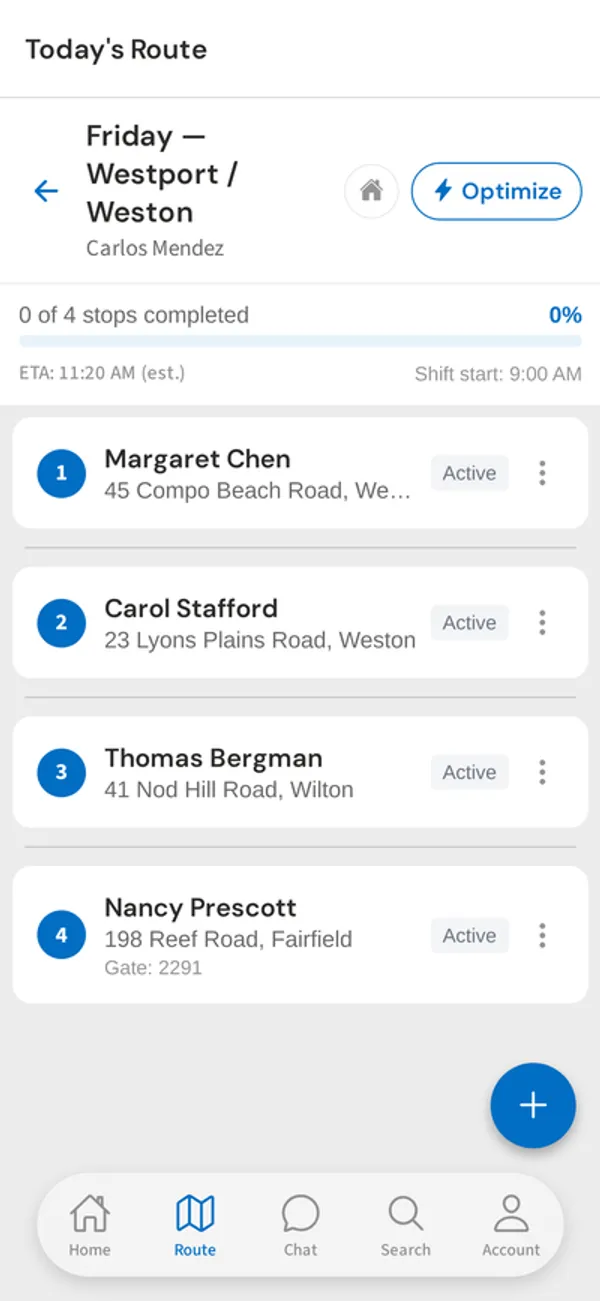
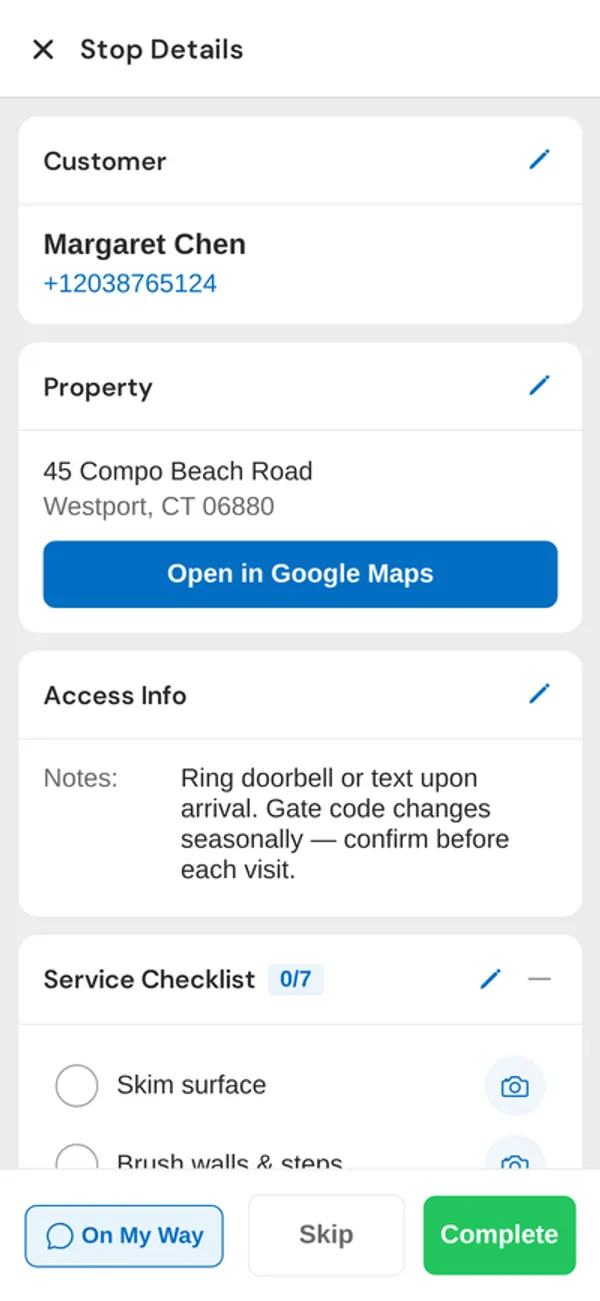
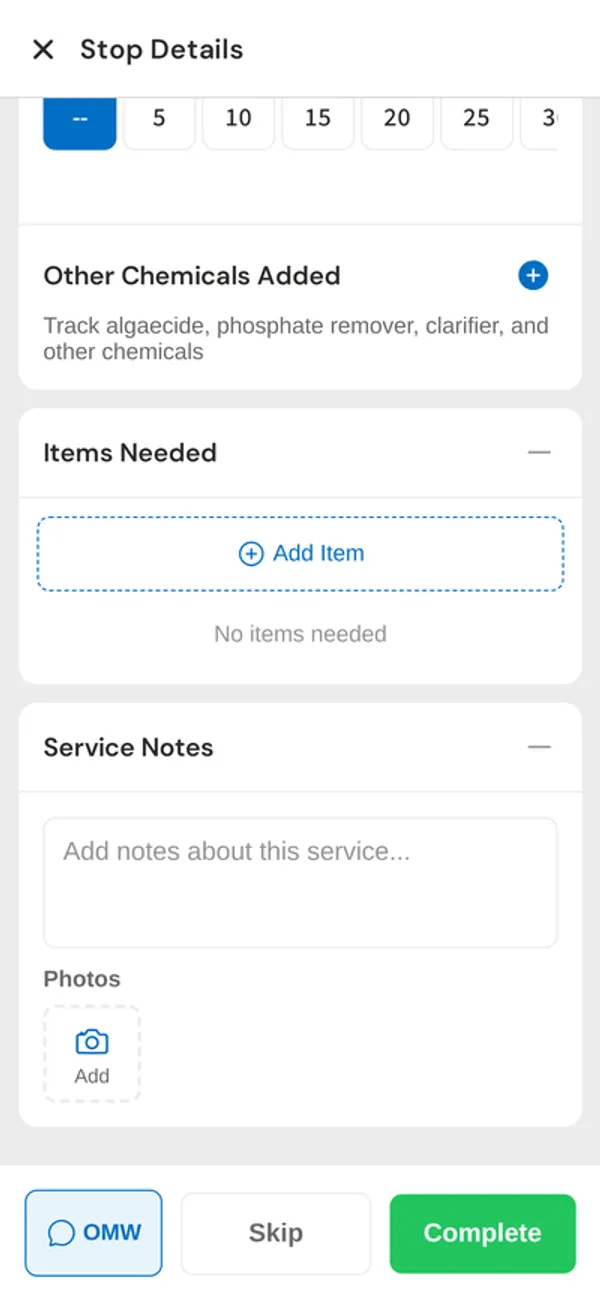
PoolDial ranks second because the app covers the same stop work as the leader, but with very little public evidence behind it. It has iOS and Android apps with offline mode and syncs when the connection returns. Technicians record readings, dosages, photos, and notes at the stop, and LSI is calculated automatically.
Its one store score is 5.0 from three ratings in Apple’s App Store as of October 28, 2026, far too few to compare with Skimmer’s hundreds of reviews. I would not treat that as proof the app is better. Readings are also entered by hand, because PoolDial doesn’t currently integrate with photometers, which matters if your technicians use one.
It costs $2 per pool with a $40 monthly minimum after a 14-day trial, with unlimited users, so adding a technician login doesn’t add to the bill. Use the trial to finish a stop in airplane mode, then confirm that everything reached the office.
3. Pool Brain

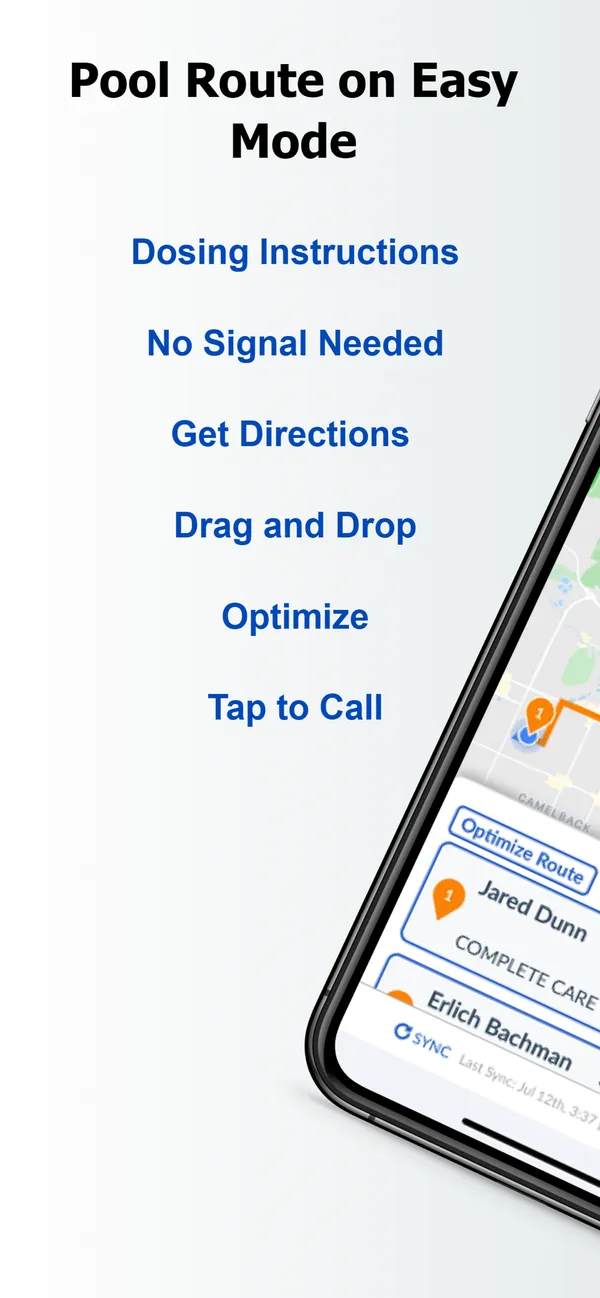
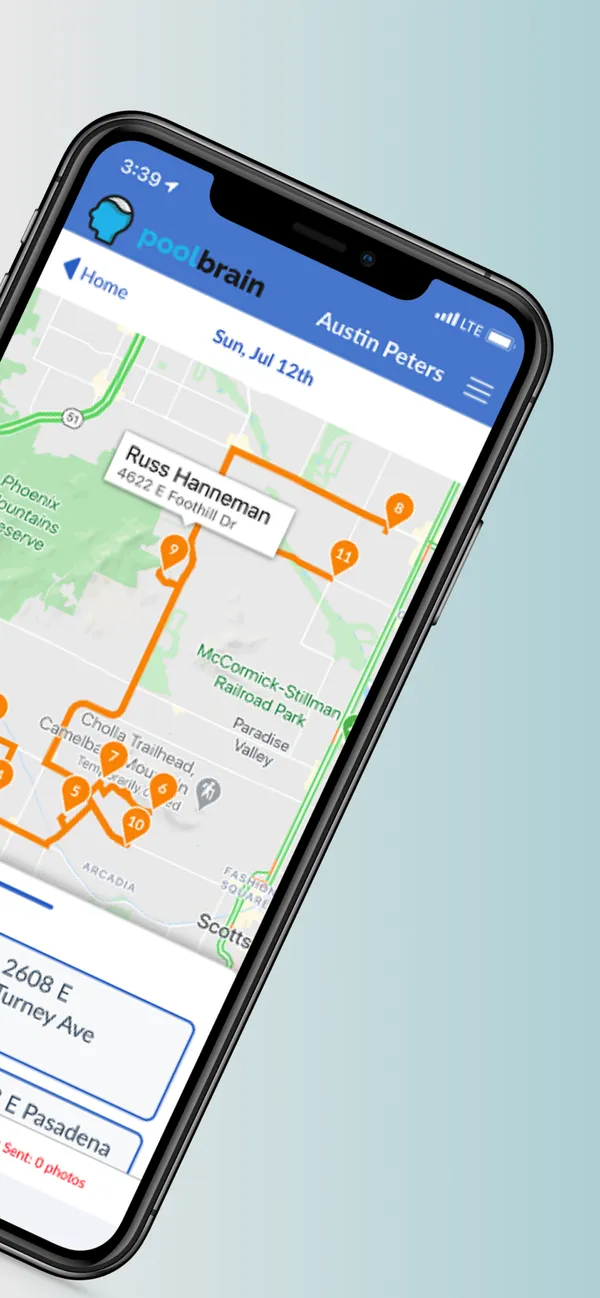
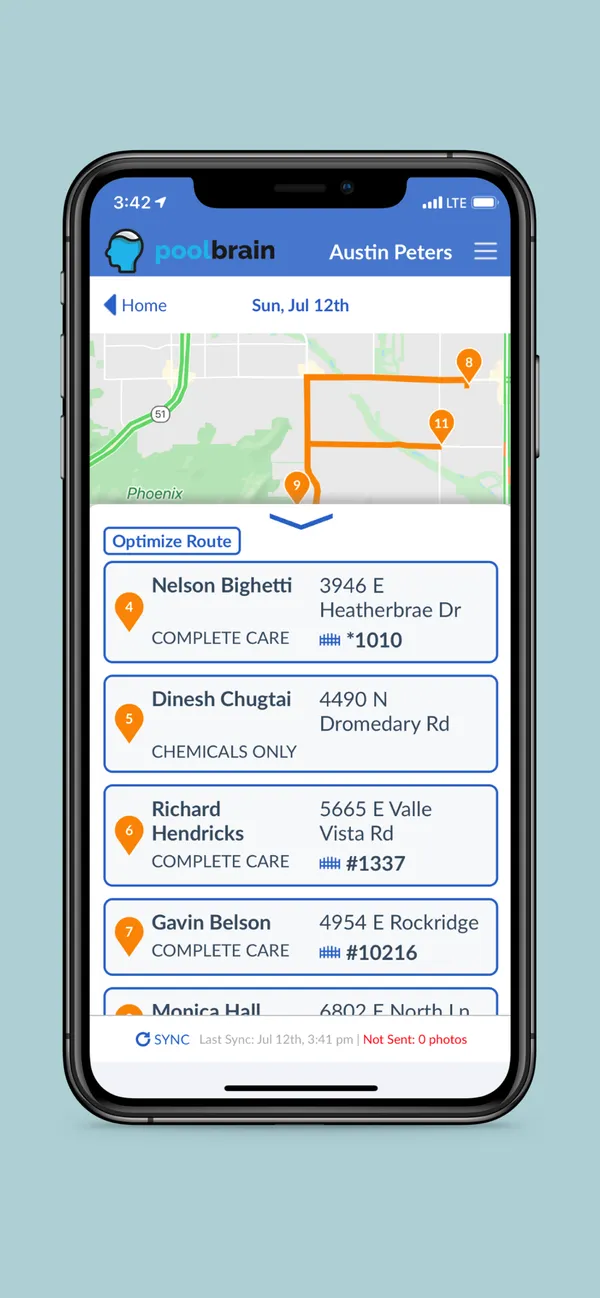
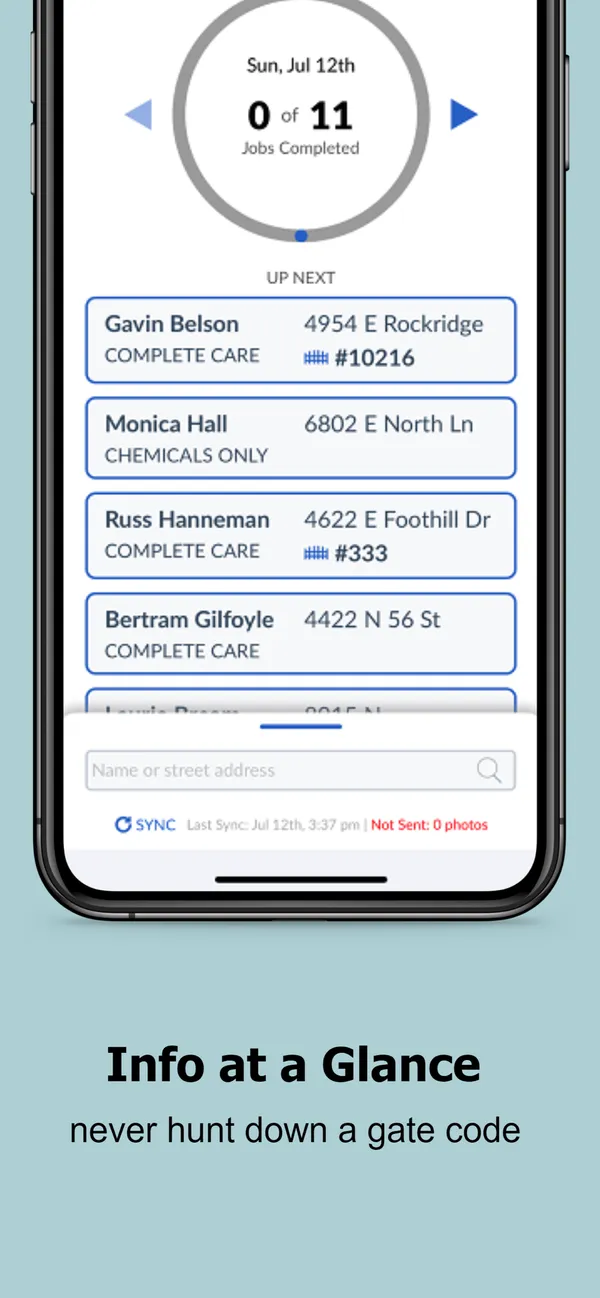
Pool Brain ranks third because its field workflow is built around accountability, which many owners want, but its app reviews raise a question you should answer yourself. Service levels set the required readings and checklists technicians follow at each stop, and route optimization works on both web and mobile.
The app’s ratings split widely: 3.4 from 137 Google Play reviews against 4.9 from 27 on Capterra, as of August 9, 2026. Google Play reviews are written about the mobile app, so the gap is a good reason to put a technician on it. Its interface feels older to me, though that is one competitor’s impression. Our sources don’t say how it handles a stop with no signal, so confirm that too.
It costs $50 a month plus $65 per active field technician, checked October 29, 2026, so one technician comes to about $115 and five to about $375. Have a technician, not the owner, complete a full route, including a poor-signal stop.
4. Pool Service Software (PSS)

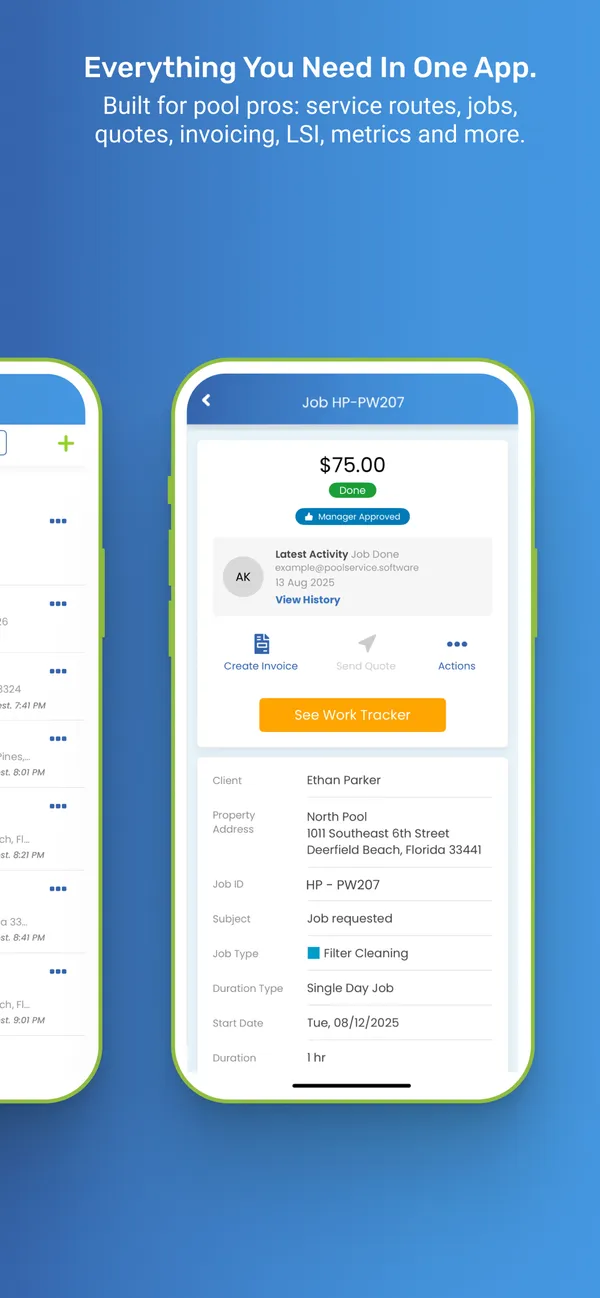
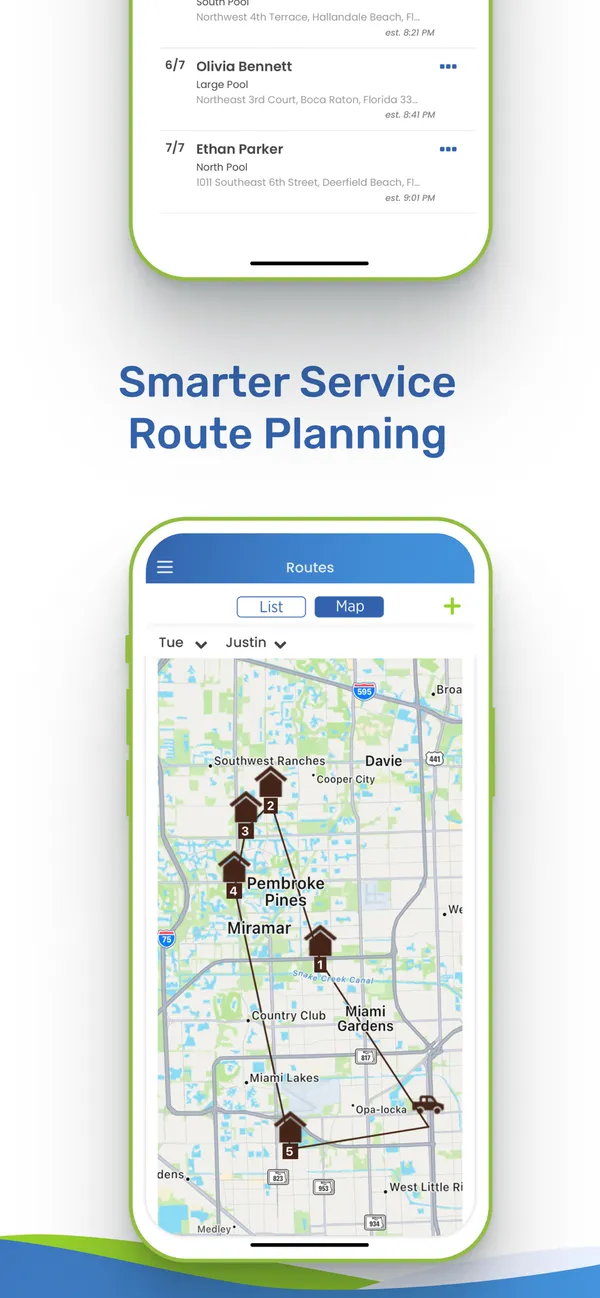
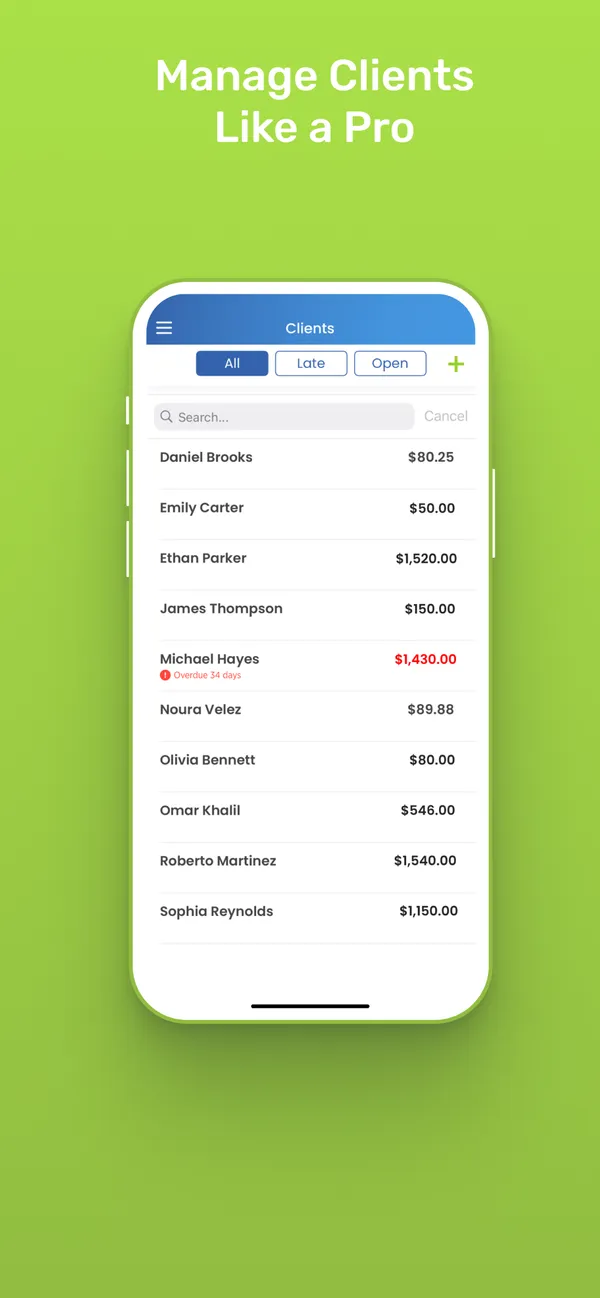
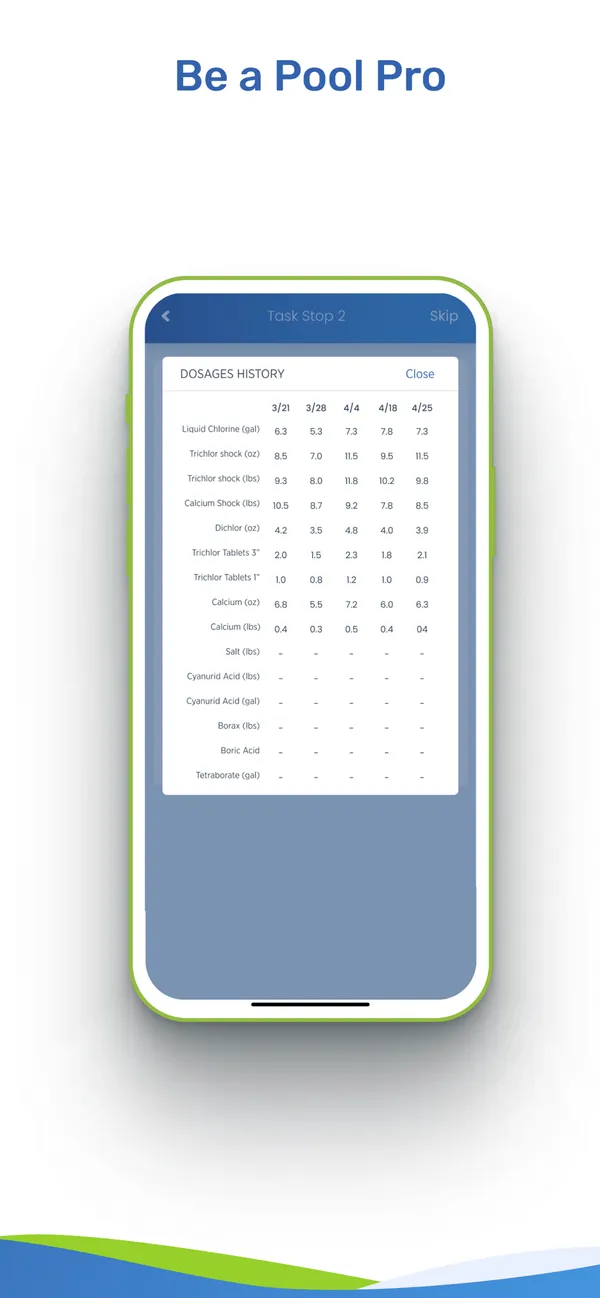
Pool Service Software ranks fourth because it lists offline field work and GPS with no software bill on a very small route: every feature is free up to 10 properties. Its field work ties into a deep chemistry toolkit, with readings, dosages, LSI, and configurable service reports, so there is plenty for a technician to do on the phone.
Google Play showed 4.1 from 43 reviews as of August 12, 2026, a modest sample. Our review points to a Google Play listing and doesn’t mention an iPhone app, so confirm that before you plan around technicians who carry iPhones.
After 10 properties, it costs $49.99 a month through 50, $99 through 100, then $0.95 per property, checked August 12, 2026, before a 15% annual discount. A property is a body of water. A long feature list is best judged with a full week of real work on your team’s devices, including a stop with poor connectivity.
5. The Dip App

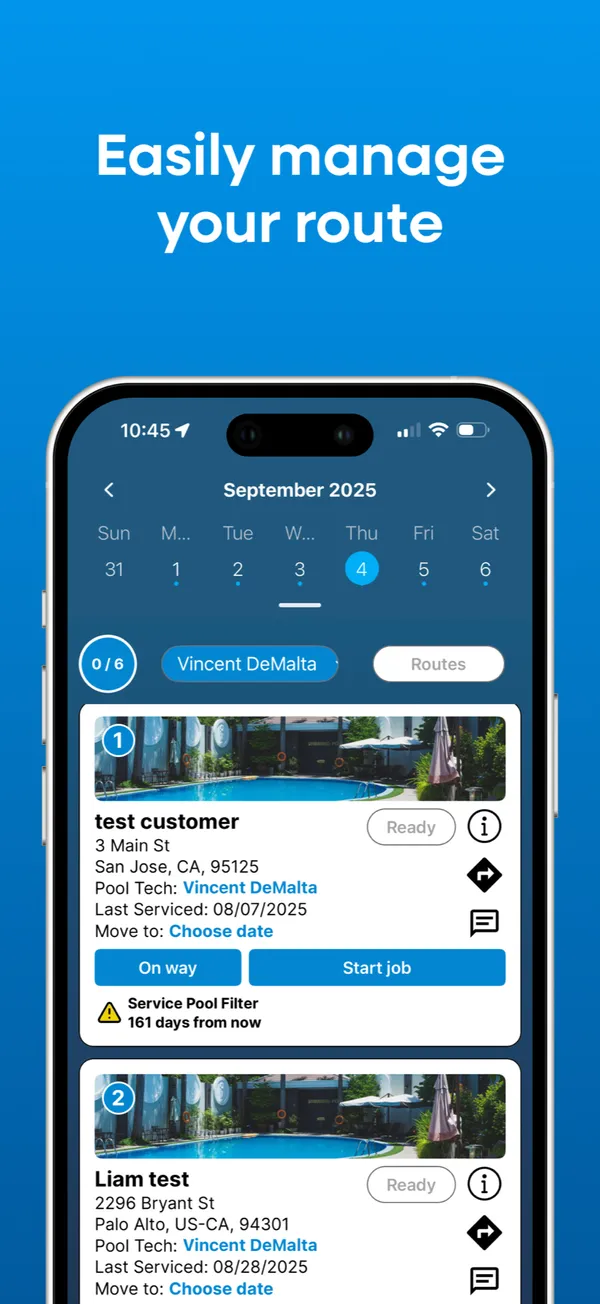
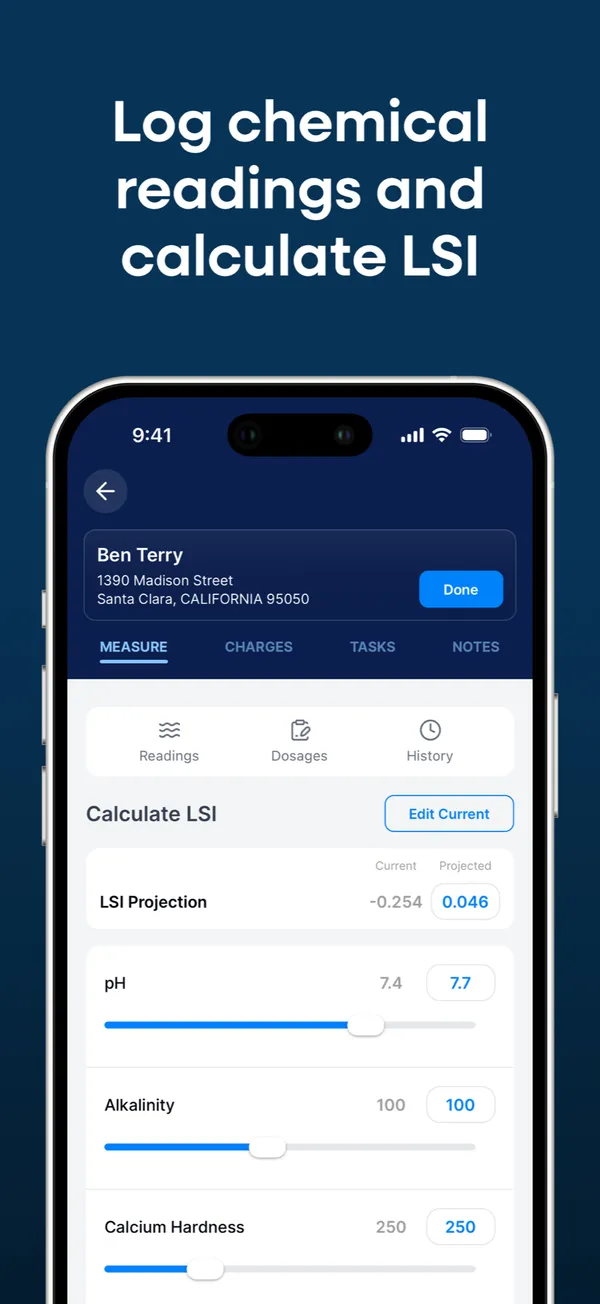
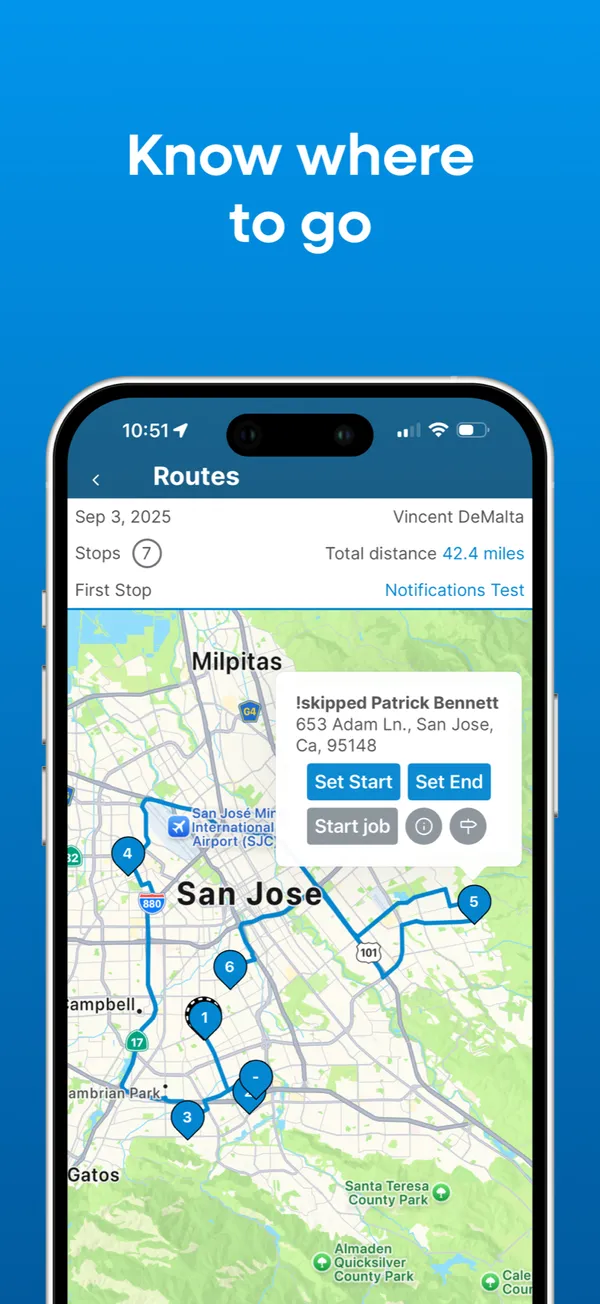
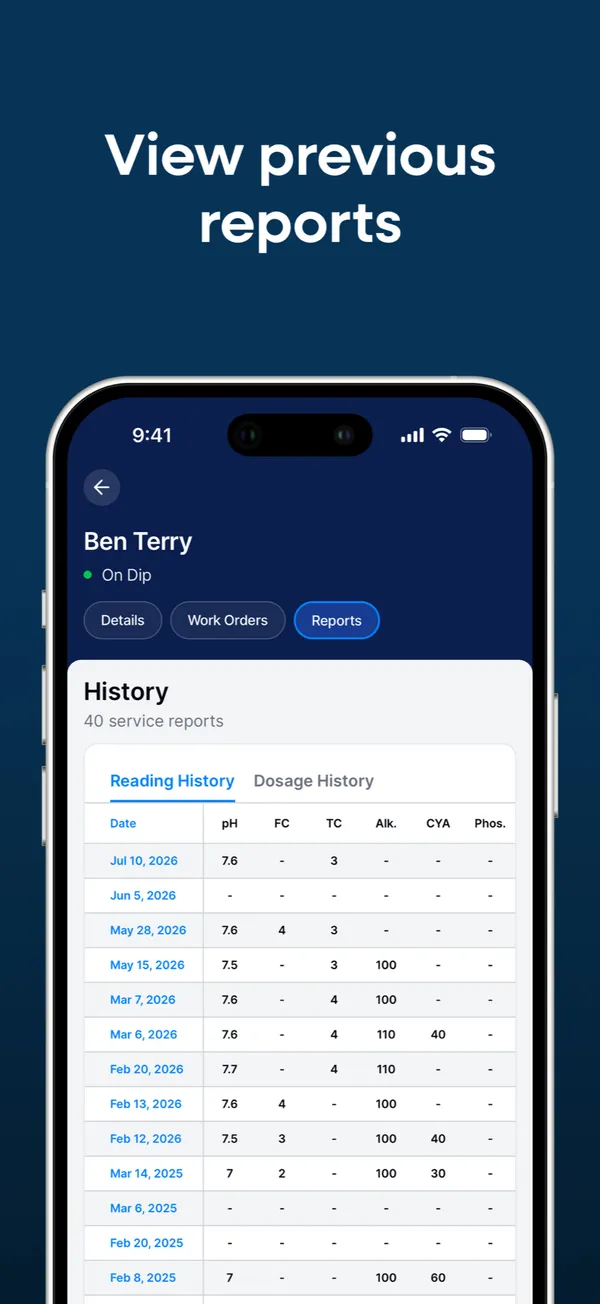
The Dip App ranks fifth because it offers free iOS and Android apps with offline mode, but we have no dated store score to weigh, so check both stores yourself. Technicians get chemical readings and LSI on a single screen, with history. Pool owners get their own app, where they can view readings and service history, receive notifications, and pay invoices.
The core has no per-user or per-pool fees. Instead, you pay on customer payments: 3% + $2 per card transaction and $3.50 per ACH transfer, as listed in May and August 2026. A flat software fee may work out better once you process many payments.
Two limits matter in the field. Customer-facing history covers 12 months, and technician assignment is basic, without role-based permissions. That suits a solo operator better than a crew. Complete a full stop with poor connectivity, including readings and photos, before you rely on the offline mode.
6. ProValet

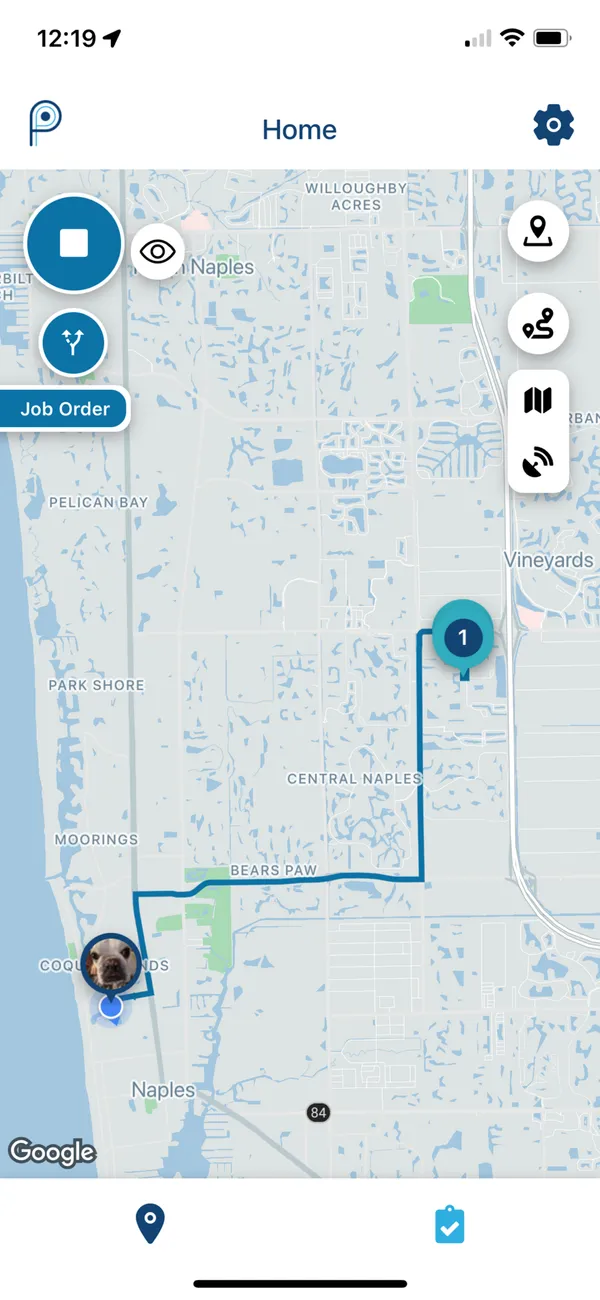
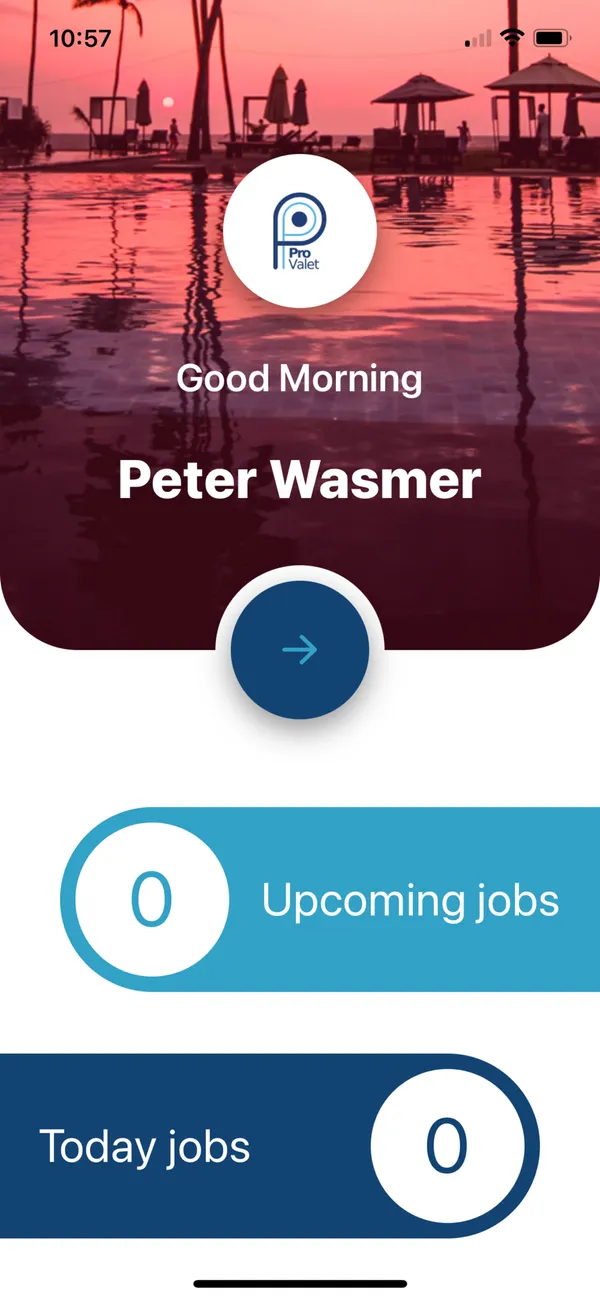
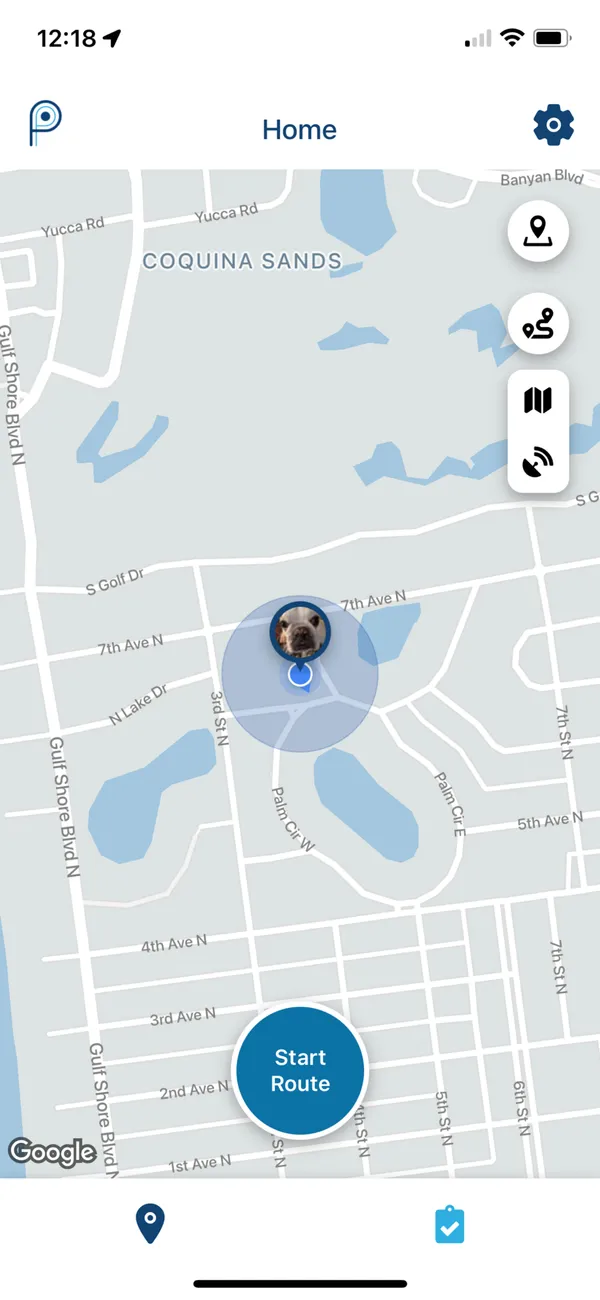
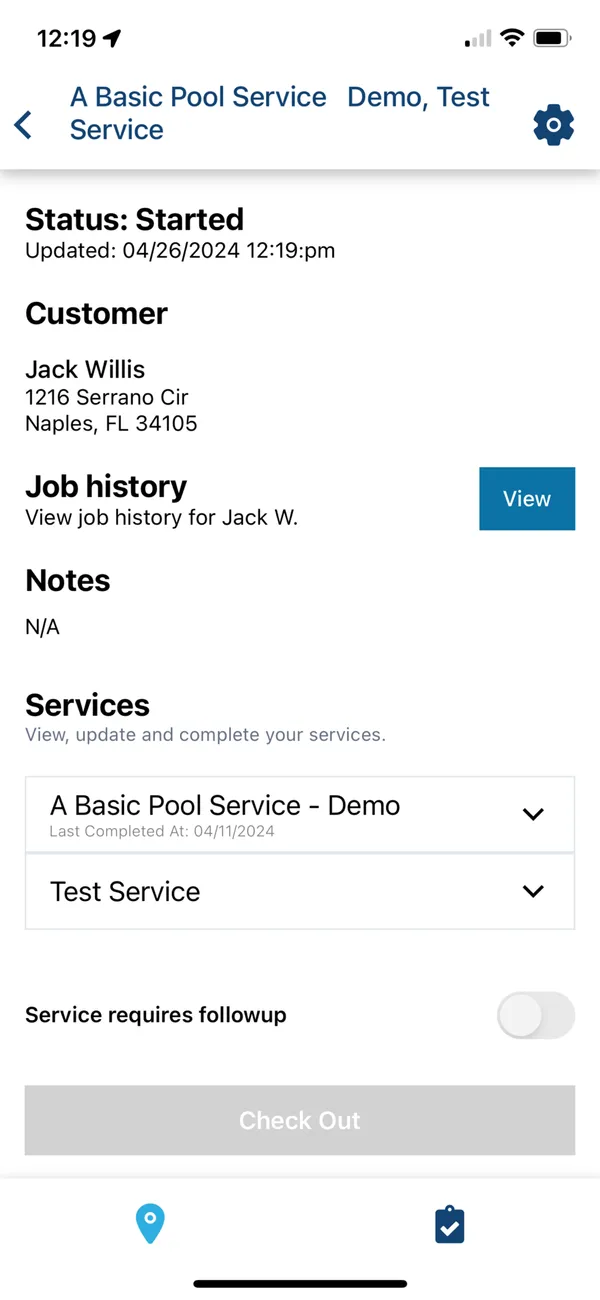
ProValet ranks sixth because it lists offline technician work and has one of the fuller customer apps here, but very few people have reviewed it. The technician app includes custom chemistry reading requirements and supply usage. A separate homeowner app lets customers see visits, message the company, pay, rate service, and tip technicians.
Its technician app showed 5.0 from six Google Play reviews as of August 12, 2026, too few for a verdict. ProValet also serves lawn, pest, and other route businesses, so check that its stop screens fit pool work rather than assuming they do.
It publishes one plan: $149 a month including one technician, plus $59 for each additional technician, checked August 12, 2026. Even a one-technician company pays the $149 minimum. Complete a real stop with readings, supply usage, photos, and notes, with a stop in poor connectivity. Consider too whether your customers would actually use the homeowner app.
7. Paythepoolman

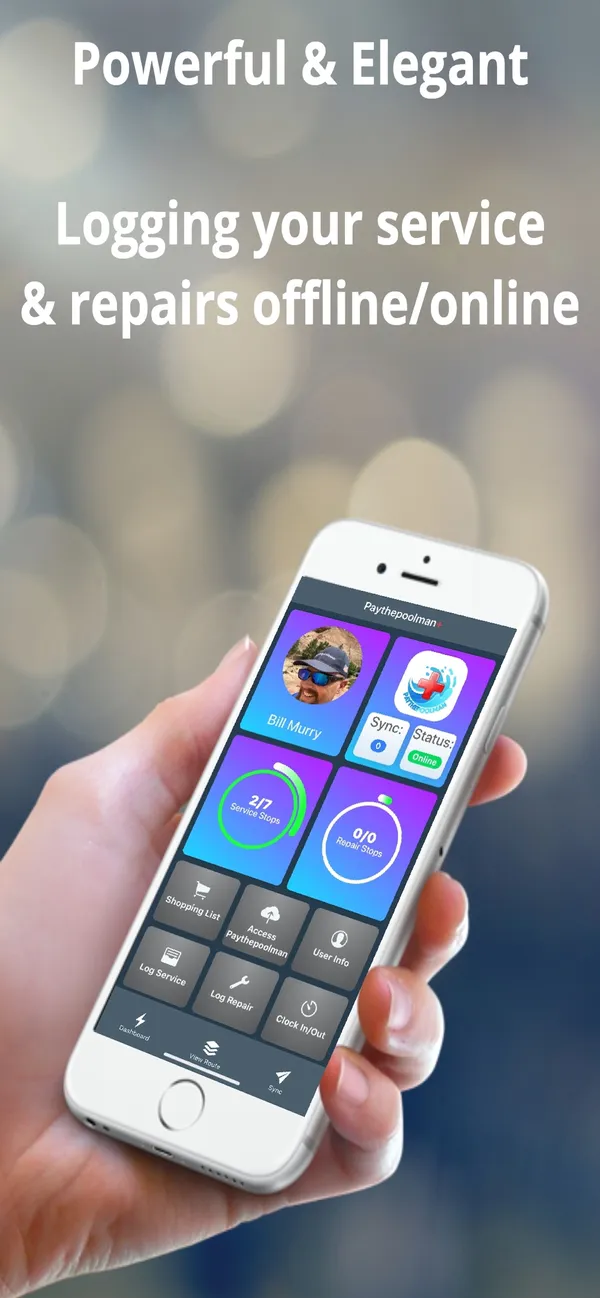
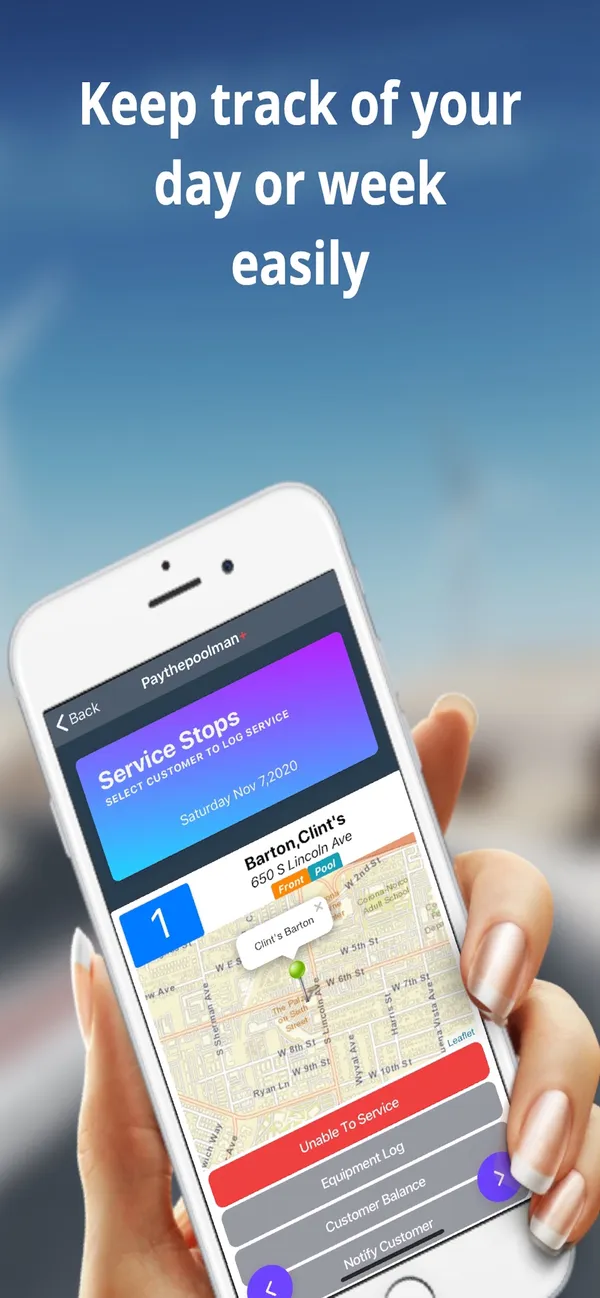
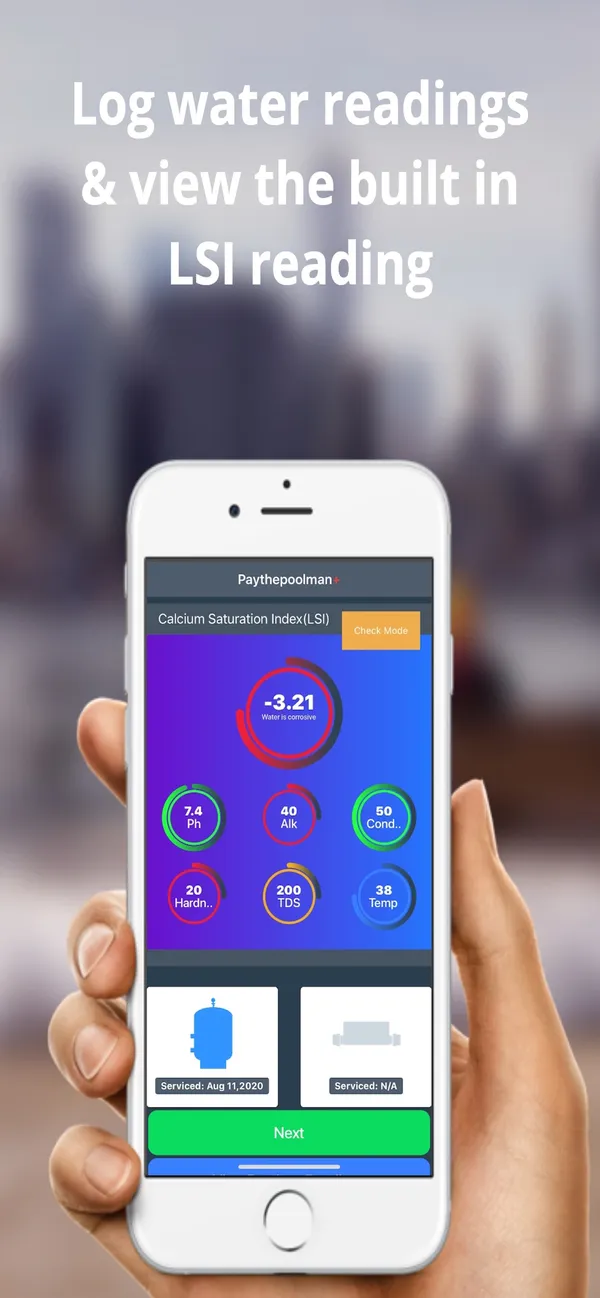
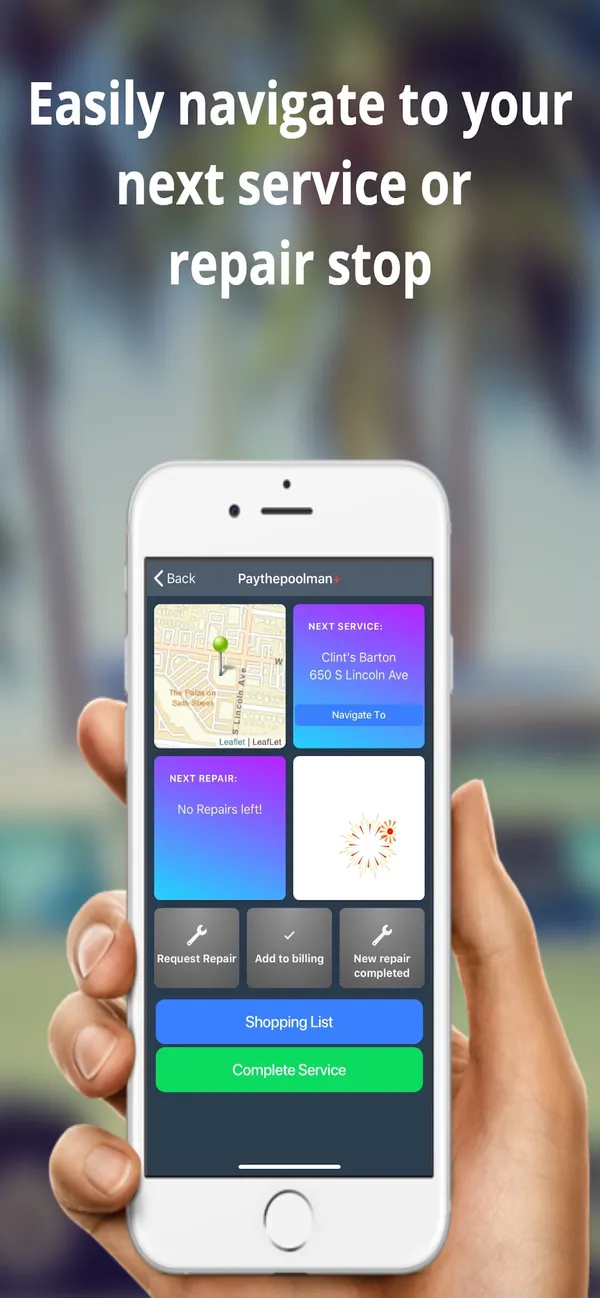
Paythepoolman ranks seventh because the app comes with a low bill, but the evidence on daily use is mixed. Its published features include technician GPS and a branded customer app, plus pool-specific proof of service. Our sources don’t say whether the technician app works offline, so ask, and test a stop with no signal.
Google Play showed 4.2 from 12 reviews as of August 12, 2026, and one recent review criticized usability after updates, though it is only one review. I find the interface poor and inexpensive-looking, but that is a competitor’s opinion, and your technicians’ view counts for more. Our review also links only a Google Play listing, so confirm iPhone support.
The price is $50 a month plus $15 per technician, checked August 12, 2026, so one technician comes to about $65 and three to about $95, before add-ons. Run a full route and complete a real stop, with chemistry and proof of service, on the devices your team carries.
8. PoolProof

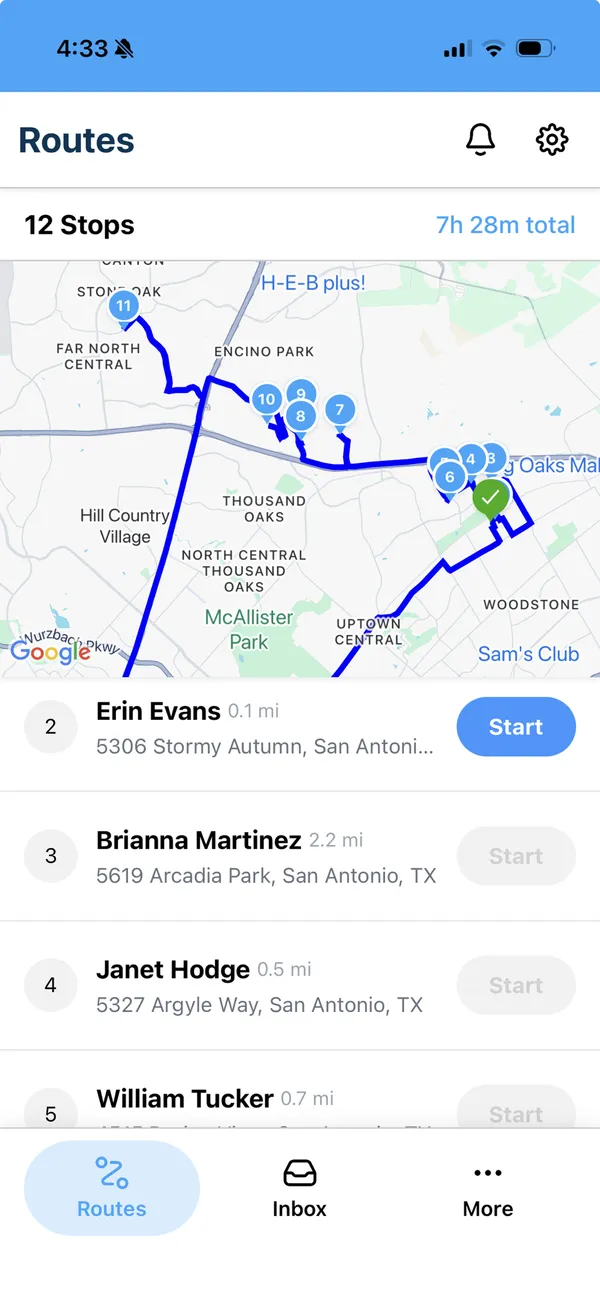
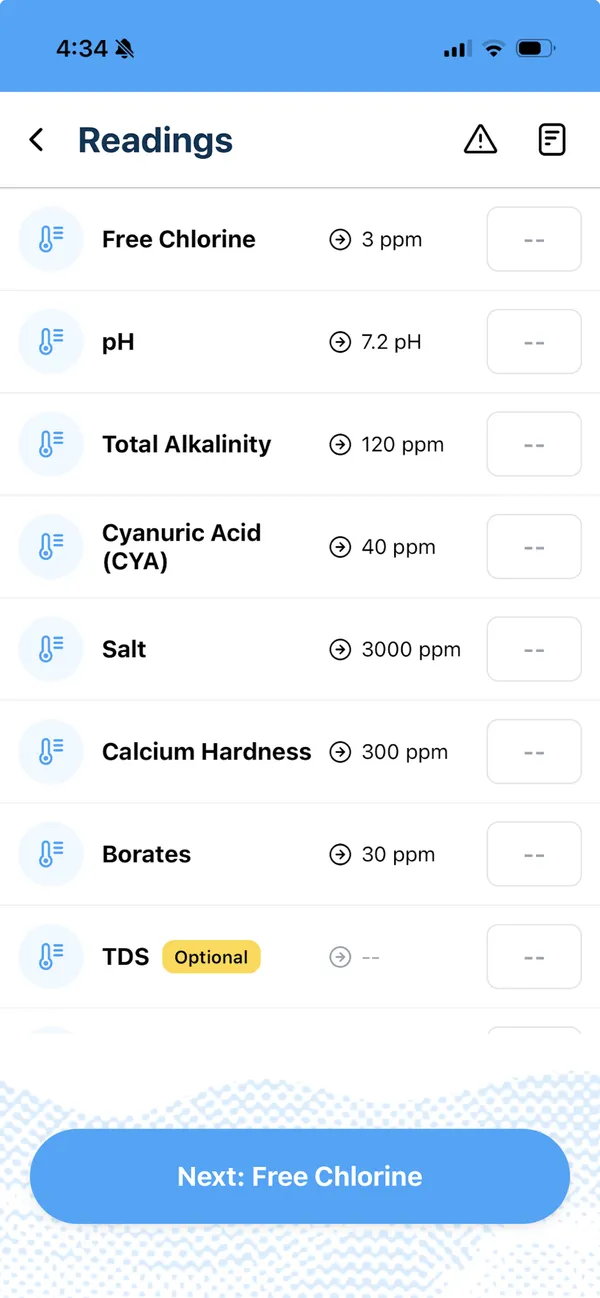
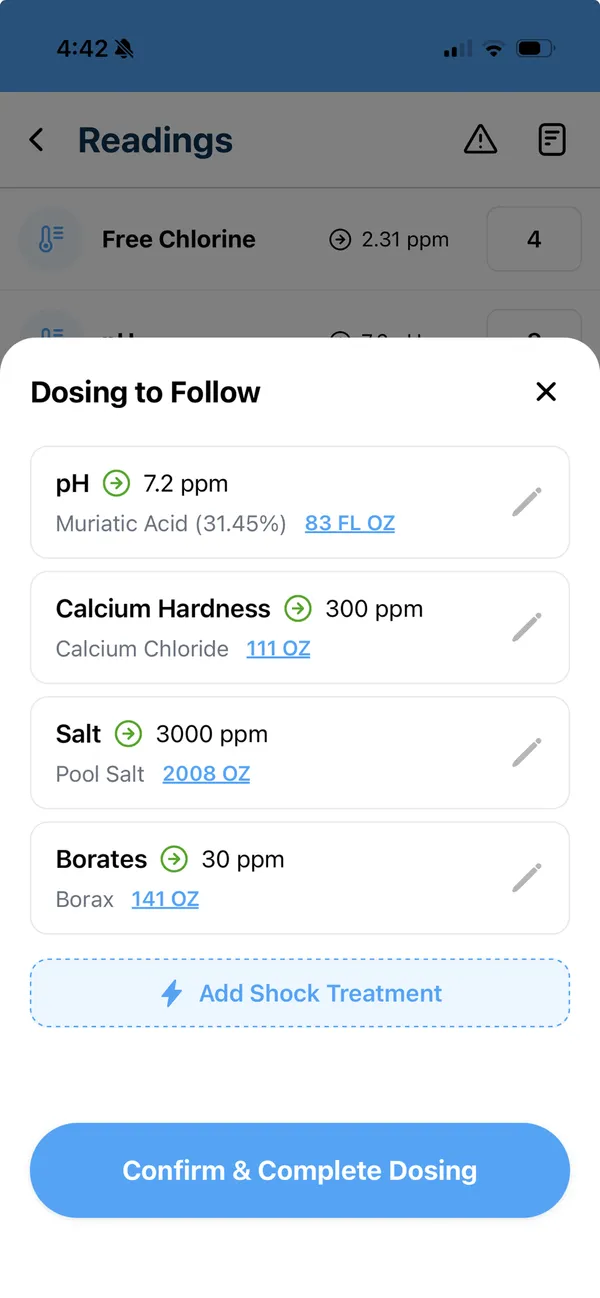
PoolProof ranks eighth because our sources tell us the least about how its app behaves in the field. It covers technician field work, water readings, chemical usage, and service documentation, and it can require specific readings by service plan. That structure fits larger pool companies, but our sources don’t say whether the app works offline, so confirm it.
There is little public feedback to read. Apple’s U.S. App Store didn’t have enough ratings to show an overview, and Capterra showed zero reviews, as of August 14, 2026. Missing reviews aren’t a verdict either way, so a live demo is the better test.
The annual plan is $249 a month billed annually with 5 users, plus $40 for each additional user, as of August 14, 2026, and onboarding starts with a demo that leads into white-glove training. Ask to complete a stop with chemistry, photos, and proof on a phone with no signal, and have a technician in the room.
9. ServiceTitan

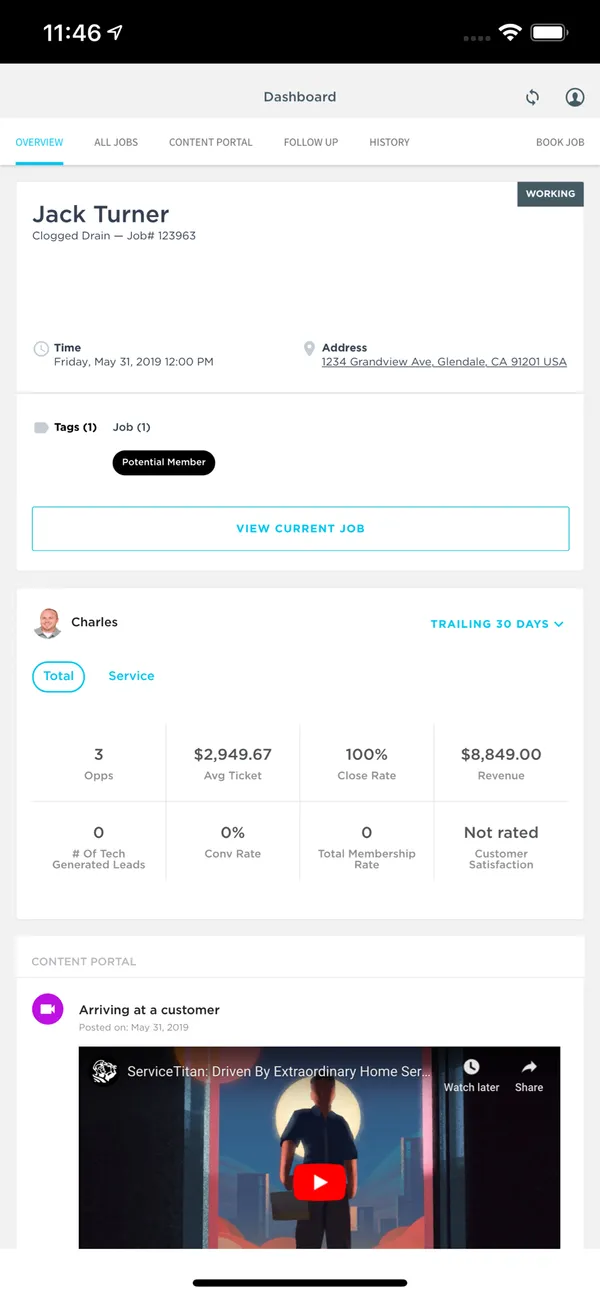
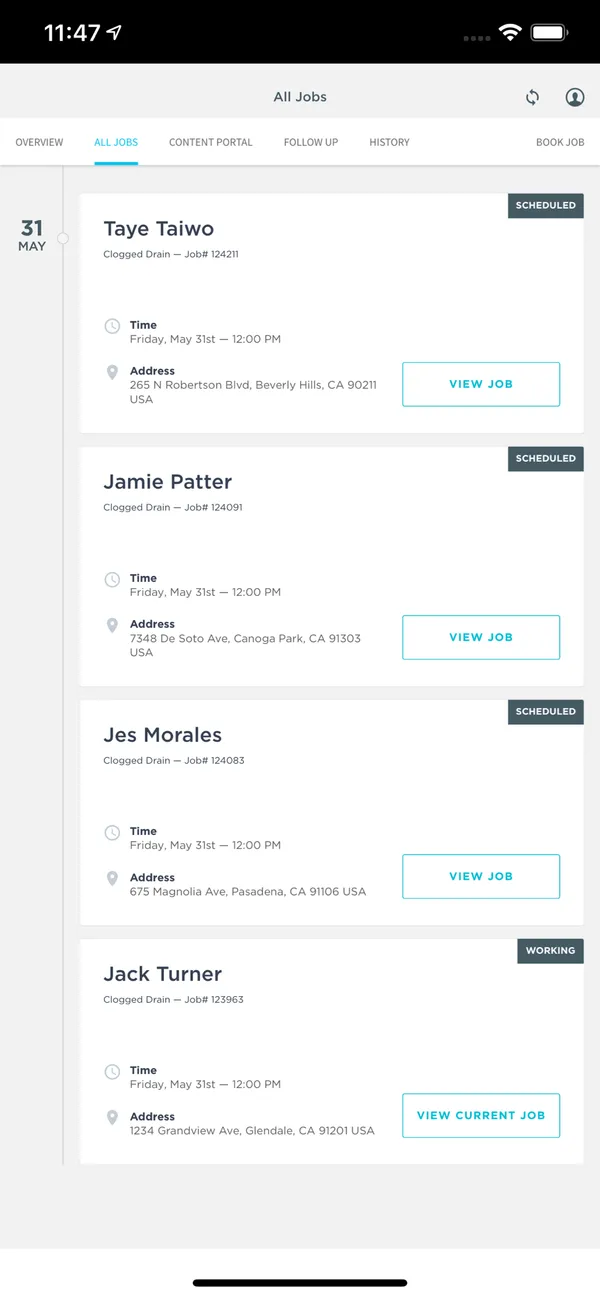
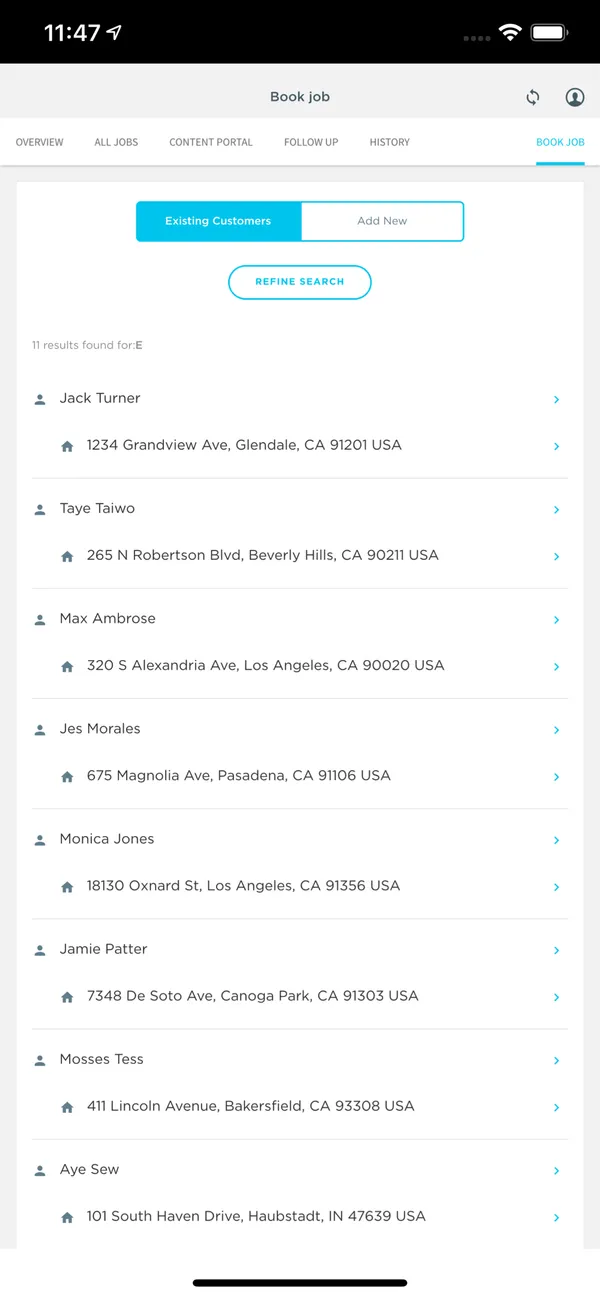
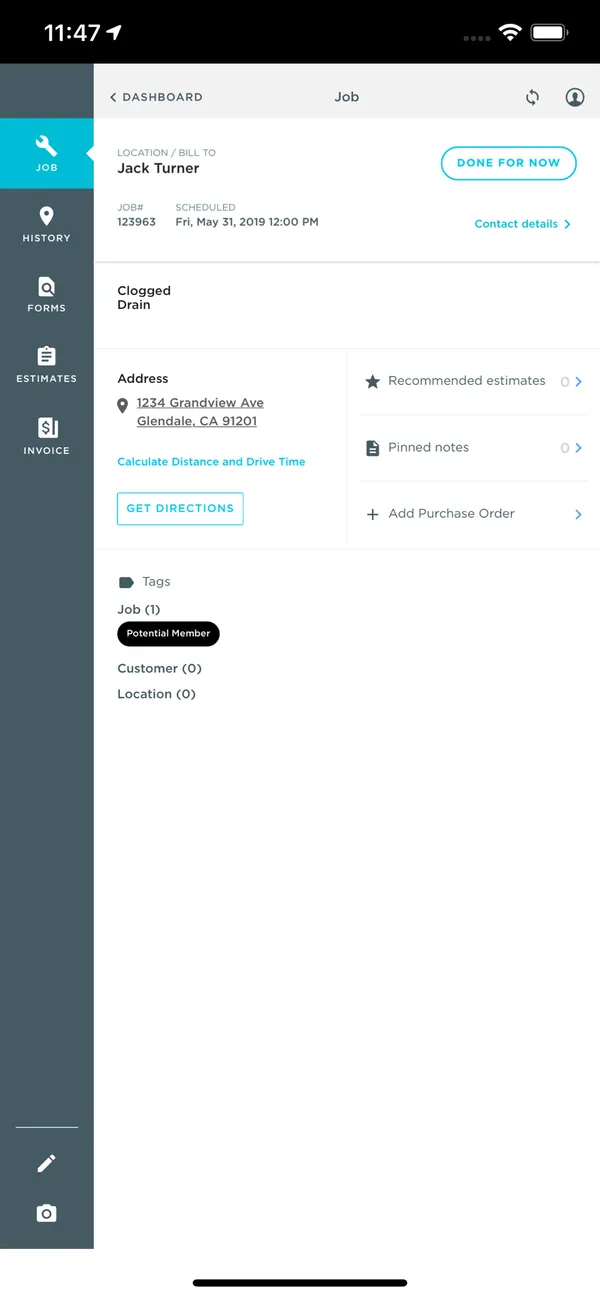
ServiceTitan ranks ninth because its field app has the weakest large sample here and comes with an enterprise system most pool companies don’t need. Its technician app, ServiceTitan Field, supports forms, photos, and notes, and our sources don’t say whether it works offline. Check how those forms capture readings and dosages, since they aren’t described as a pool-specific stop screen.
It showed 3.3 from 570 Google Play reviews against 4.3 from 336 on Capterra for the platform, as of August 12, 2026. Capterra reflects the overall product, while Google Play reflects the newer Field app, so the two tell different stories.
Every package requires a quote, priced per technician, and modules and implementation can affect the total. Its terms say the service is intended for the United States and Canada. If you are a much larger company that needs its office-side depth, have technicians complete a recurring route in Field during the evaluation.
10. Pooltrackr

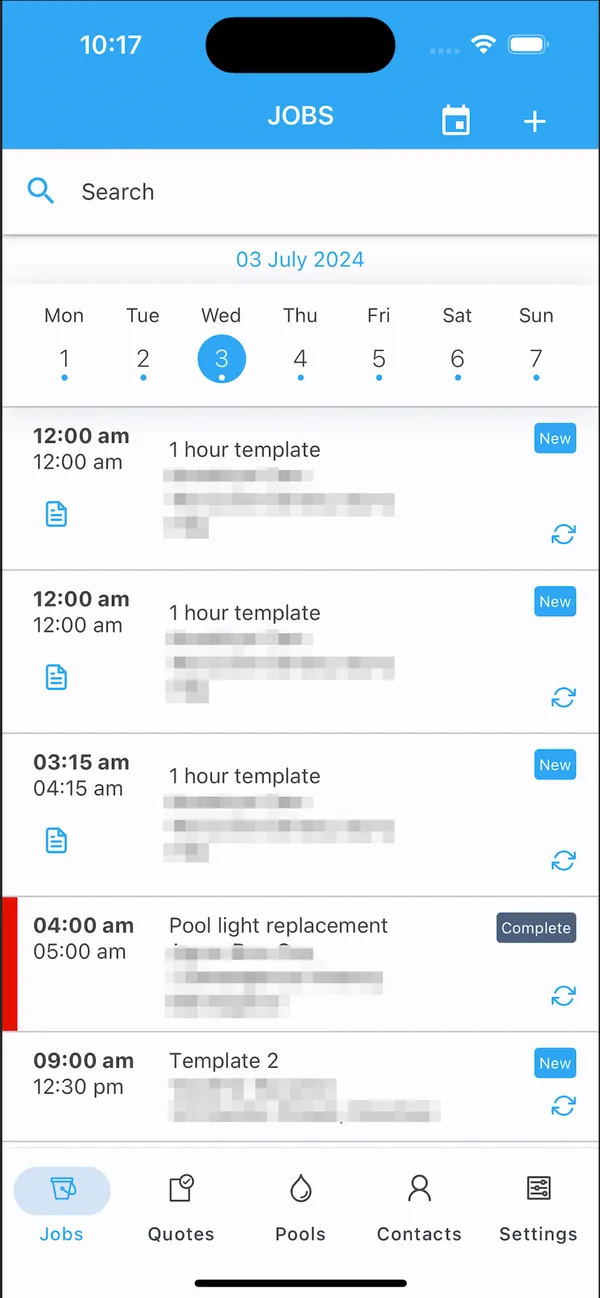
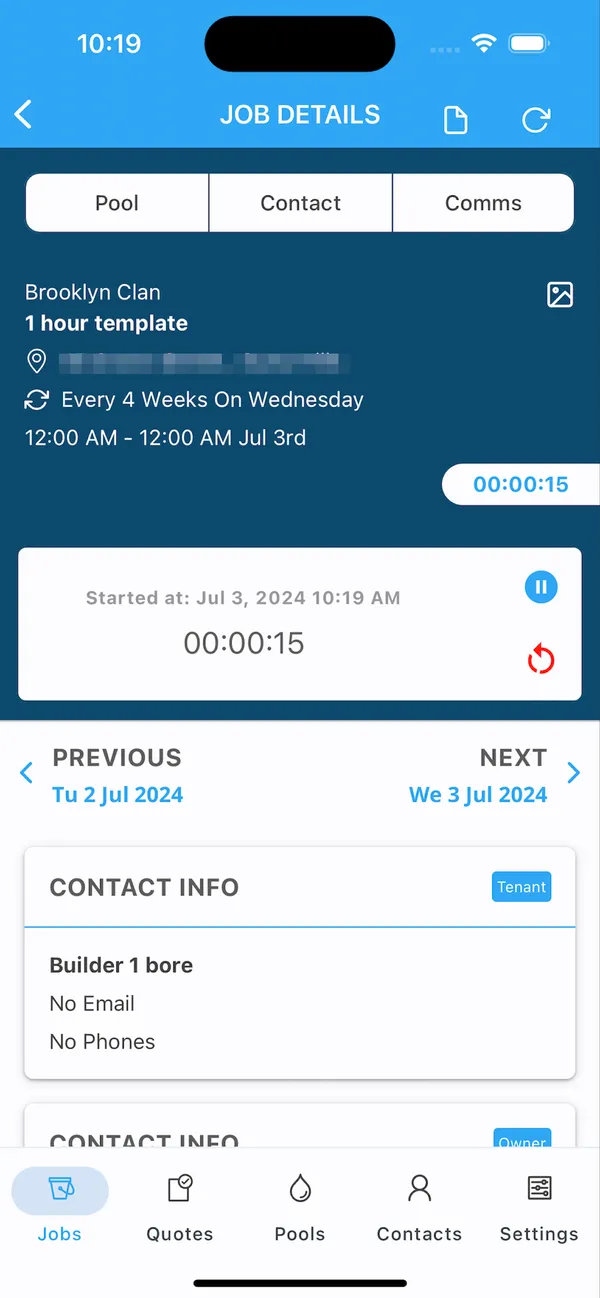
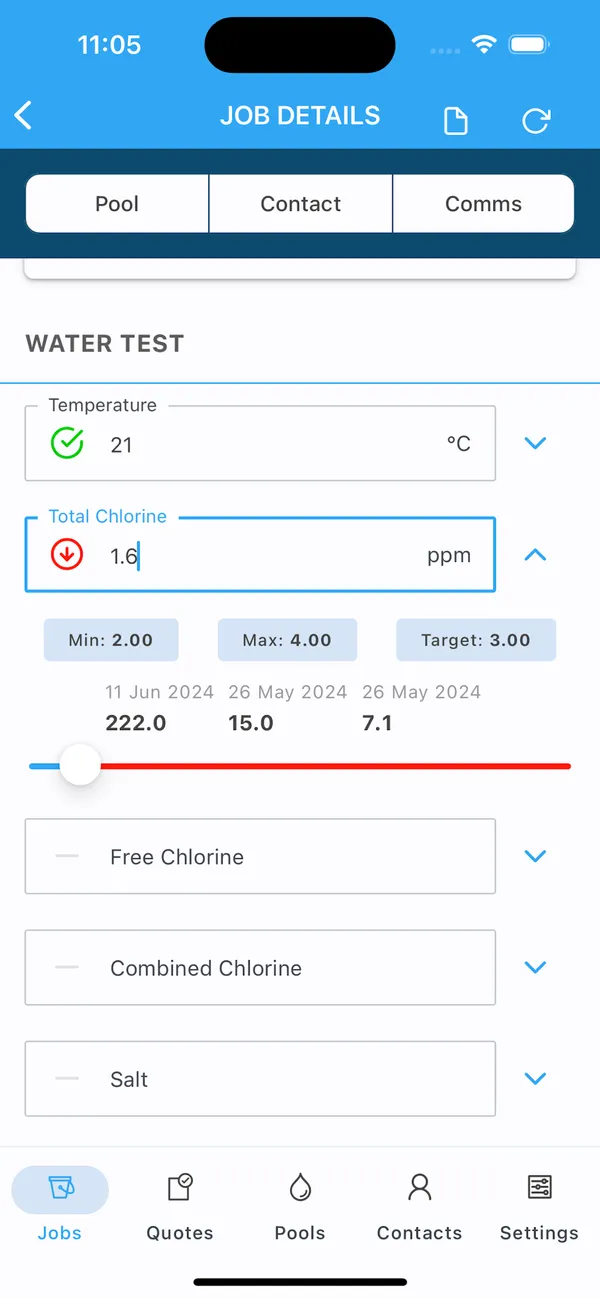
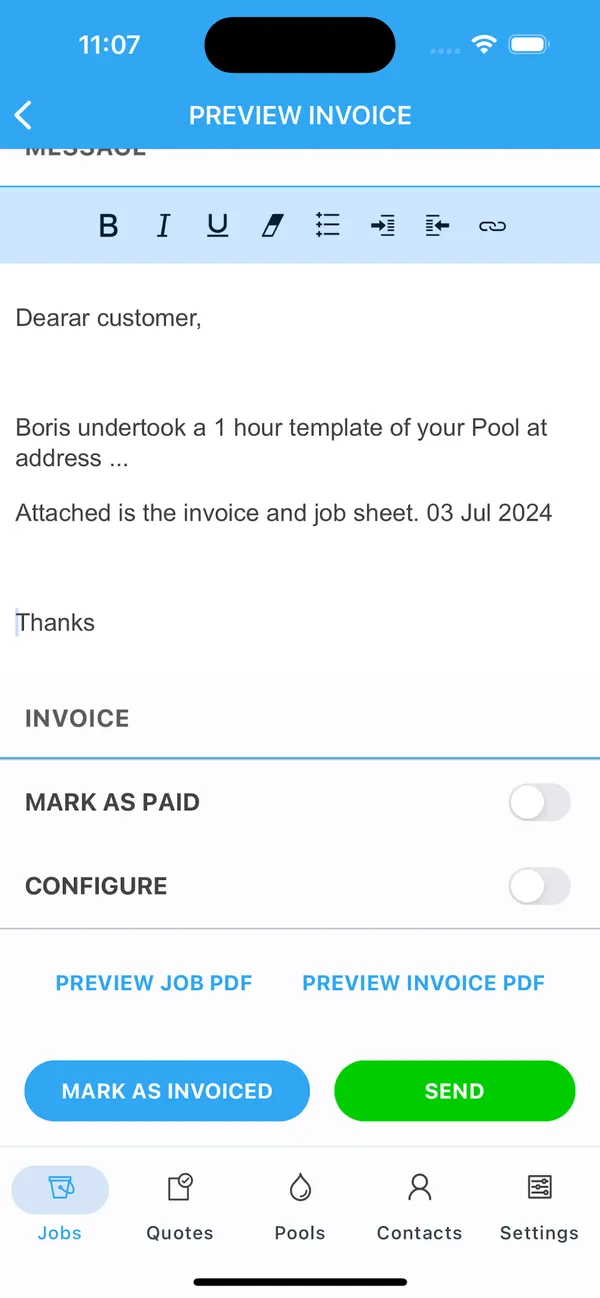
Pooltrackr ranks last here because availability comes first. Its public site and signup say it is available in Australia and New Zealand, so confirm your country before anything else. For technicians in those markets, it does something most apps on this list don’t: it syncs water tests from Palintest, SpinTouch, SpinLab, and Xpress Flex devices and connects them to dosage recommendations.
It showed 3.6 from 29 ratings in Apple’s Australian App Store as of August 12, 2026, while Google Play showed no public score. Our sources don’t say whether the app works offline, so test a stop with no signal.
The AU/NZ pricing page displayed $66 a month for its Field plan with one technician and one administrator, checked August 12, 2026, with no currency label or added-user prices. Much of its depth is retail and franchise tooling, so a service-only route should check whether it needs that scope. Test the sync with the device you actually use.
Frequently Asked Questions
Which pool service apps work offline?
Skimmer, PoolDial, Pool Service Software, The Dip App, and ProValet say their field apps work offline or list offline field work. Skimmer notes that much older service history may need to download from the cloud. For the other apps in this guide, our sources don’t say, so complete a stop with no signal before you decide.
Does the PoolDial app work on iPhone and Android?
Yes. PoolDial has iOS and Android apps with an offline mode, and it syncs when the connection returns. It had 5.0 from three ratings in Apple’s App Store as of October 28, 2026, which is too small a sample to compare with established apps.
How much should app-store ratings count?
Use them as a dated signal, not a verdict. Google Play reviews describe the mobile app, so a gap matters: Pool Brain showed 4.9 on Capterra and 3.4 on Google Play as of August 9, 2026. Small samples, like a handful of ratings, say very little. Have a technician test the app on your route.
Does a pool technician app need to work offline?
It helps on any route with weak signal. Skimmer, PoolDial, PSS, The Dip App, and ProValet list offline field work. Complete a stop with no connection in each app you’re considering, then confirm what syncs when you reconnect.
Is this guide independent?
No. PoolDial publishes it, and I founded PoolDial. That’s why each product comes with its tradeoffs, competitors rank above PoolDial where they fit better, and prices and ratings carry the date they were checked.
If your technicians are happy with their current app, staying with it can be the right decision. For the full picture, see the pool service software guide, or the guides to route optimization software, chemical tracking software, and free pool service software.