Waterway

Power Defender 165–350

Variable-Speed Pool Pump Motor

Waterway Power Defender variable-speed pool pump motor family with integrated controls, a 600–3450 RPM range, seven programmable timers, and optional external automation over discrete inputs or RS-485.
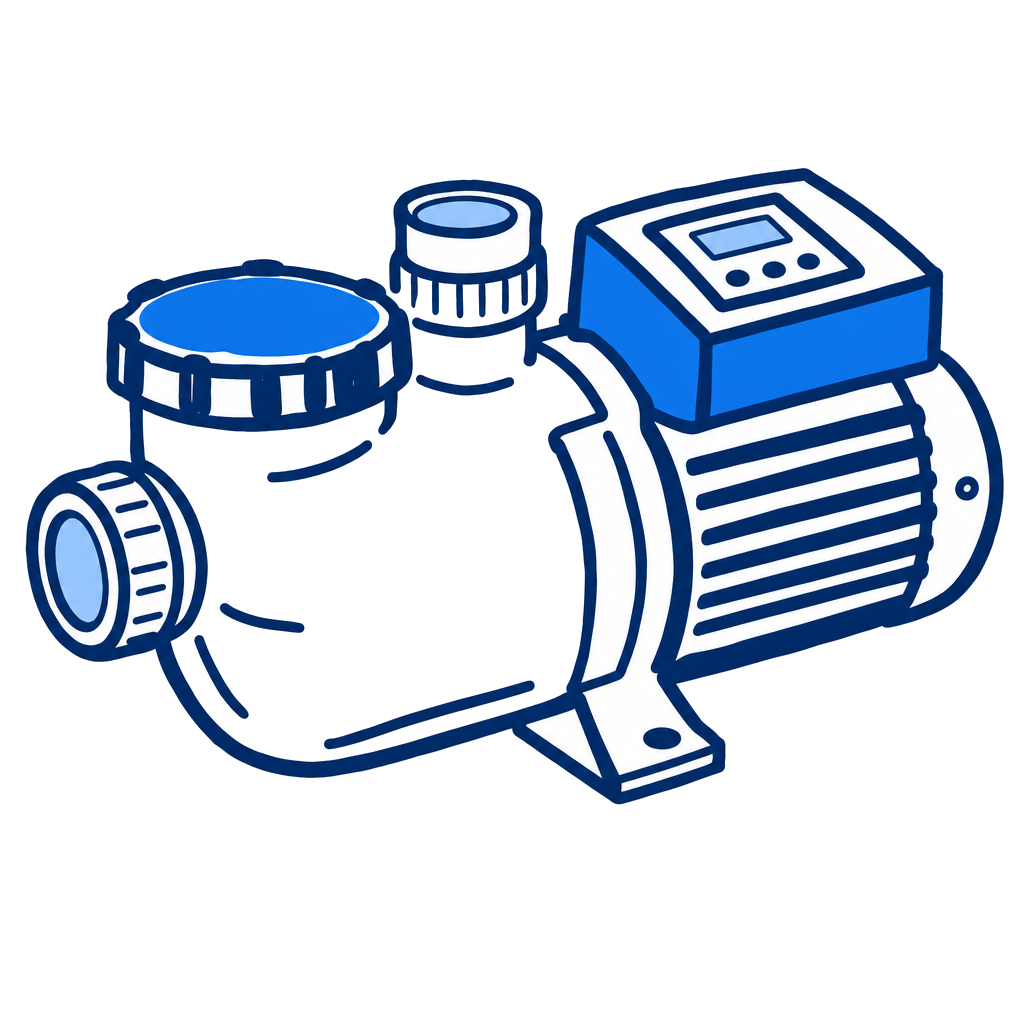
Waterway Power Defender 165–350 Variable-Speed Pool Pump Motor
1.65, 2.25, 2.70, or 3.45 THP
Horsepower
165: 115 or 230 VAC; 225, 270, and 350: 230 VAC
Voltage
3450 RPM
Max Speed

Specifications

Motor
Horsepower1.65, 2.25, 2.70, or 3.45 THP
TypeVariable-speed pool pump motor with integrated control and user interface
Connectivity
ProtocolRS-485 and four discrete inputs
Compatible ControlsWaterway/OASIS, Pentair, Hayward, Jandy/Fluidra, and PoolSide Tech modes listed in the manual
Electrical
Voltage165: 115 or 230 VAC; 225, 270, and 350: 230 VAC
PhaseSingle phase
Frequency50 or 60 Hz
Current Draw1.65 THP: 13.6 A at 115 V or 6.8 A at 230 V; 2.25: 9.5 A; 2.70: 11.1 A; 3.45: 14 A
Operating Voltage Range115 V input: 104–127 VAC; 230 V input: 208–254 VAC
Performance
Min Speed600 RPM
Max Speed3450 RPM
Pump Capacity EstimatesManual software estimates by THP: 1.65 = 70 GPM; 2.25 = 81 GPM; 2.70 = 96 GPM; 3.45 = 137 GPM
ProgrammingSeven timers; 30-minute Clean cycle at 3450 RPM
Physical
Temperature Range39–122°F ambient at full shaft output; storage -67–203°F
Environmental Rating0–99.5% relative humidity; IPX5 water-ingress protection
Warranty
Standard Warranty24 months from original purchase, not to exceed 36 months from manufacture, for the Nidec motor and components

Pros & Cons

Pros

  • Four THP sizes share a 600–3450 RPM operating range.
  • The integrated interface supports seven timers and a dedicated Clean cycle.
  • The manual documents both discrete-input control and several RS-485 automation modes.

Watchouts

  • Only the 165 model supports both 115 and 230 VAC; the 225, 270, and 350 models require 230 VAC.
  • The motor and control have no user-serviceable internal parts.
  • Electrical service requires qualified personnel, full power isolation, and a four-minute capacitor-discharge wait.

Error Codes & Troubleshooting

E0
Motor Control Overcurrent (HW) — often a severe pump overload, lodged debris, or a binding pump.
E1
Motor Control Low Voltage — input voltage remained significantly below the nominal 115 or 230 VAC supply.
E2
Motor Control High Voltage — input voltage remained significantly above the nominal 115 or 230 VAC supply.
E4
Motor Control Power Module Hot — the pump stops until the power module returns to an acceptable temperature.
E5
Motor Control Open Output Phase — an open connection or motor-winding phase prevents output from reaching the motor.
E7
Motor Control Max Output Load — the motor remained torque-limited and could not reduce output enough to relieve the load.
E8
Motor Control EE Failure — the control could not read required values from memory.
E9
Motor Control Overcurrent (SW) — a software-detected overcurrent condition similar to E0.
E11
Motor Control Communication Lost — communication between the motor and DI board was lost.
E12
UI Key Stuck — the START/PAUSE button is stuck.
E16
Motor Stalled — the shaft cannot turn, possibly because dirt or debris has jammed the impeller.
E17
Control Over Temperature — a control-circuit temperature fault similar to E4.
E18
Motor Control Hardware Fault (Opens/Shorts) — an internal control failure that requires professional service.
E25
Reset to Factory Settings — corrupted pool settings were automatically reset; customized settings must be re-entered.
E26
Modbus Comm Lost — the connection to the central controller was lost in Remote Mode.
E27
MC Comm Lost — a communication error between the motor and the DI system control.
E29 / E30 / E31
Corrupt limits, options, or power-loss profile — cycle power only after the manual-required four-minute discharge wait.
E32
Template Mismatch — a memory-profile failure handled like E29.
E33
UI/DI Comm Lost — communication between the user interface and DI board was established at startup and then lost.
E34
No DI at Power Up — the DI communication error occurred during initial power-up.

Open full interactive troubleshooter →

Related Models

Related Articles

Track This Equipment on Customer Accounts

Log equipment details, service history, and warranty info for every customer with PoolDial.

Start Free Trial