

PoolDial and Jobber can both organize routes, customers, invoices, and field work. The real difference is product shape. Jobber is an established field-service platform for many home-service industries. PoolDial is built specifically around recurring pool service, including the chemistry record at the stop. There is also an important nuance about what Jobber can record, covered below.
I’m Parker Conley, the founder of PoolDial, so read this as a vendor’s comparison rather than an independent ranking. My personal recommendation is labeled as opinion below.
They cover a lot of the same ground
There is plenty of overlap. Both products cover the service-business core:
- Recurring schedules and routes
- Customer, property, and service information
- Field notes, photos, and checklists
- Quotes, invoices, and payments
- QuickBooks Online connections
- Customer-facing communication
Jobber also provides configurable checklists technicians can complete in the field. So this is not software versus no software. It is a choice between a broad field-service system and a pool-specific one, and the useful question is how much pool-specific structure you want inside that core.
Where each one stands out

Established field-service breadth
- Used across many trades, with recurring schedules, routing, quotes, and invoicing
- Client Hub, payments, QuickBooks Online, and broad integrations
- Mobile checklists for readings and chemical entries
- Native chemical-treatment records and reporting
- Regional settings tied to account country
- A much larger review base and longer product history
Jobber does track chemicals. Its native treatment log must be completed on the web, not in the mobile app; poolside entries use configurable checklists. Jobber for pool service · Chemical tracking

Chemistry inside the poolside workflow
- Routes and mobile service work built for pools
- Structured readings, dosages, photos, and service history
- Customers, billing, payments, and QuickBooks Online
- Regional currency and metric-unit settings
- Unlimited users under current published pricing
- Direct access to the founder for support and product input
The tradeoff: PoolDial is narrower by design, and Jobber has a much larger review base, broader integrations, and more product history.
Technicians record pool-specific service information inside PoolDial’s field workflow instead of adapting a general form system. Whether Jobber’s configured checklists are enough is the thing to test.
Mobile App Experience
Your technicians will use the app at nearly every stop. These are each product’s own screens; the better test is a real pool stop, with your readings and dosages, on the devices your team already carries.
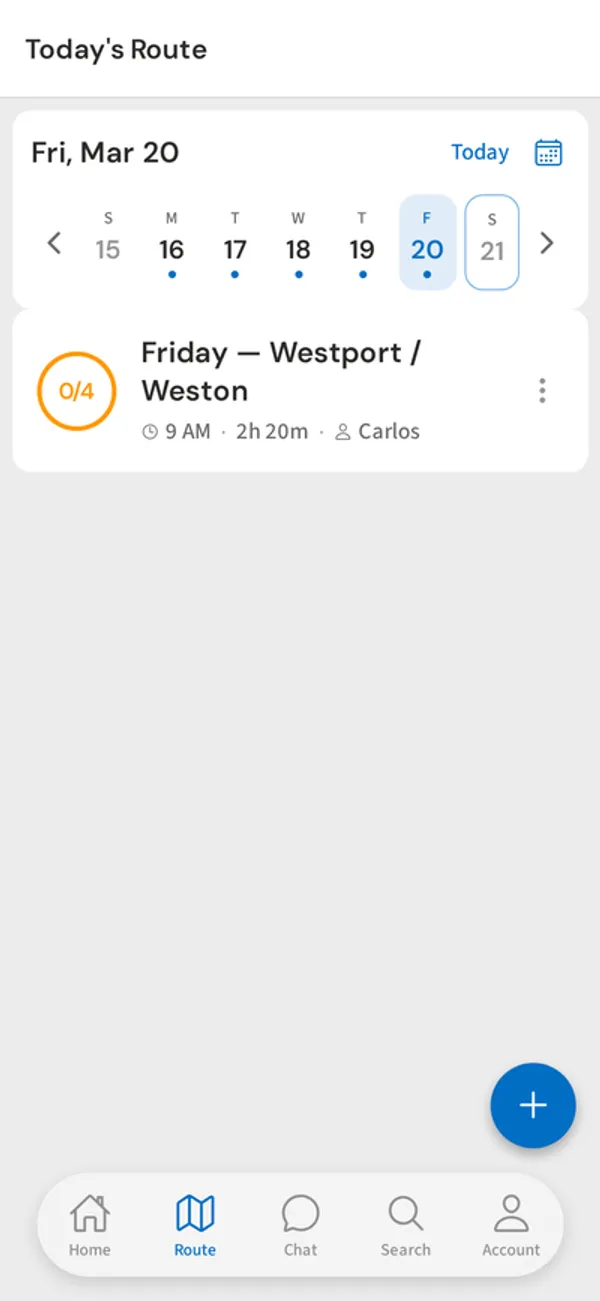
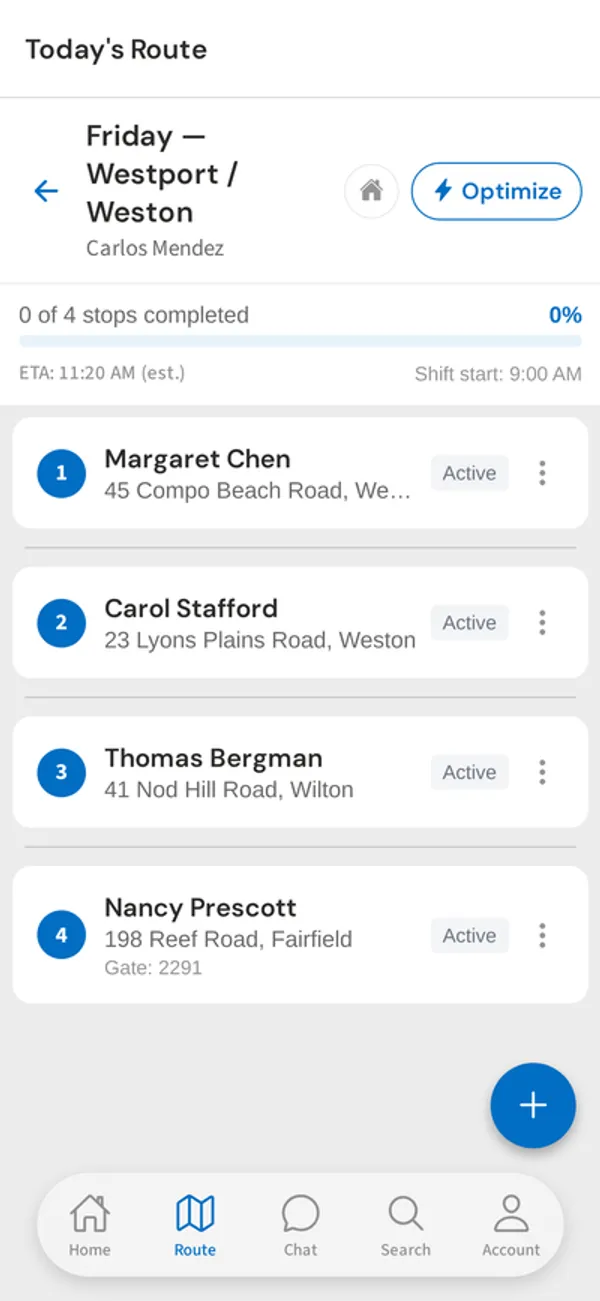
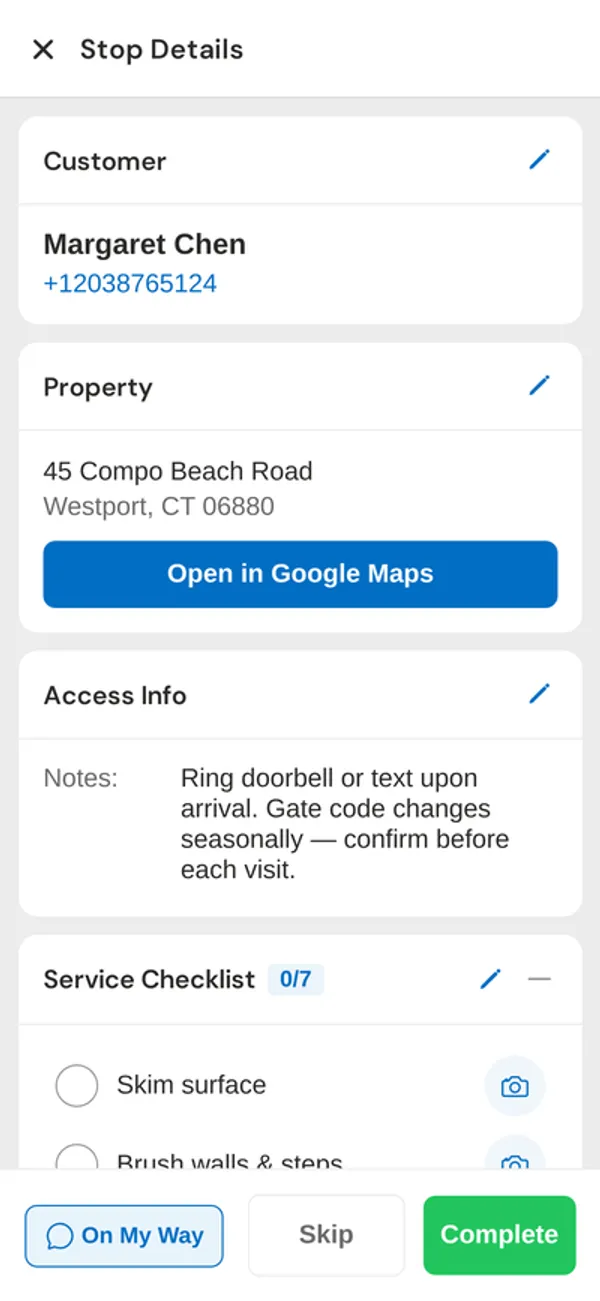
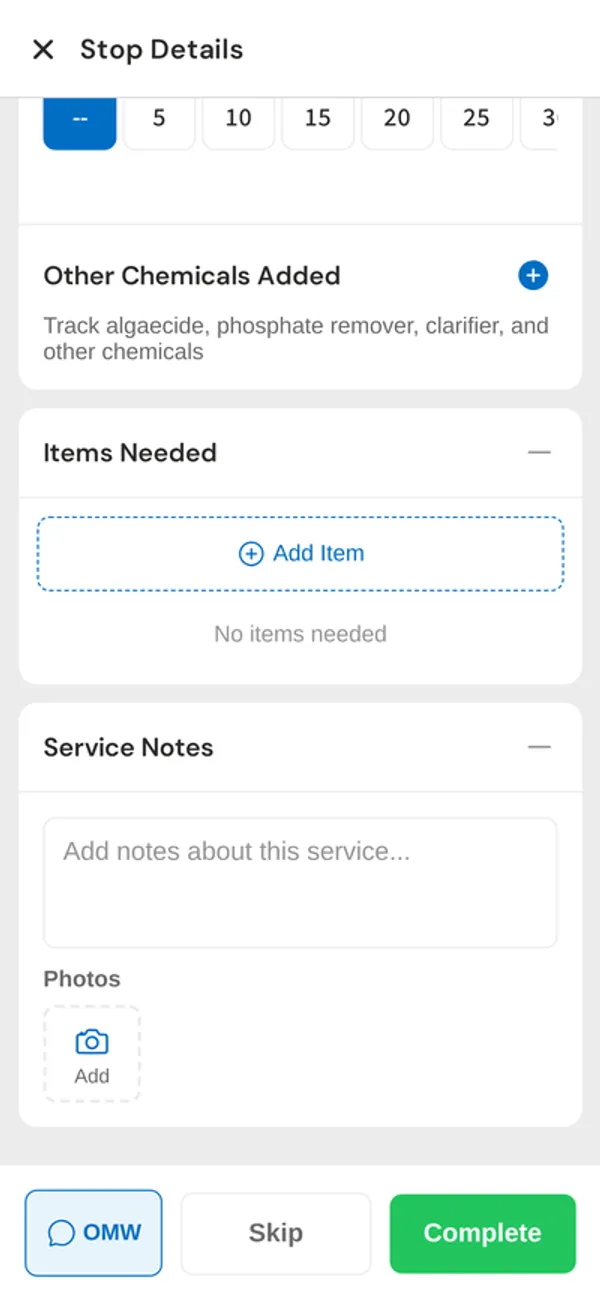
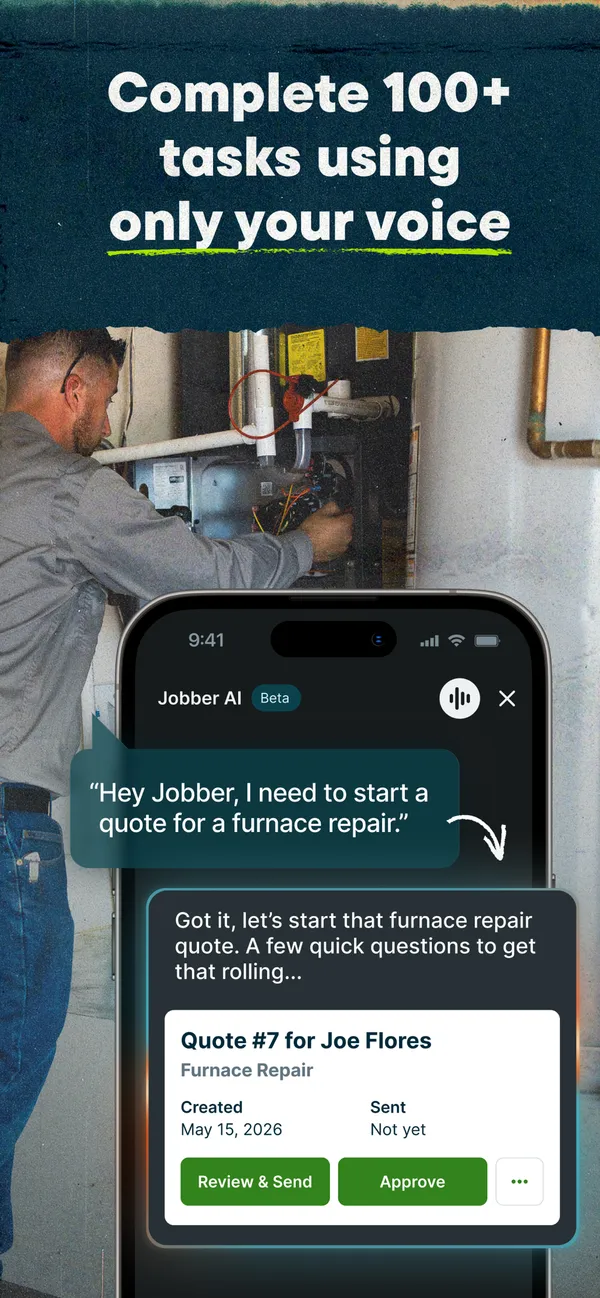
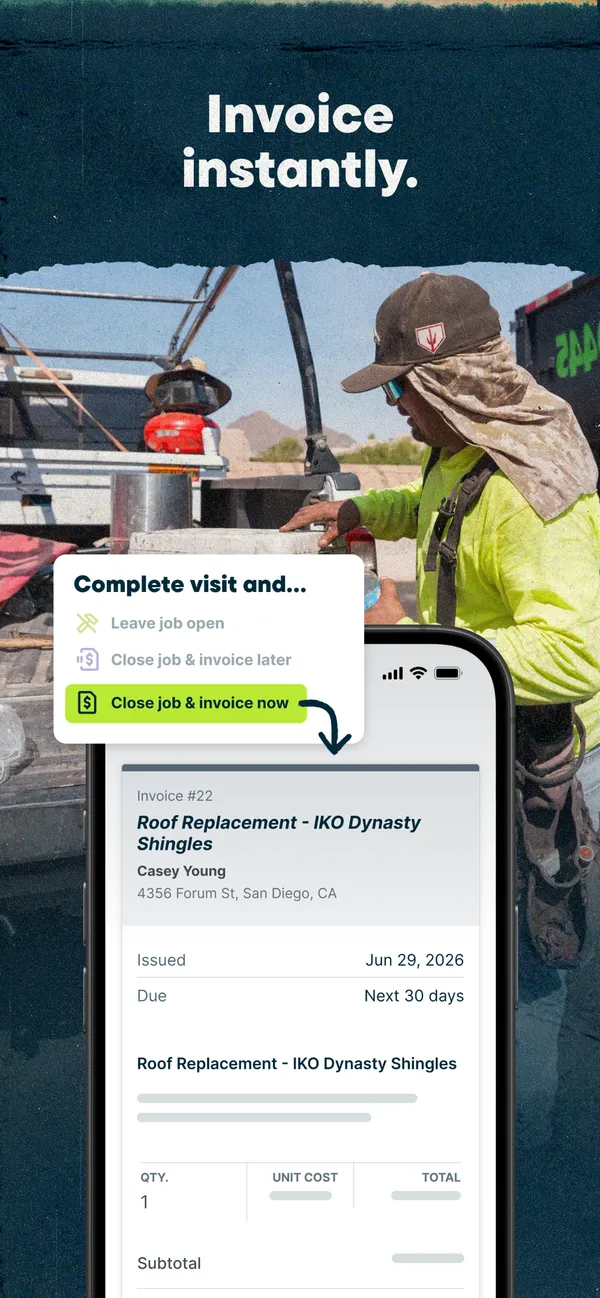
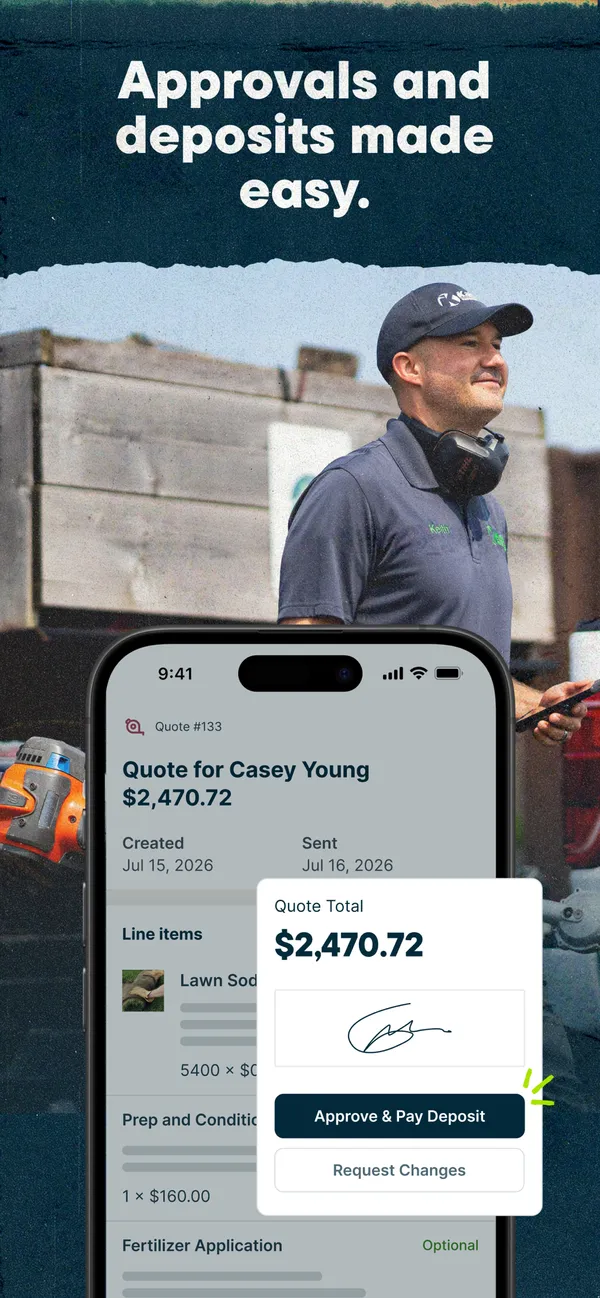

Different stages of public review history
Jobber’s scores are a snapshot checked August 11, 2026 on Capterra and Google Play; the 4.5 is a simple average of the two platforms. PoolDial’s rating was checked October 28, 2026 in Apple’s App Store. Three ratings are not a like-for-like comparison with roughly 7,700 reviews; Jobber’s score is market context, not a reliability test.
How pricing changes as you grow
PoolDial charges $2 per serviced pool with a $40 monthly minimum and unlimited users. Jobber prices by user tier. The table uses Jobber Connect because it includes checklists and QuickBooks: $139 a month for one user, $199 for up to five, and $299 for up to ten. PoolDial costs less at the start and on a solo route; Jobber costs less in the three- and five-tech examples.
| Stage | PoolDial | Jobber |
|---|---|---|
| Starting out0 techs · 0 pools | $40/mo | $139/moConnect, 1 user |
| Solo route1 tech · 50 pools | $100/mo | $139/moConnect, 1 user |
| Small team3 techs · 150 pools | $300/mo | $199/moConnect, up to 5 users |
| Growing route5 techs · 300 pools | $600/mo | $299/moConnect, up to 10 users |
| Established team15 techs · 750 pools | $1,500/moVolume pricing available | Contact sales |
| Large operation50 techs · 2,500 pools | $5,000/moVolume pricing available | Contact sales |
Illustrative monthly estimates, not quotes, from published pricing checked August 11, 2026. Jobber prices are for Connect, monthly, without commitment or promotion; above fifteen users Jobber asks you to contact sales, so the 15- and 50-tech rows need Jobber quotes. The examples assume the owner plus technicians need access, except that the solo owner is the one user. PoolDial asks companies above 500 pools to contact sales for volume discounts. PoolDial pricing · Jobber pricing
Founder’s take
A PoolDial customer found Jobber’s chemistry workflow limiting. That is one customer’s experience, not a universal finding. Jobber can capture chemicals, but its native treatment log is web-only and poolside chemistry relies on configured checklists.
Most pool companies that depend on readings, dosages, and chemistry should start with pool-specific software. PoolDial is built around that field workflow. Jobber remains credible for mixed-service businesses or owners who prioritize broad field-service flexibility.
Put both products through the same day
The field test should reveal whether configuration is enough. Give both products the same pool stop:
- Build a recurring weekly route.
- Record pH, sanitizer, dosage, and a photo on the technician’s phone.
- Review and report the chemistry history.
- Invoice in the currency your company uses.
Jobber’s country setting controls invoice currency, while its integrated payments officially support the United States, Canada, and the United Kingdom (company settings). PoolDial supports regional currencies and metric units. Verify the complete country workflow you need before choosing.
Then ask yourself two questions. Can each technician record the chemistry I need poolside without a workaround? And do I value broad field-service flexibility or a pool-specific workflow more?
Details worth checking
- QuickBooks Online
- Both connect; on Jobber, the Connect plan used above includes it. Test the sync with your bookkeeper in either product before switching.
- Poor connectivity
- PoolDial supports offline field work. Include a stop with weak signal when you test both apps.
- Phone answering
- PoolDial includes its AI Receptionist. Jobber Copilot offers voice-activated scheduling and messaging and job pricing suggestions. Confirm current call-handling options with Jobber if answering the phone is a bottleneck.
- Taking your data with you
- PoolDial has import and export tools. Ask both for a sample export with the customer, service history, and chemistry records you need.
- AI tools
- PoolDial’s assistant, Cody, answers questions and takes supported actions in the app, dashboard, and SMS. Neither product’s AI features should decide this on their own.
- Website
- PoolDial includes a website builder at no extra cost. If you need a site, ask Jobber what its plans include before comparing totals.
Frequently Asked Questions
Can Jobber track pool chemicals?
Yes, with a nuance. Jobber has native chemical-treatment records and reporting, but its treatment log must be completed on the web, not in the mobile app. Technicians can record chemical information poolside through custom checklists. PoolDial records readings and dosages inside the field workflow by default.
Is Jobber cheaper than PoolDial?
It depends on size. As of August 11, 2026, Jobber Connect was $139 a month for one user, $199 for up to five, and $299 for up to ten. PoolDial charges $2 per serviced pool with a $40 monthly minimum and unlimited users. PoolDial costs less for a 50-pool solo route; Jobber costs less in the three- and five-tech examples.
Which has more public review history?
Jobber, by a wide margin. On August 11, 2026 it averaged 4.5 across about 7,700 reviews on Capterra and Google Play. PoolDial had three five-star ratings in Apple’s App Store as of October 28, 2026, which is not a like-for-like comparison.
Should a mixed-service business choose Jobber?
Often, yes. Jobber remains credible for mixed-service businesses and owners who prioritize broad field-service flexibility. PoolDial is currently the strongest fit for pool service businesses up to roughly 200 pools and a few employees that depend on readings, dosages, and chemistry history.
Does Jobber work outside the United States?
Jobber’s country setting controls invoice currency, but its integrated payments officially support the United States, Canada, and the United Kingdom. PoolDial supports regional currencies and metric units. Verify the full country workflow you need in either product before choosing.
Choose PoolDial for pool owners growing from their first customer toward their first crew who depend on readings, dosages, and chemistry history at the stop and want direct input into what gets built. That is my recommendation for most pool-focused companies.
Choose Jobber if you run a mixed-service business or prioritize broad field-service flexibility, a wider set of integrations, and a much longer review record.
If Jobber is working well for your business, staying with it can be the right decision too. For a deeper look at Jobber on its own, read our Jobber review, or see the pool service software guide for a broader view of your options.