



HomeGauge is one of the longest-running home inspection platforms, with more than 20 years of development. Its signature feature is the Create Request List (CRL), which lets buyers and agents turn report findings into repair requests. It fits home inspectors doing pool inspections for real estate transactions who are comfortable finishing reports on a desktop.
I’m Parker Conley, the founder of PoolDial, which competes with HomeGauge, so read this as a competitor’s review rather than an independent one.
What is HomeGauge?
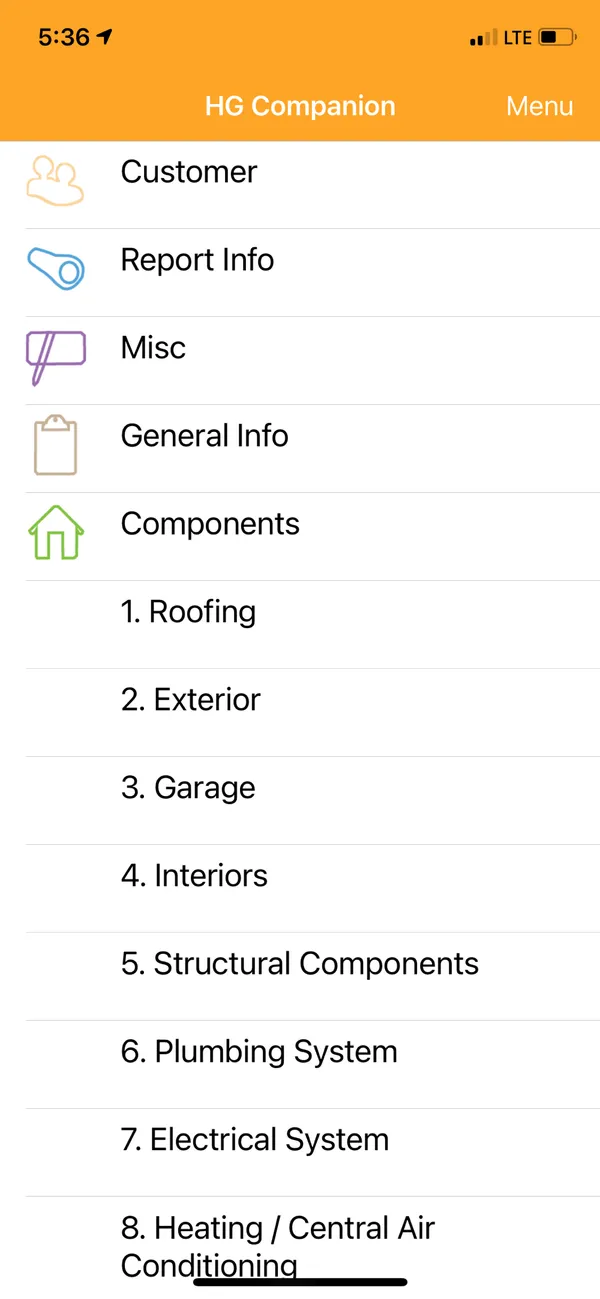
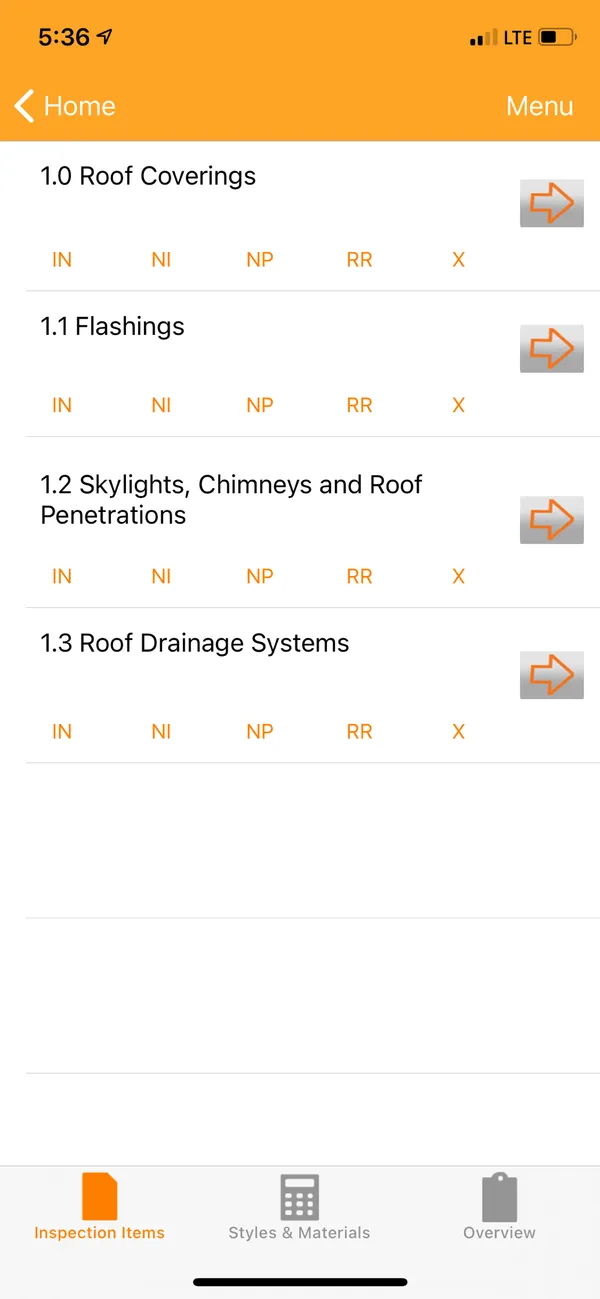
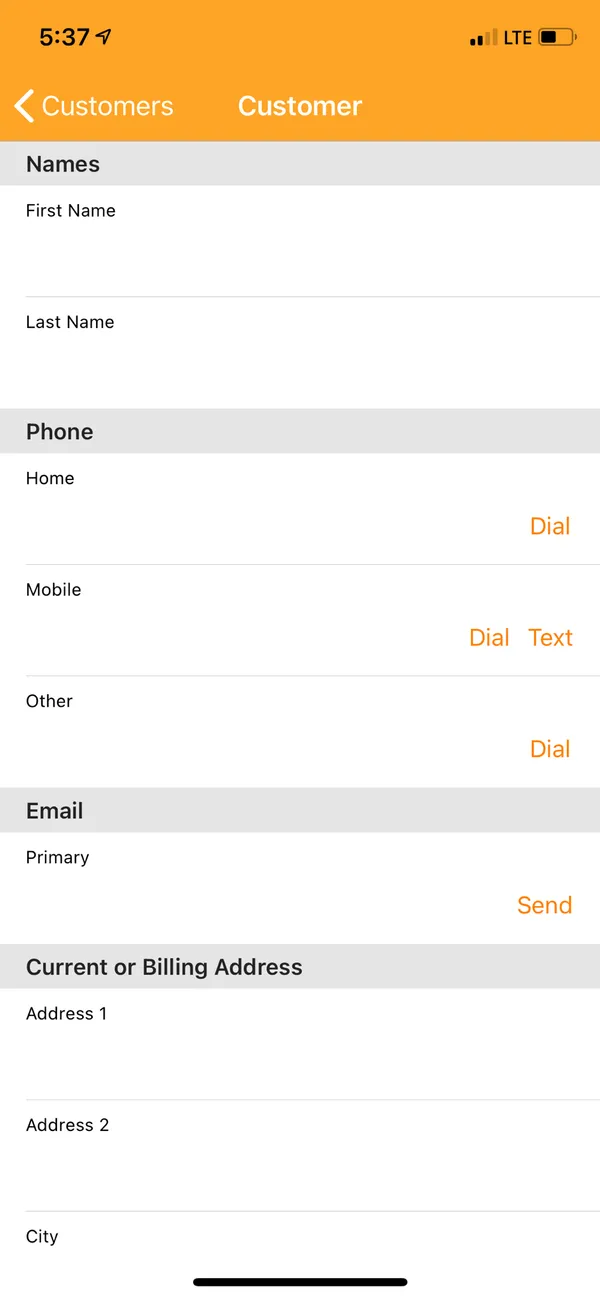
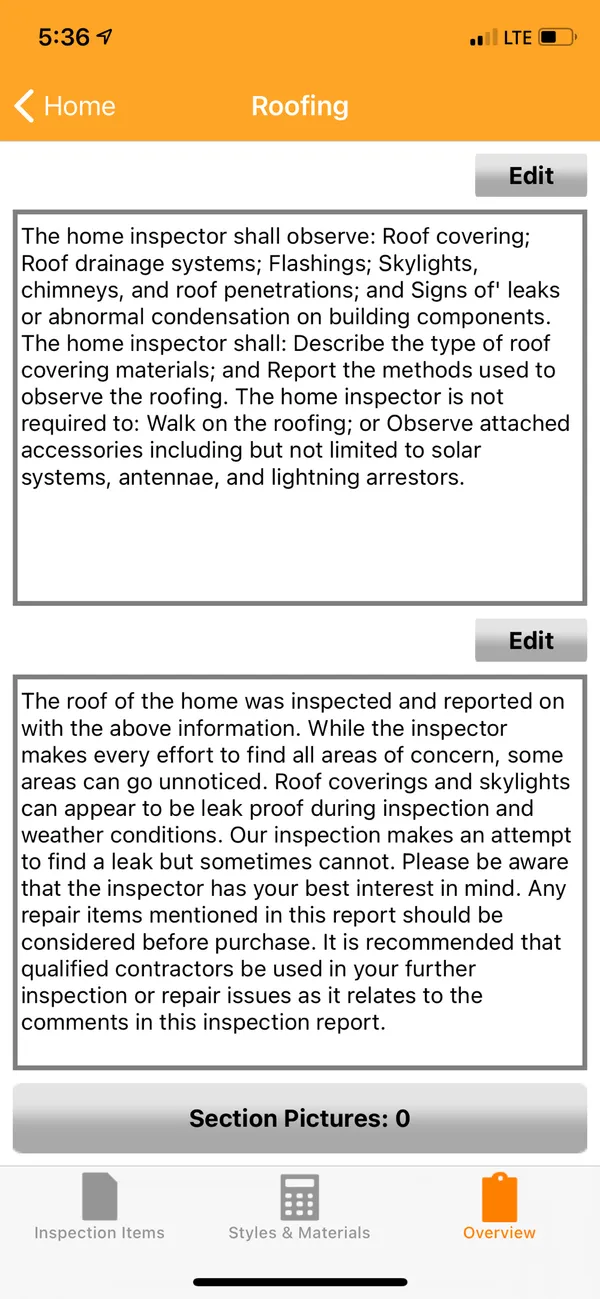
HomeGauge is desktop software for Windows and Mac with a mobile companion app for collecting data in the field. Reports can be delivered as hosted web pages or PDF downloads, and it integrates with inspection scheduling platforms such as ISN.
It does not include pool-specific checklists, narratives, or rating systems. To inspect pools, you build a custom template or adapt one from its community library, where templates with pool sections exist but dedicated pool templates are uncommon.
What HomeGauge Looks Like
HomeGauge pricing
HomeGauge has a single standard plan, with no pool-specific tiers or add-ons.
| Plan | HomeGauge |
|---|---|
| Standard planDesktop software, mobile companion, online report hosting, CRL | $89/mo |
| Pool-specific tiers | None |
Published price as listed in the April 2026 versions of this review and our best pool inspection software roundup, not a quote. Confirm current plans with HomeGauge.
Strengths and tradeoffs
Established software built around real estate inspections
- More than 20 years of development
- The Create Request List, which turns findings into repair requests for negotiations
- Desktop editing with extensive template and report customization
- Reports as hosted web pages or PDF downloads
- A large community template library
- Integration with ISN and other inspection scheduling tools
If your pool inspections are mostly tied to home sales, the CRL is the feature to evaluate first.
Tradeoffs to check
- Desktop-first: collect data on the mobile companion, then finish reports on a computer
- The mobile app handles basic data entry, photos, and notes rather than full report editing
- No pool-specific checklists, narratives, or severity ratings included
- The CRL matters most for pre-purchase work, less for routine safety inspections
- No chemical tracking, route planning, or pool service tools
- No AI features listed as of April 2026
Public reviews
This page has no dated rating snapshot for HomeGauge. Earlier versions showed 4.5 and 3.5 scores that were our own assessments rather than platform ratings, so they have been removed.
Founder’s note
I haven’t recorded a full comparison of HomeGauge yet. This review sticks to the product’s published features and pricing; test it with your own inspections before deciding.
Who should use HomeGauge?
HomeGauge is a good fit for:
- Inspectors doing pool inspections for real estate transactions, where the CRL helps agents and buyers
- Home inspectors who already use HomeGauge and want to add pools without a second subscription
- Inspectors who prefer writing reports at a desk and are comfortable with a field-to-desktop workflow
It may fit less well if pool inspections are your main business, you want to finish and deliver reports on site from a phone, or you need ready-made pool checklists or pool service tools.
Details worth checking
- Field workflow
- Time a full inspection from the mobile companion through the finished desktop report, and check whether you can deliver before leaving the property.
- Create Request List
- Walk an agent through a sample CRL to see whether it fits how your local transactions work.
- Pool templates
- Community templates with pool sections exist, but dedicated pool templates are uncommon. Review any template against your state’s requirements.
- Scheduling
- HomeGauge integrates with ISN and other scheduling tools. Confirm the one you use.
- Report delivery
- Reports go out as hosted web pages or PDFs. Send a sample to the people who read yours.
HomeGauge alternatives
HomeGauge has no head-to-head PoolDial comparison yet. For other options, see our best pool inspection software roundup and pool inspection software alternatives, or read our Spectora and Pro Pool Inspectors reviews.
Frequently Asked Questions
What is the HomeGauge Create Request List?
The Create Request List, or CRL, lets buyers and their agents pick items from an inspection report to include in repair negotiations. The seller’s agent can then respond to each item. It is most useful for inspections tied to real estate transactions.
Does HomeGauge have pool inspection templates?
No pool-specific templates are included. Its community library may have templates with pool sections, but dedicated pool-only templates are uncommon, so expect to build or heavily customize your own.
Is HomeGauge good for mobile pool inspections?
HomeGauge is primarily desktop software with a mobile companion. The app handles data entry, photos, and notes, while full report editing and generation happen on the desktop. Test the full workflow if you want to finish reports on site.
How much does HomeGauge cost?
As listed in April 2026, HomeGauge’s standard plan costs $89 a month and includes the desktop software, mobile companion, online report hosting, and the CRL. There are no pool-specific tiers. Confirm current pricing with HomeGauge.
How does HomeGauge compare with PoolDial?
HomeGauge is built for home inspectors, with the CRL and desktop report editing. PoolDial, which I founded, is a pool service platform with pool inspection checklists built in, for $2 per pool per month with a $40 monthly minimum. If you already use HomeGauge for home inspections and rely on the CRL, it may make sense to stay.
Company information
- Track record
- More than 20 years of development
- Platforms
- Desktop software for Windows and Mac, plus a mobile companion app