


Spectora is one of the most popular home inspection platforms, known for polished interactive reports and a flexible template builder. It includes no pool-specific content, but it can be set up for pools. It fits home and multi-discipline inspectors who add pool work more than businesses where pools are the whole job.
I’m Parker Conley, the founder of PoolDial, which competes with Spectora, so read this as a competitor’s review rather than an independent one.
What is Spectora?
Spectora is home inspection software for iOS, Android, and the web. It covers inspection scheduling, client management, agreement signing, invoicing, and report delivery as interactive online reports or PDFs.
It is a general inspection platform, not a pool tool. To inspect pools, you build a pool template with its template builder: sections, items, descriptions, and rating scales. Its community template library has limited pool-specific templates.
What Spectora Looks Like

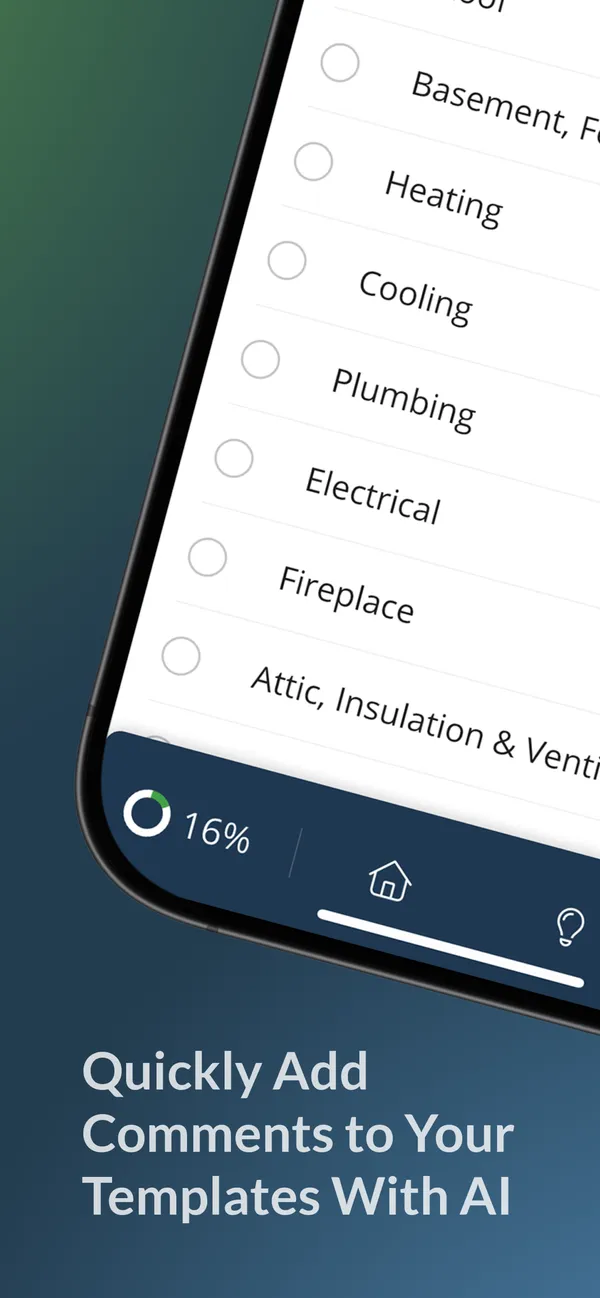
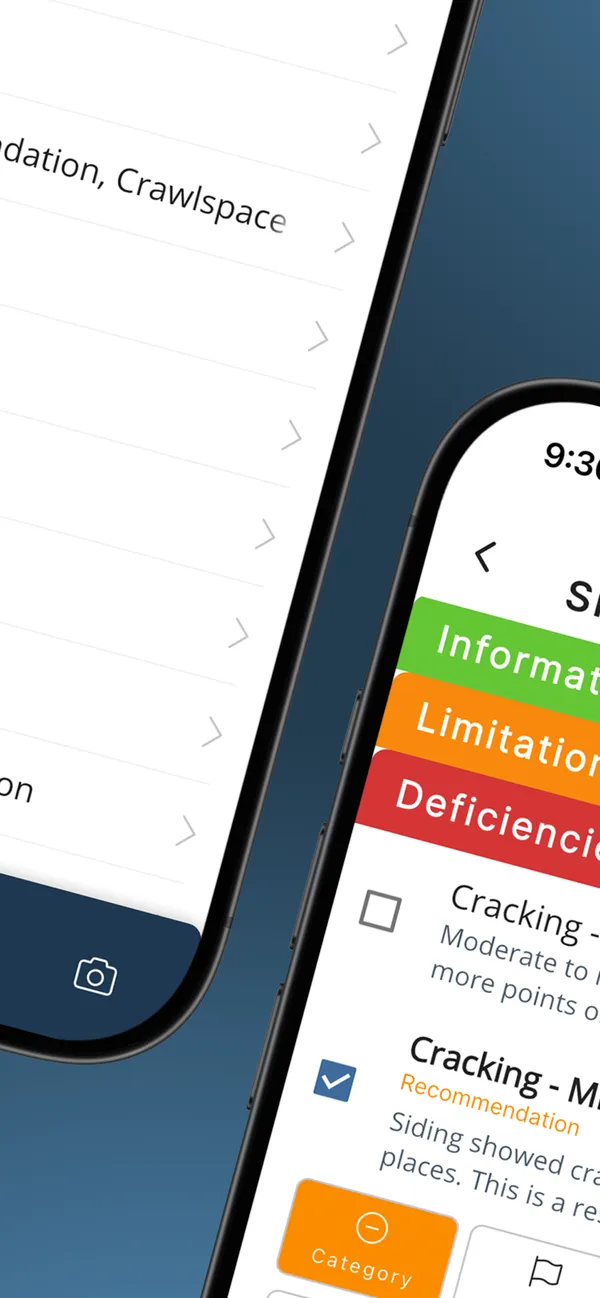
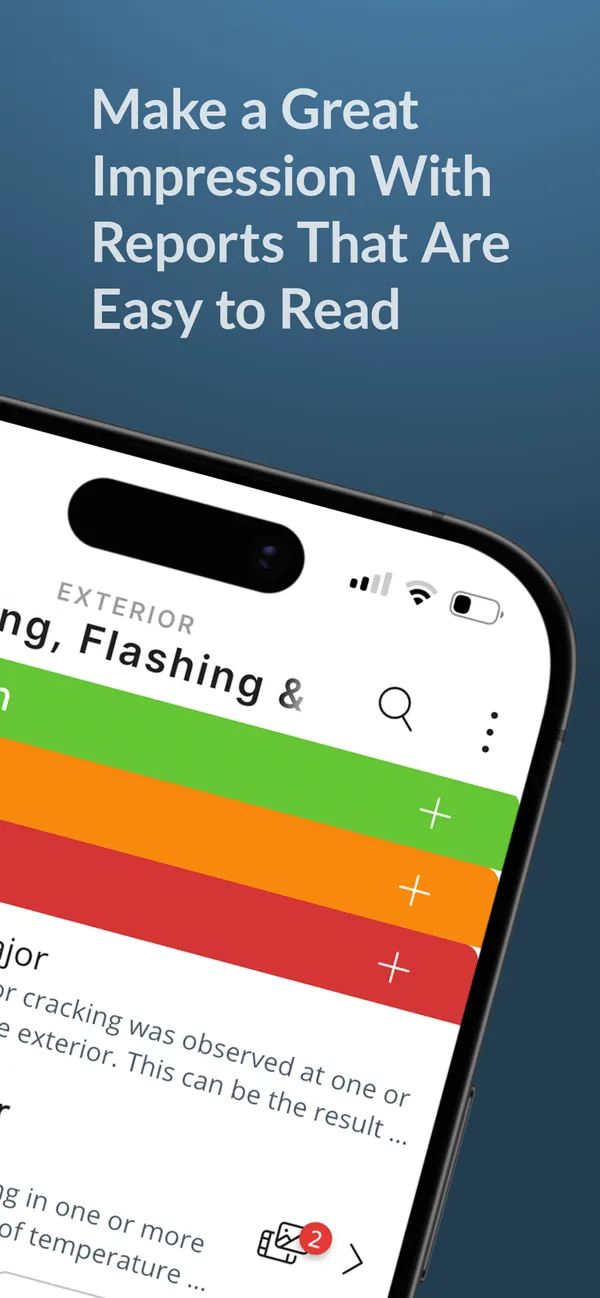
Spectora pricing
Spectora prices per inspector. There are no pool-specific tiers, so the price is the same whether you inspect homes, pools, or both.
| Plan | Spectora |
|---|---|
| Single inspector | $109/mo |
| Additional inspectors | Extra cost |
| Pool-specific tiers | None |
Published prices as listed in the April 2026 versions of this review and our comparison page, not quotes. Confirm current plans and per-inspector pricing with Spectora.
Strengths and tradeoffs
A mature home inspection platform
- One of the most popular home inspection platforms, with a large community
- Polished interactive online reports with photo galleries and expandable sections, plus PDF
- A powerful, highly customizable template builder
- Scheduling, client management, agreement signing, and invoicing
- Mobile apps for field work on iOS and Android
If you already use Spectora for home inspections, adding pools keeps everything in a system you know.
Tradeoffs to check
- No pool-specific templates, narratives, or terminology included
- You build the pool sections, items, and descriptions yourself before the first job
- The default rating system is designed for general home inspection findings
- No built-in water chemistry tracking; readings need custom fields
- No ongoing pool service tools, such as routes or service history
- Limited AI features as of April 2026
Public reviews

This page has no dated rating snapshot for Spectora. Earlier versions showed 4.8 and 3.8 scores that were our own assessments rather than platform ratings, so they have been removed.
Founder’s note
I haven’t recorded a full comparison of Spectora yet. This review sticks to the product’s published features and pricing; test it with your own inspections before deciding.
Who should use Spectora?
Spectora is a good fit for:
- Home inspectors who already use Spectora and want to add pool inspections without a second subscription
- Multi-discipline inspectors for whom pool work is an occasional add-on
- Inspectors who put report presentation first and are willing to build their own pool content
It may fit less well if pool inspections are your main business, you want ready-made pool checklists from day one, or you run a pool service company that needs routes, billing, and chemistry history alongside inspections.
Details worth checking
- Template setup
- Plan time to research your local pool standards and build the template before your first pool job. Time your setup during a trial.
- Community library
- Pool-specific community templates were limited as of April 2026. Review any template against your state’s requirements.
- Rating scale
- Spectora’s default ratings are built for home inspection findings. Check whether you can set up the pool safety categories your clients expect.
- Water chemistry
- There is no automated chemical tracking or history comparison. Add custom fields if you test water during inspections.
- Report format
- Interactive online reports are a strength. Send a sample to the homeowners or agents who read yours.
Spectora alternatives
For a side-by-side look at Spectora and a pool service platform, read PoolDial vs Spectora. For more options, see Spectora alternatives for pool inspections and our best pool inspection software roundup.
Frequently Asked Questions
Can Spectora do pool inspections?
Yes, with setup work. Spectora’s template builder lets you create custom pool inspection checklists, but no pool-specific templates are included. You research the standards, build the sections and items, and write the narratives yourself, so plan for that time before your first pool job.
Does Spectora have pool inspection templates I can download?
Spectora has a community template library, but pool-specific templates were limited as of April 2026. Review and customize any community template for your state’s requirements before using it.
How much does Spectora cost?
As listed in April 2026, Spectora costs $109 a month for a single inspector, with additional inspectors extra. There are no pool-specific tiers. Confirm current pricing with Spectora.
Can I track pool chemicals in Spectora?
Not with built-in tools. You can add custom fields for water chemistry readings to your template, but there is no automated tracking, history comparison, or dosing guidance.
How does Spectora compare with PoolDial?
Spectora is built for home inspectors, with interactive online reports and a flexible template builder. PoolDial, which I founded, is a pool service platform with pool inspection checklists built in, for $2 per pool per month with a $40 monthly minimum. If you mainly do home inspections, Spectora may be the simpler choice.
Company information
- Category
- Home inspection software
- Platforms
- iOS, Android, and web