
How to Respond to Pool Service Complaints Professionally



A customer texts you on a Saturday: "My pool is green. What am I paying you for?" Your stomach drops. You know you were there two days ago. You know you added chlorine. But right now, none of that matters. What matters is what you say next.
Complaints are part of the job. Every pool company gets them. The ones that keep their customers are the ones that handle complaints with facts, speed, and respect. Here is how to do that without losing the account.
Key Takeaways
- Most complaints come from five things. Green pool, missed visit, broken equipment, high price, and cloudy water. Have a plan for each one.
- Use a simple framework. Acknowledge, investigate, explain, fix. Do it in that order every time.
- Records win arguments. Chemical logs, GPS check-ins, and photos prove what happened. PoolDial keeps all of this in one place.
- Never get defensive. The customer does not care who is right. They care that you care.
- Complaints are chances to build trust. A customer who sees you handle a problem well becomes more loyal, not less.
The 5 Most Common Pool Service Complaints (and Why PoolDial Helps)
You will hear the same complaints over and over. That is actually good news. It means you can prepare for them. Here are the five you will deal with the most:
| Complaint | What the Customer Says | What Usually Happened |
|---|---|---|
| Pool is green | "You were just here and my pool is green!" | Heavy rain, a party, or CYA too high. Sometimes algae blooms happen between visits. |
| You didn't come | "Nobody showed up this week." | You came while they were at work. Or a gate was locked. Or it was a holiday week. |
| You broke something | "The pump stopped working after your visit." | Equipment was already failing. The timing was a coincidence. |
| Price too high | "My neighbor pays less." | Different pool size, different service level, or they are comparing to a one-person operation. |
| Water looks cloudy | "The water doesn't look right." | Filter needs cleaning, calcium is high, or they just shocked it themselves. |
When you know these five are coming, you can build a response for each one. Write them down. Share them with your team. Practice them until they feel natural. For more on keeping customers happy through good communication, read our guide on customer communication tips.
The 4-Step Response Framework with PoolDial
Every complaint should follow the same four steps. It does not matter if the customer is right or wrong. The process is the same.
- Acknowledge. Say you hear them. Say you understand why they are frustrated. Do this first, before anything else. "I hear you. That's frustrating. Let me look into this right now."
- Investigate. Pull up the records. Check the chemical logs. Look at the GPS check-in. Review the photos from the last visit. PoolDial stores all of this on the customer's profile, so you can find it in seconds.
- Explain. Share what you found. Use simple words and real numbers. "I was there on Tuesday. Chlorine was at 3.0 when I left. It looks like the heavy rain on Wednesday dropped it fast."
- Fix. Tell them what you are going to do about it. Give a timeline. "I'll swing by tomorrow morning and get it cleared up. I'll also add some stabilizer so this doesn't happen again after the next rain."
The order matters. If you skip straight to explaining, it sounds like you are making excuses. If you skip straight to fixing, the customer never understands what happened and will complain about the same thing next month.
How to Use PoolDial Records to Investigate Complaints
The difference between a good response and a great one is data. When a customer says "you didn't come," you need proof that you did. When they say "my pool is green," you need to show what the chemicals looked like when you left.
PoolDial keeps three types of records that help you respond to complaints:
- Chemical logs. Every reading your tech logs is saved with a timestamp. You can pull up chlorine, pH, CYA, and alkalinity from any visit. If the pool turned green, the chemical log shows what you added and what the levels were. Learn more about why this matters in our guide on chemical documentation requirements.
- GPS check-ins. PoolDial records when your tech arrived and left. If a customer says you didn't show up, you can show them the exact time you were at their house.
- Photos. Before-and-after photos from inspections prove the condition of the pool when you left. If a customer claims you broke something, photos from that visit show the equipment was already in bad shape.
You can also share this data with the customer through their customer portal. When they can see the service history themselves, many complaints resolve before they even reach you.
Responding to "You Didn't Come" with PoolDial
This is the most common complaint, and it is the easiest to solve with records. Most of the time, you did show up. The customer was at work, or the gate was open so there was nothing obvious to signal your visit.
Here is how to handle it:
- Check the GPS log. PoolDial shows the exact time your tech arrived and how long they were on-site. Share this with the customer.
- Show the chemical readings. If readings were logged that day, you were clearly there. "Here are the chlorine and pH levels I recorded at 10:14 AM on Tuesday."
- Send a photo. If your tech took a photo of the clean pool, send it over. Nothing ends this argument faster than a picture.
- Prevent it next time. PoolDial can send automatic service reports after each visit. When the customer gets a text saying "Service complete" with a photo attached, they never wonder if you showed up. Set this up in Conversations.
For more on using photos to protect your business, check out our guide on photo documentation for pool service.
Responding to Price Complaints with PoolDial
Price complaints feel personal, but they are usually not about you. The customer heard a number from a neighbor or saw an ad from a cheaper company. They want to know if they are getting ripped off.
Do not drop your price. Instead, show your value.
- Show service history. Pull up PoolDial and show how many visits you have made, how many chemicals you have added, and any repairs you have caught early. "Over the last 6 months, I've been to your pool 26 times and caught a pump issue before it became a $400 repair."
- Explain what is included. Many cheaper companies skip things. List what you do that others might not: brushing walls, cleaning the filter, checking equipment, testing full water chemistry.
- Be honest about the market. "There are cheaper options out there. Some of them are great. But you're paying for consistent service, real chemical testing, and someone who knows your pool."
- Offer the portal. When customers can see their full service history in their customer portal, they understand the value without you having to explain it.
If a customer is truly unhappy with the price and nothing you say changes their mind, let them go. Cutting your rate to keep one account hurts every other account on your route.
Turning Complaints into Trust with PoolDial
Here is the part most pool pros miss: a complaint handled well makes the customer trust you more, not less. Think about it. Before the complaint, you were invisible. You showed up, cleaned the pool, and left. The customer barely thought about you.
After you handle a complaint with speed, facts, and a real fix, they think: "This person actually cares about my pool." That is worth more than 100 perfect visits they never noticed.
Ways to turn a complaint into a trust-building moment:
- Follow up. After you fix the problem, check back in 2-3 days. "Hey, just wanted to make sure the pool is looking good. Let me know if you need anything." Use PoolDial's inbox to send a quick message.
- Document the fix. Log what you did in PoolDial so the next time you or your tech visits, you remember. "Added extra stabilizer after rain complaint on 4/22."
- Thank them for telling you. Most unhappy customers do not complain. They just leave. The ones who speak up are giving you a chance to keep them. Say thank you.
- Share the lesson with your team. If one customer had this complaint, others might too. Use it as a training moment.
See It in Action: PoolDial Customer Records
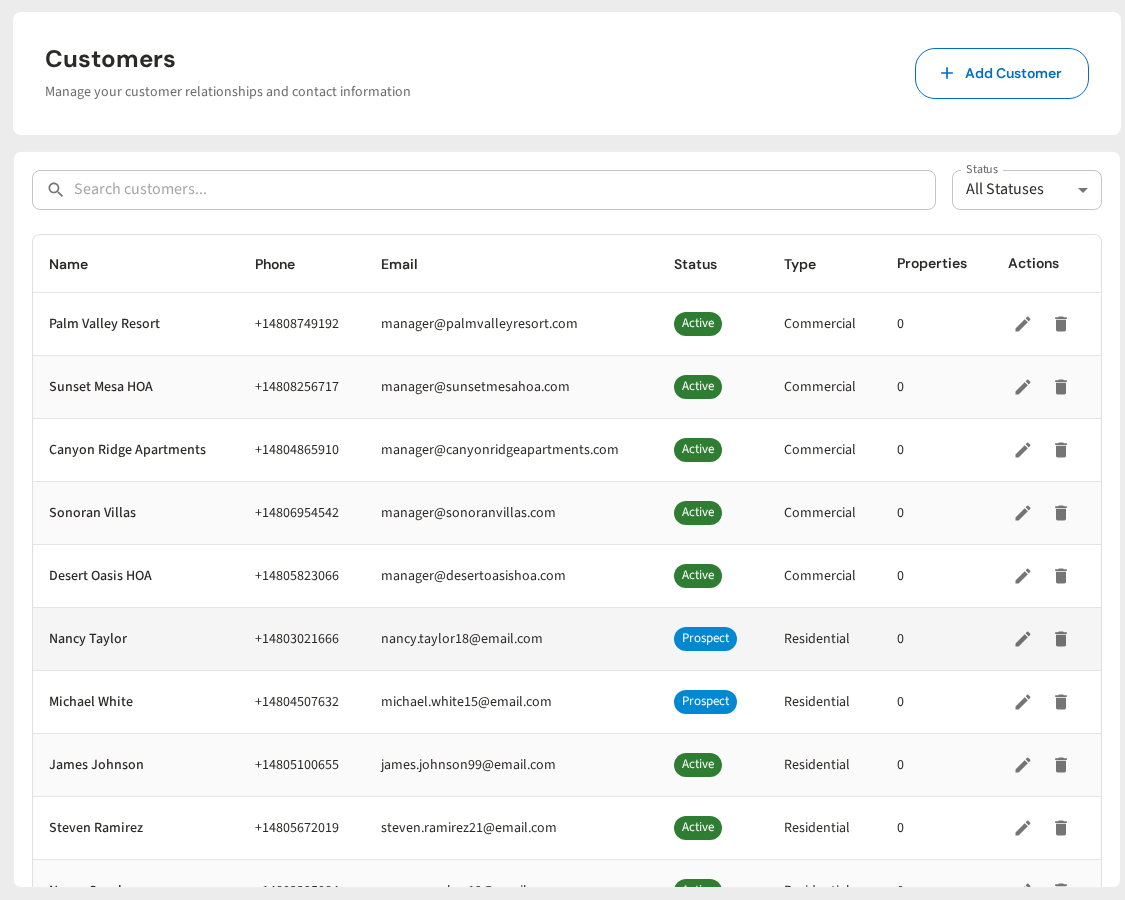
PoolDial keeps every chemical reading, GPS check-in, photo, and message in one place. When a customer complains, you pull up their profile and have everything you need in seconds. No digging through texts, no guessing what happened last Tuesday. Just facts you can share with confidence.
Handle Every Complaint with Confidence
PoolDial gives you the records you need to respond to complaints fast. Chemical logs, GPS tracking, photos, and service history, all in one place. Plans start at $2/pool.
Start Your Free Trial