Raypak

XTherm H/WH/P 3005A-4005A

Commercial Gas Heater

Manual-backed spec and service reference for Raypak XTherm H/WH/P 3005A-4005A commercial boiler/water heater/pool heater models.
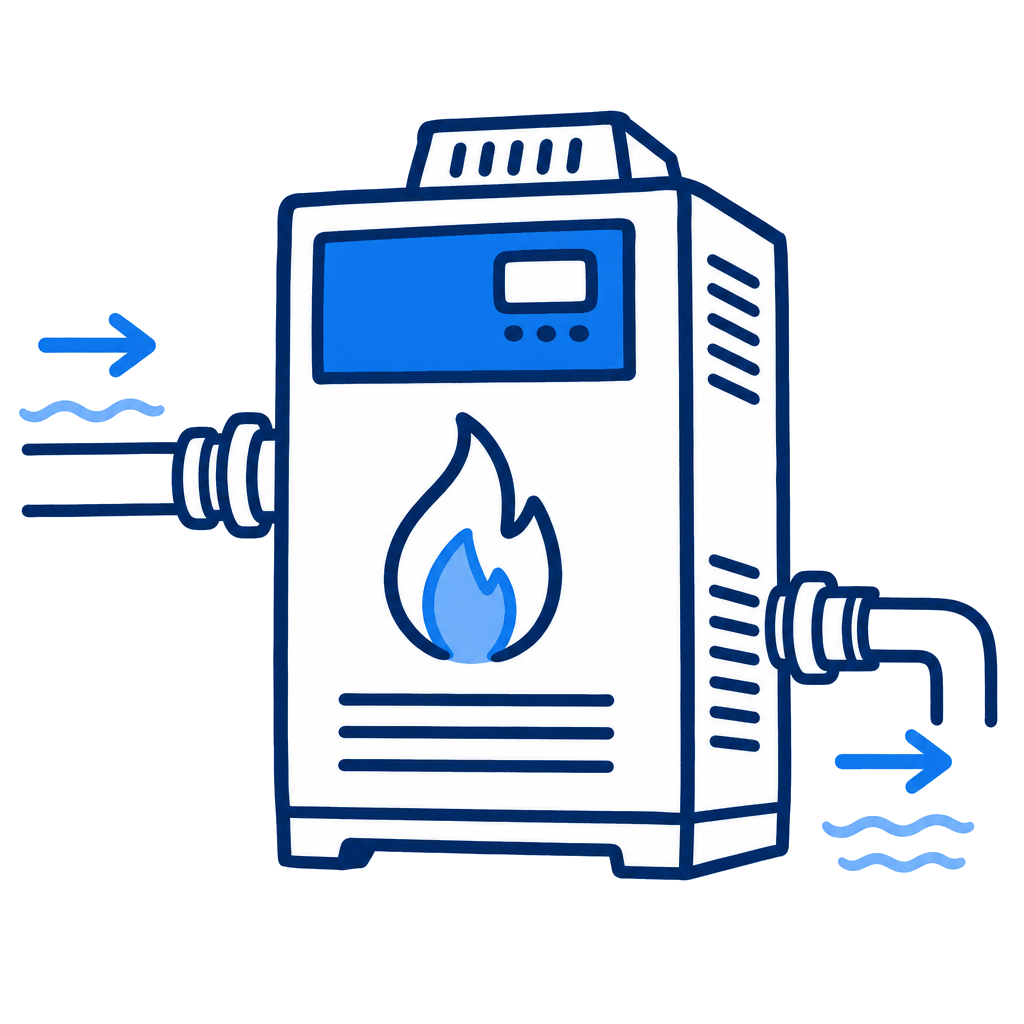
Raypak XTherm H/WH/P 3005A-4005A
3,000,000 - 4,000,000 BTU/hr input
BTU Range
Natural Gas or Propane
Gas Type
240 VAC standard; 208 VAC option
Voltage

Specifications

Heating
BTU Range3,000,000 - 4,000,000 BTU/hr input
Gas TypeNatural Gas or Propane
Electrical
Voltage240 VAC standard; 208 VAC option
PhaseSingle phase
Frequency60 Hz
Performance
Min Flow NotePool flow and bypass requirements are model- and installation-specific; verify against the source manual tables.
Certifications
CSA CertifiedYes

Pros & Cons

Pros

  • Manual includes commercial installation, controls, wiring, venting, startup, maintenance, and parts sections.
  • Covers pool heater Type P configurations alongside hydronic and domestic hot water variants.
  • Useful for large commercial pool equipment rooms.

Watchouts

  • Commercial combustion, venting, gas-train, and code requirements are materially more complex than residential heaters.
  • Confirm Type P pool configuration and exact model before using specs.
  • Public spec page should not replace engineered sizing or licensed installation review.

Error Codes & Troubleshooting

Steady ON (PIM Red LED)
Internal Control Failure. Perform a power and system reset. If the fault remains, replace the PIM.
2 Flashes (PIM Red LED)
False Flame Error. Check for proper gas valve closure. Clean the burner and electrodes.
3 Flashes (PIM Red LED)
Ignition Lockout Fault. Check the gas supply, transformer, igniters, and wiring, then press the reset button on the PIM/membrane switch.
5 Flashes (PIM Red LED)
Low Voltage Fault. Check the 24 VAC input voltage - must be above 18.0 VAC. Replace the transformer if needed.
7 Flashes (PIM Red LED)
Hi-Limit Fault. Check for proper water flow, hi-limit setting, and outlet sensor.
8 Flashes (PIM Red LED)
Sensor Fault. Check the VERSA IC display for fault identification, then check the sensor and wiring.
ID Card Fault (PIM Red LED Steady ON, Green Power LED OFF)
Check that the proper ID card is securely connected. Perform a power and system reset.
4 Flashes (PIM Red LED)
Ignition Proving Current Fault. Check the HSI element and replace as necessary.
10 Flashes (PIM Red LED)
Water Pressure Fault. Check system piping for leaks, the water pressure switch (if equipped), and wiring on the PIM at J1, pins 6 and 7.
11 Flashes (PIM Red LED)
Blower Speed Fault. Verify the tachometer signal and connections at terminal J5 on the PIM. Confirm power to the boiler is at or above the minimum required.
13 Flashes (PIM Red LED)
Hi-Temperature Delta Fault. Check pump operation and confirm proper water flow across the heat exchanger (Delta T).
14 Flashes (PIM Red LED)
Ft-Bus Communications Fault. Verify the VERSA IC control is connected and operating; check the cable between the PIM and the VERSA IC control.
15 Flashes (PIM Red LED)
General limit circuit fault. Check the VERSA IC display for fault indication and troubleshooting information.

Related Models

Related Articles

Track This Equipment on Customer Accounts

Log equipment details, service history, and warranty info for every customer with PoolDial.

Start Free Trial