Raypak

XTherm H/WH/P 504A-2004A

Commercial Gas Heater

Manual-backed spec and service reference for Raypak XTherm H/WH/P 504A-2004A commercial boiler/water heater/pool heater models.
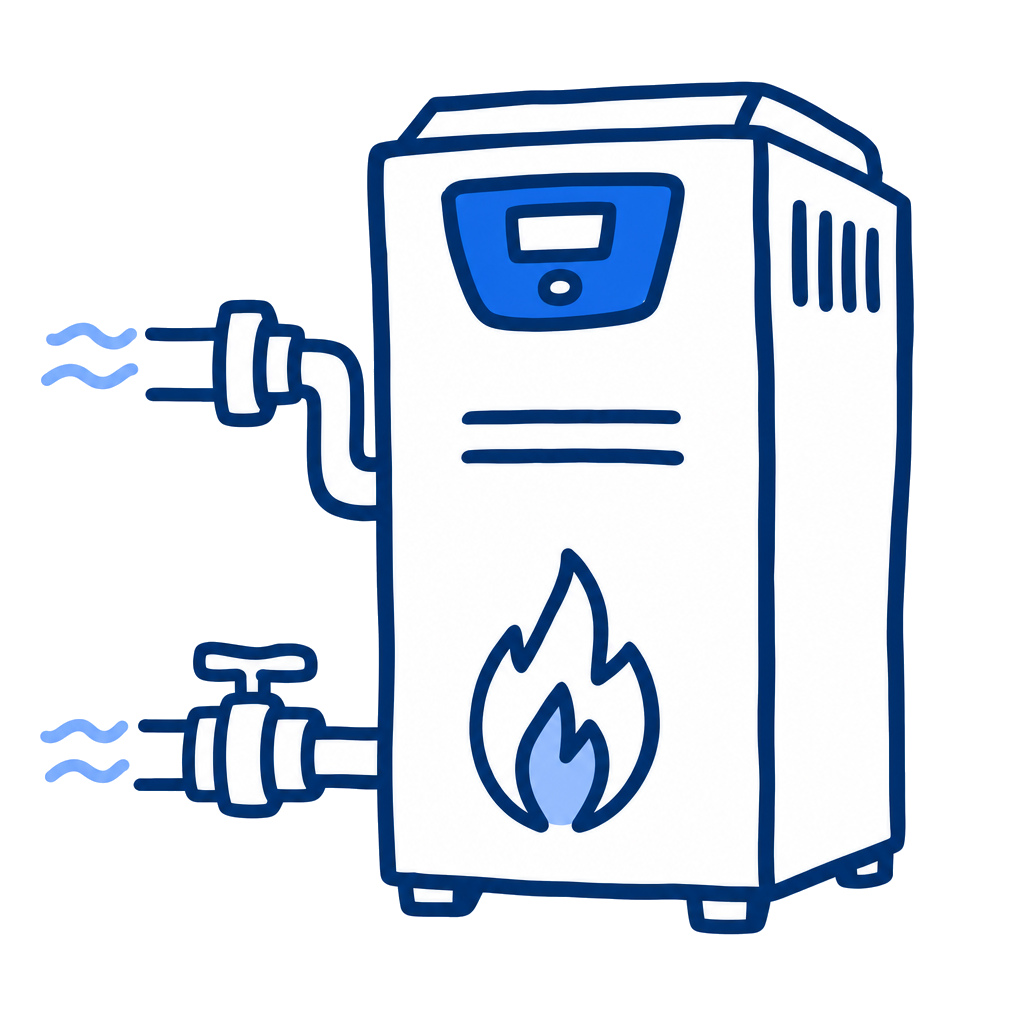
Raypak XTherm H/WH/P 504A-2004A
500,000 - 1,999,000 BTU/hr
BTU Range
Natural Gas or Propane
Gas Type
120 VAC
Voltage

Specifications

Heating
BTU Range500,000 - 1,999,000 BTU/hr
Gas TypeNatural Gas or Propane
Electrical
Voltage120 VAC
PhaseSingle phase
Frequency60 Hz
Performance
Min Flow NotePool flow and bypass requirements are model- and installation-specific; verify against the source manual tables.
Certifications
CSA CertifiedYes

Pros & Cons

Pros

  • Manual includes commercial installation, controls, wiring, venting, startup, maintenance, and parts sections.
  • Covers pool heater Type P configurations alongside hydronic and domestic hot water variants.
  • Useful for large commercial pool equipment rooms.

Watchouts

  • Commercial combustion, venting, gas-train, and code requirements are materially more complex than residential heaters.
  • Confirm Type P pool configuration and exact model before using specs.
  • Public spec page should not replace engineered sizing or licensed installation review.

Error Codes & Troubleshooting

Steady ON (PIM Red LED)
Internal Control Failure. Perform a power and system reset. If the fault remains, replace the PIM.
2 Flashes (PIM Red LED)
False Flame Error. Check for proper gas valve closure. Clean the burner and electrodes.
3 Flashes (PIM Red LED)
Ignition Lockout Fault. Check the gas supply, transformer, igniters, and wiring, then press the reset button on the PIM/membrane switch.
5 Flashes (PIM Red LED)
Low Voltage Fault. Check the 24 VAC input voltage - must be above 18.0 VAC. Replace the transformer if needed.
7 Flashes (PIM Red LED)
Hi-Limit Fault. Check for proper water flow, hi-limit setting, and outlet sensor.
8 Flashes (PIM Red LED)
Sensor Fault. Check the VERSA IC display for fault identification, then check the sensor and wiring.
13 Flashes (PIM Red LED)
Hi-Temperature Delta Fault. Check pump operation and confirm proper water flow across the heat exchanger.
14 Flashes (PIM Red LED)
Ft-Bus Communications Fault. Verify the VERSA IC control is connected and operating; check the cable between the VERSA IC control and the PIM.
15 Flashes (PIM Red LED)
Safety circuit open. Confirm all safeties are functioning normally. Check continuity at J8, pins 5 and 6, at the PIM.

Open full interactive troubleshooter →

Related Models

Related Articles

Track This Equipment on Customer Accounts

Log equipment details, service history, and warranty info for every customer with PoolDial.

Start Free Trial