Work through the ProClean Plus PCCF troubleshooting table while keeping tank opening, cartridge service, and pressure checks inside the manual's pressure-release procedure.
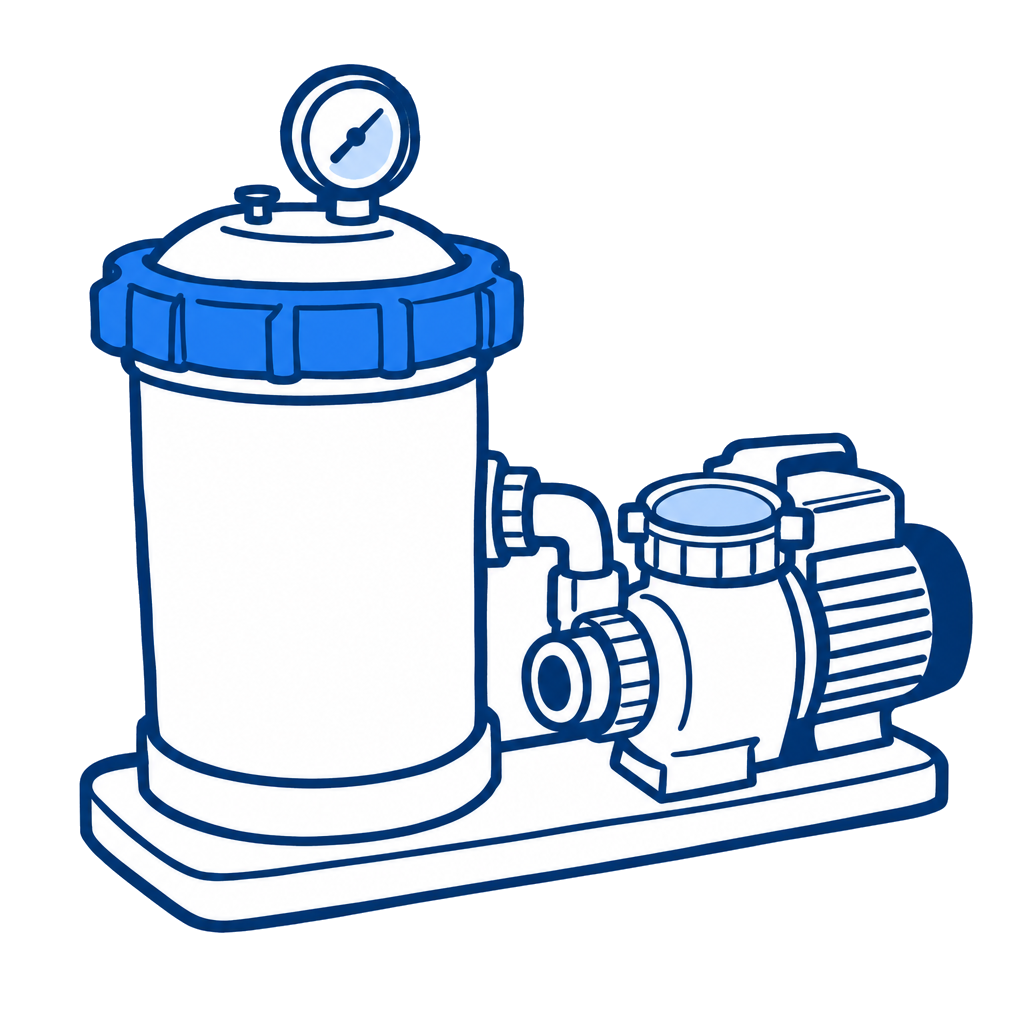
Select the pressure, flow, water-quality, or cleaner symptom that best matches the system.
| Symptom | Manual causes | First boundary |
|---|---|---|
| Short cycle time | Sanitizer, chemistry, algae, dirty media, or spent cartridge | Establish water condition and cartridge condition before changing equipment. |
| Low flow / high pressure | Plugged cartridge or restricted/undersized return piping | Clean the cartridge and check the downstream flow path. |
| Low flow / low pressure | Plugged pump or debris basket | Check the pump-side restriction before opening the filter. |
| Cartridge plugs repeatedly | Cleaning, chemistry, air, iron, algae, binder, or PHMB incompatibility | Treat the loading cause; do not assume the tank is defective. |
| Pool water not clean | Sanitizer, damaged cartridge, iron, binder, algae, or spent media | Inspect the cartridge only after full pressure release. |
| Pool cleaner stops | Filter loading reduces available flow | Compare cleaner performance before and after filter cleaning. |
Stop the pump, open the air-release valve, remove the drain cap, and wait until the pressure gauge reads zero and the tank is drained before loosening the filter ring. Never operate above 50 PSI or 104°F. Do not stand over the lid during startup or use a damaged tank, ring, lid, gauge, or air-release assembly.
This tool applies to ProClean Plus PCCF-075, PCCF-100, PCCF-125, PCCF-150, and PCCF-200 cartridge filters. Related system-package manuals add different pump/base plumbing arrangements but do not change the PCCF filter ratings or troubleshooting table.
Keep model details, pressure readings, service notes, repairs, and customer history together.
Start Free Trial