



Chemical tracking means recording readings and dosages at the stop, getting a sound LSI and dosing suggestion, and keeping a history you and your customer can read later. Pool-specific tools such as Skimmer, Pool Brain, Pool Service Software, and PoolDial make that part of every stop. If you use a water-test meter, the bigger question is which tools import from it.
I’m Parker Conley, the founder of PoolDial, so read this as a vendor’s guide rather than an independent ranking. I’ve ranked the products by situation and explained each one’s tradeoffs, and my own picks are labeled as opinion below.
Most pool companies that depend on readings, dosages, and chemistry history should start with pool-specific software. For a solo operator or someone just starting out, I’d look at PoolDial or Skimmer. With three or more technicians, or several crews, I’d look at Skimmer or Pool Brain, whose service levels can require readings at every stop.
If your techs use a photometer, know that PoolDial uses manual reading entry today and doesn’t integrate with meters. Pool Service Software, Paythepoolman, and Pooltrackr list meter integrations, so test the import with the meter you actually own.
Quick picks
| Situation | Look at | Why |
|---|---|---|
| Solo or just starting out | PoolDial or Skimmer | Both record readings and dosages at the stop; PoolDial adds automatic LSI and dosing recommendations from pool volume |
| Free or tight budget | Pool Service Software (PSS) or The Dip App | PSS includes readings, dosages, and LSI free up to 10 properties; The Dip App’s free core includes readings with LSI |
| 3 to 5 technicians | Skimmer or Pool Brain | Pool Brain’s service levels set required readings and checklists; Skimmer for track record |
| Large or multi-crew | Skimmer or Pool Brain | Skimmer has Enterprise controls; Pool Brain enforces readings per service level |
| Water-test meter users | PSS, Paythepoolman, or Pooltrackr | PSS integrates LaMotte meters; Paythepoolman imports SpinTouch; Pooltrackr syncs several devices in AU/NZ |
| Outside the United States | PoolDial or Pooltrackr | PoolDial supports metric units and regional currencies; Pooltrackr is built around Australia and New Zealand |
What each tool includes
This is what each product’s own materials, as summarized in our reviews, say about chemistry. Where a source doesn’t mention LSI or dosing, the table says to confirm rather than guess. Prices are published list prices on the dates shown, not quotes.
| Software | Chemistry features | Plan or price |
|---|---|---|
| Pool Service Software (PSS)Checked Aug 12, 2026 | Readings, dosages, LSI, chemistry history, and dosage cost tracking; LaMotte meters and Orenda help desk | Free up to 10 properties, then $49.99/mo |
| SkimmerChecked Oct 29, 2026 | Readings and dosages at the stop; confirm LSI and dosing guidance | $49/mo up to 49 locations, then $2 per location |
| Pool BrainChecked Oct 29, 2026 | Required readings and checklists per service level; confirm LSI | $50/mo plus $65 per technician |
| PoolDial | Manual entry with automatic LSI, dosing recommendations from pool volume and readings, unlimited history; no meter integration | $2 per pool, $40/mo minimum |
| PaythepoolmanChecked Aug 12, 2026 | Orenda dosing and LSI, SpinTouch imports, and chemical billing | $50/mo plus $15 per technician |
| PooltrackrChecked Aug 12, 2026 | Dosage and product recommendations; Palintest, SpinTouch, SpinLab, and Xpress Flex sync | $66/mo Field plan (AU/NZ) |
| The Dip AppListed May 2026 | Readings and LSI on one screen with history; customers see 12 months | Free core; card payments 3% + $2 |
| PoolProofChecked Aug 14, 2026 | Readings and dosing with LSI; required readings by service plan | $249/mo on an annual plan with 5 users |
| ProValetChecked Aug 12, 2026 | Custom chemistry reading requirements and supply usage | $149/mo with one technician, then $59 each |
| ServiceTitanChecked Aug 12, 2026 | Customers can check chemical readings in the portal; Field app forms | Quote required |
What to test
Put your top two or three through the same stops instead of comparing feature lists:
- Enter a full set of your real readings on a technician’s phone, including CYA and salt if you test them.
- Check the LSI and dosing suggestion against your own math or the LSI calculator.
- If you use a meter, import a real test from it and confirm every value lands in the right field.
- Send the service report and look at exactly what the customer sees.
- Pull one pool’s chemistry history across several visits and export it.
The options
1. Skimmer

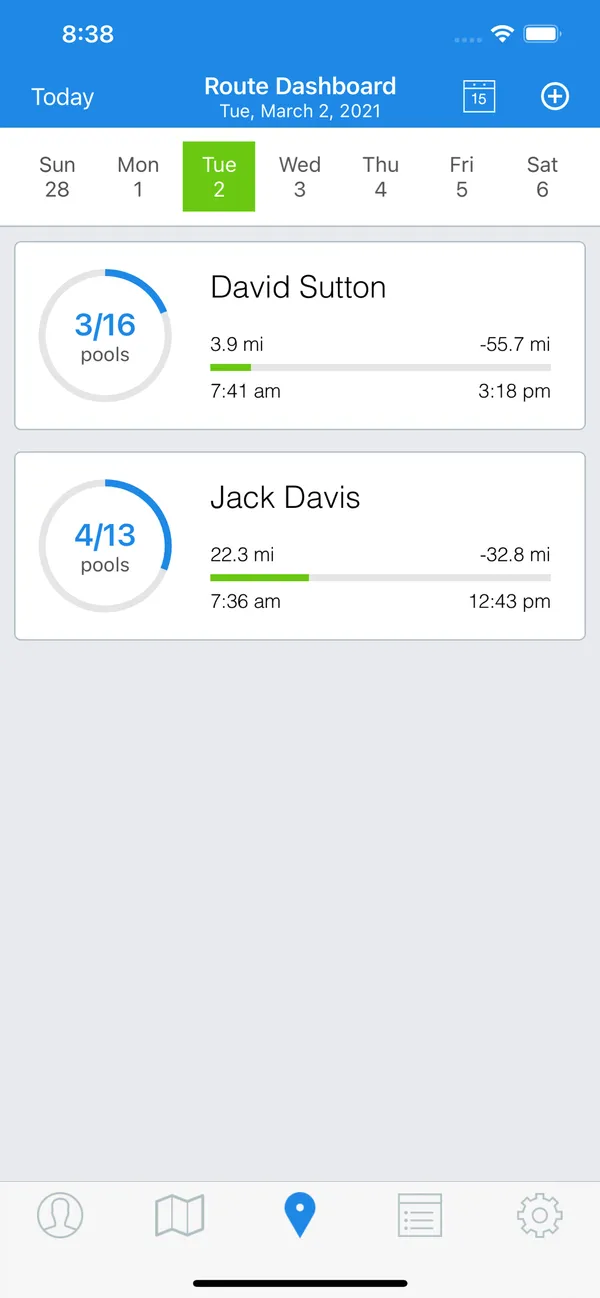
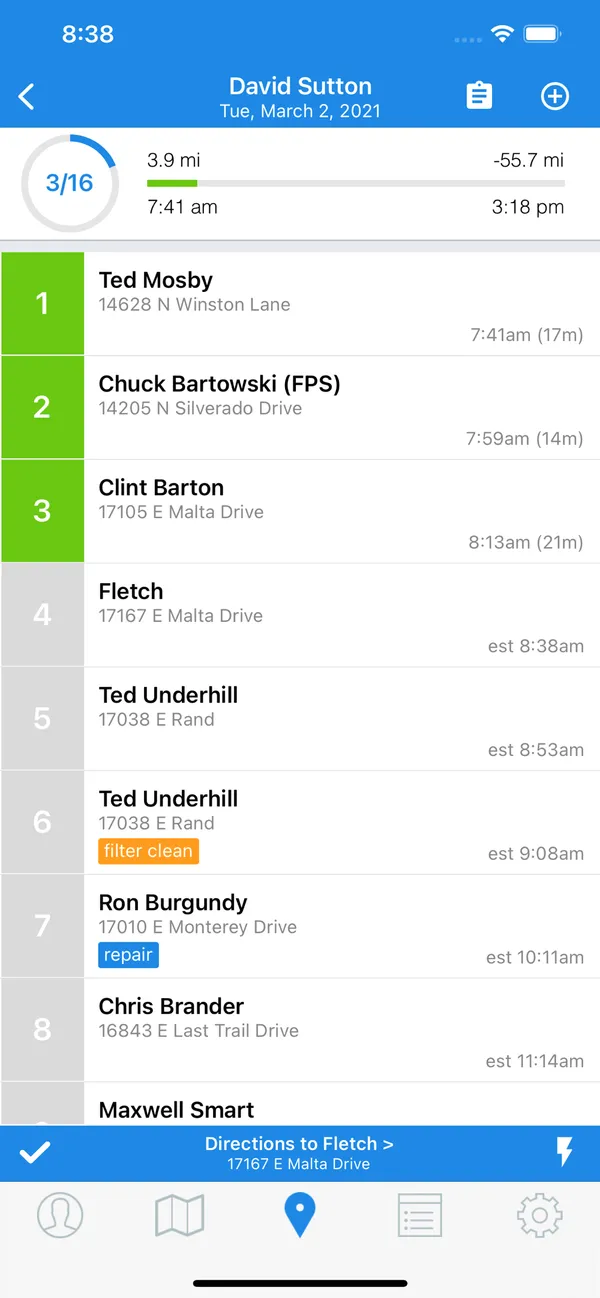
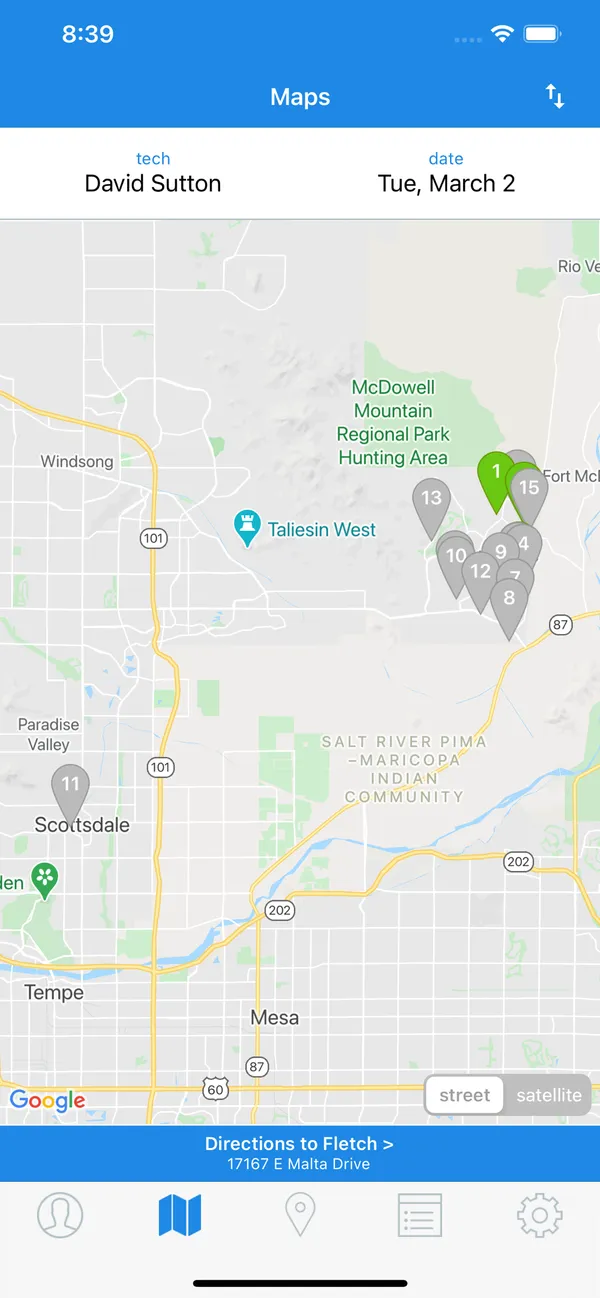
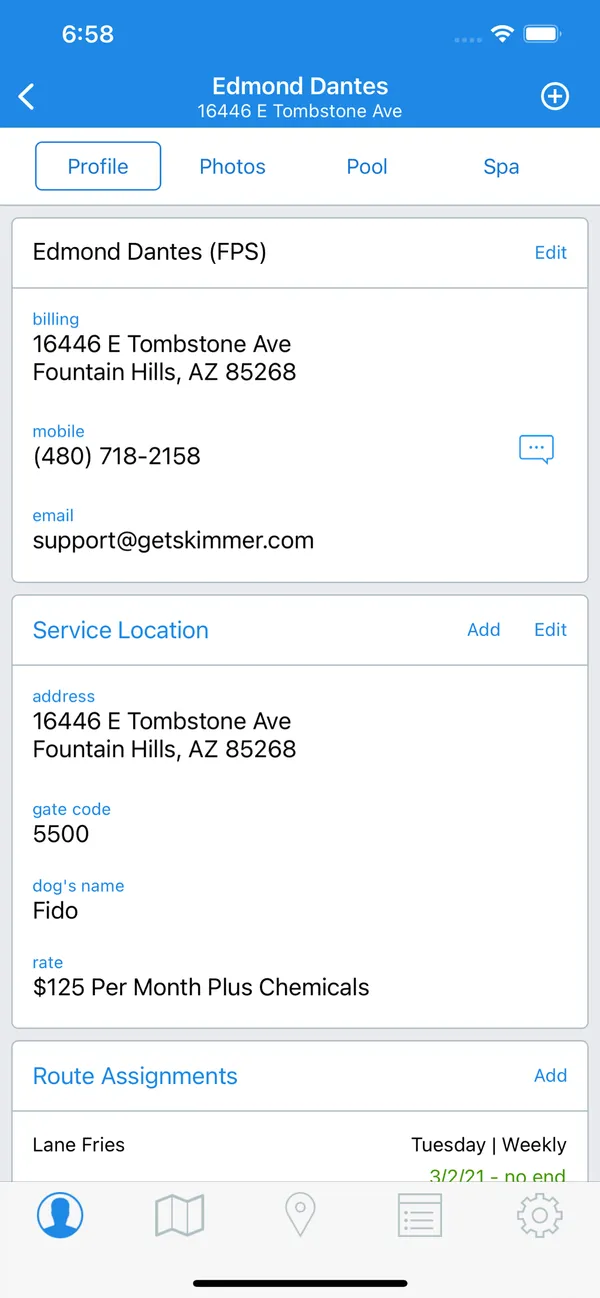
Skimmer ranks first because chemistry records sit inside a proven daily workflow. Technicians record readings and dosages at the stop, those records join the service history, and customer communication is built in. For most owners, that reliability counts for more than one extra chemistry feature. It also has the largest public review count in this guide: 999 across Capterra and Google Play as of August 9, 2026.
Our sources don’t detail its LSI or dosing guidance, and they don’t mention water-test meter imports, so confirm both in a trial and run your own readings through it. Skimmer documents spreadsheet exports for completed service history, so ask for a sample and check that the readings you need come with it.
It costs $49 a month for up to 49 serviced locations, then $2 per location from 50 to 1,000, checked October 29, 2026. Pull one pool’s history across several visits, including an older one, since much older history may need to download from the cloud in the mobile app.
2. Pool Brain

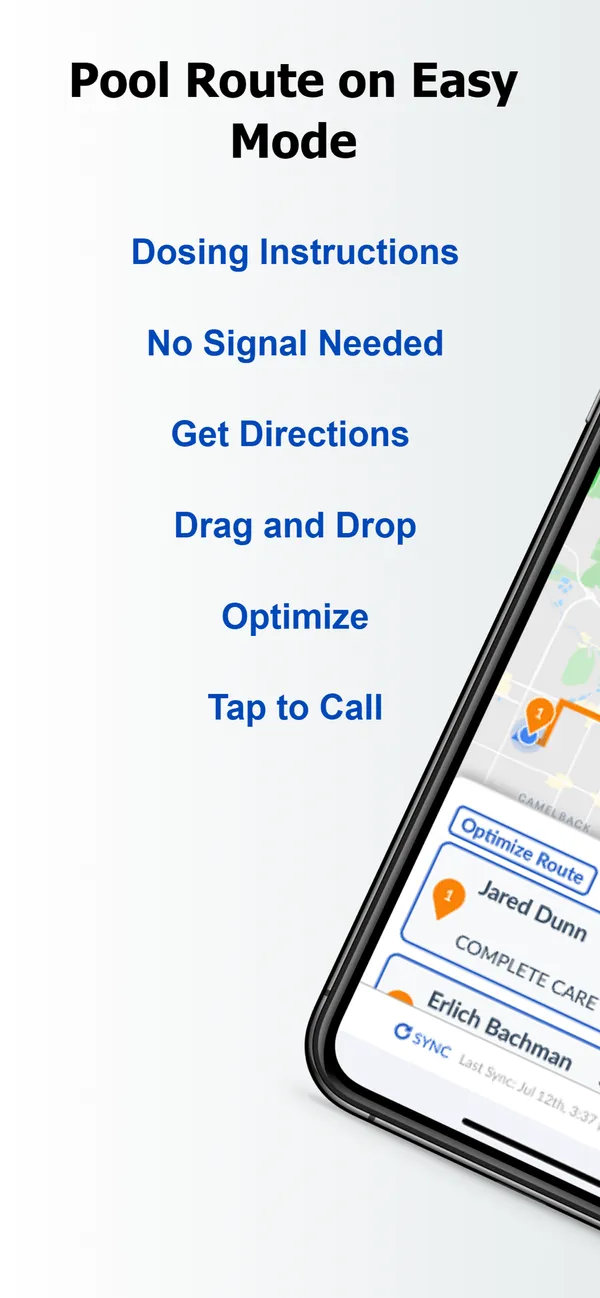
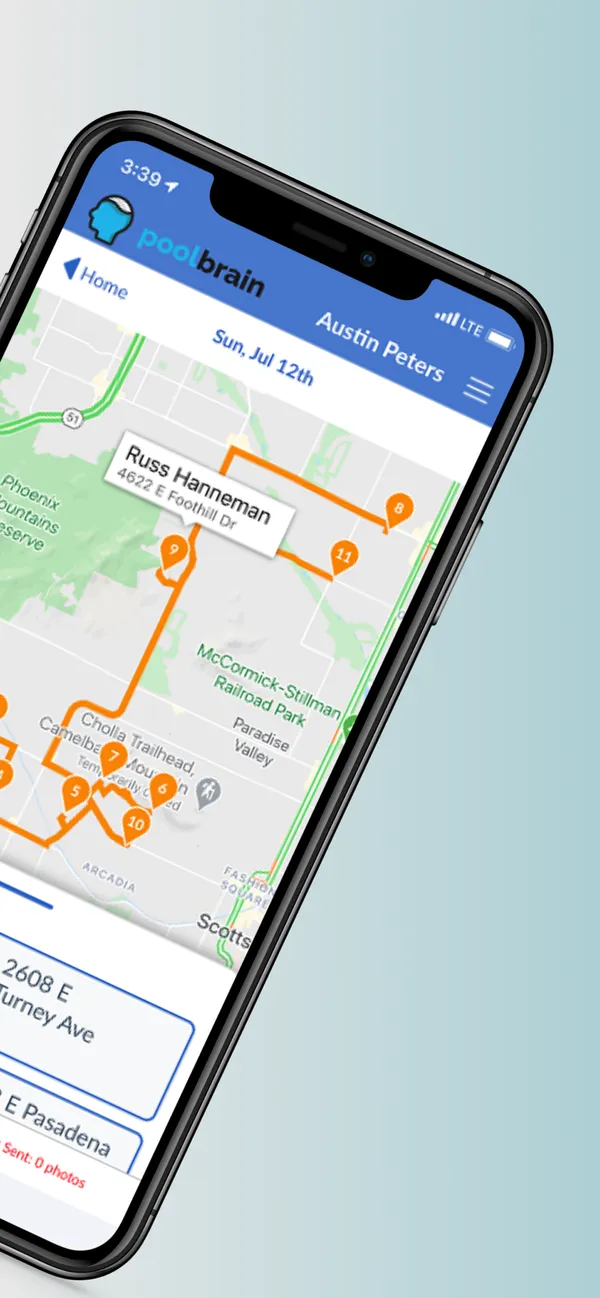
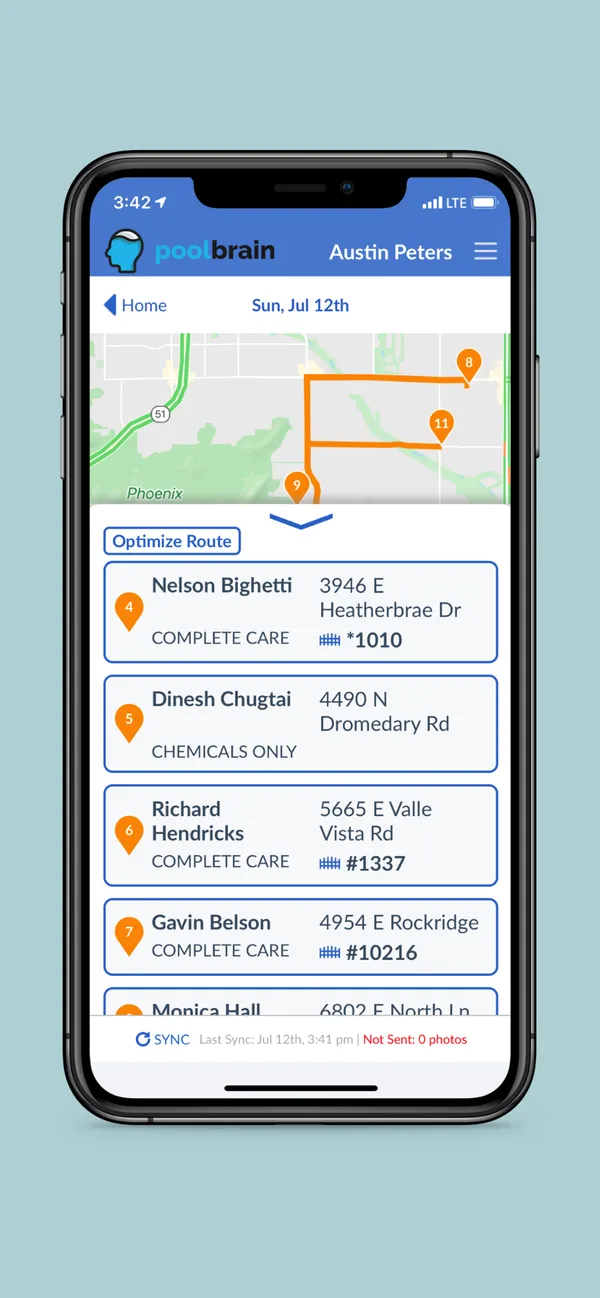
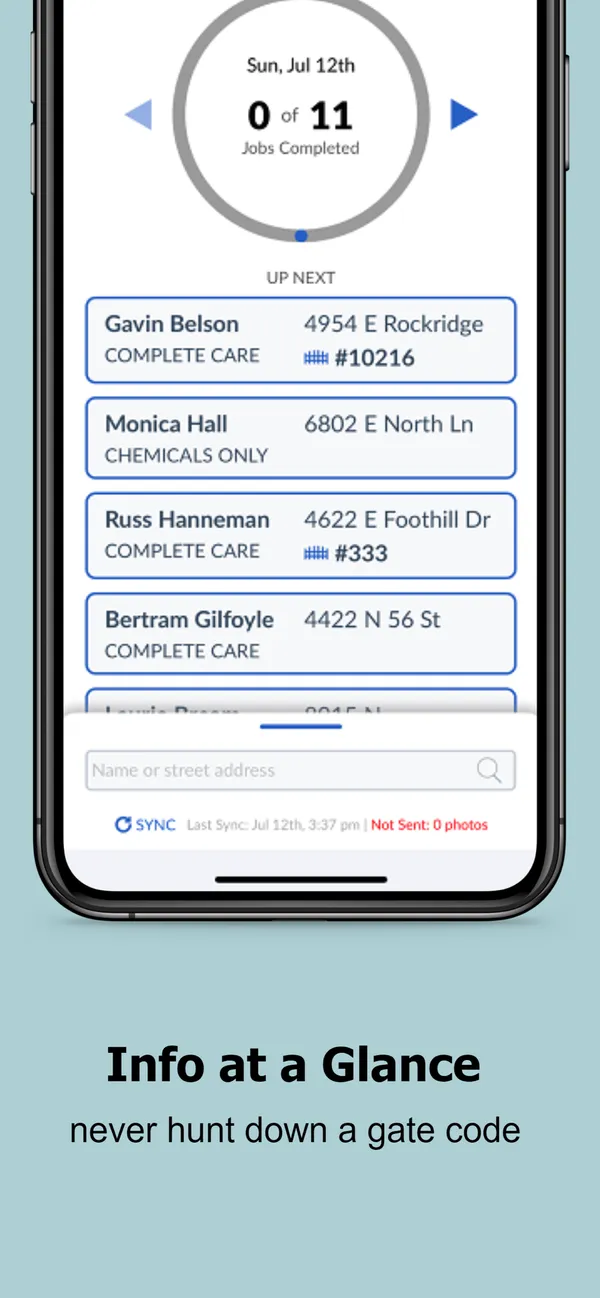
Pool Brain ranks second because it makes chemistry a rule rather than a suggestion. It is organized around service levels, with required readings and checklists that technicians follow at each stop, alongside readings and chemistry records in the customer’s history. That suits owners who want chemistry enforced across a team.
Our sources don’t say whether it calculates LSI or suggests doses, and they don’t mention meter imports, so confirm all of that. Configure one real service level yourself too, because your office will own that setup. Technicians must also be willing to use the app: it showed 3.4 on Google Play against 4.9 on Capterra as of August 9, 2026.
It costs $50 a month plus $65 per active field technician, checked October 29, 2026, so three technicians come to about $245. Complete a stop with your required readings and proof, then see how the record reads afterward.
3. Pool Service Software (PSS)

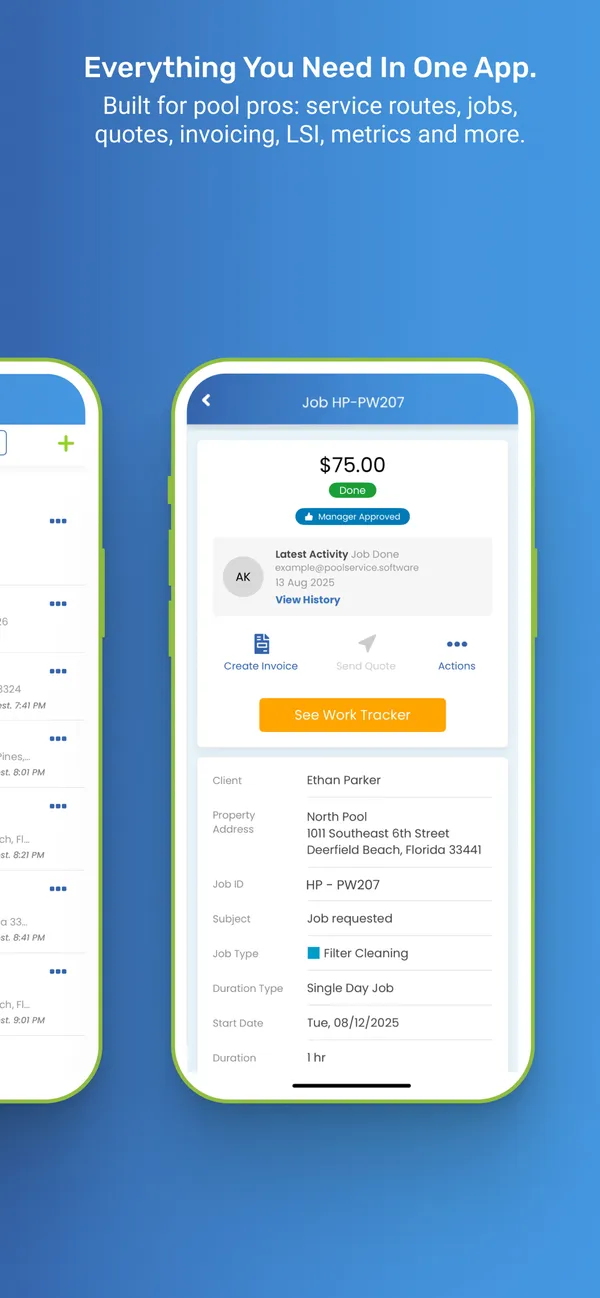
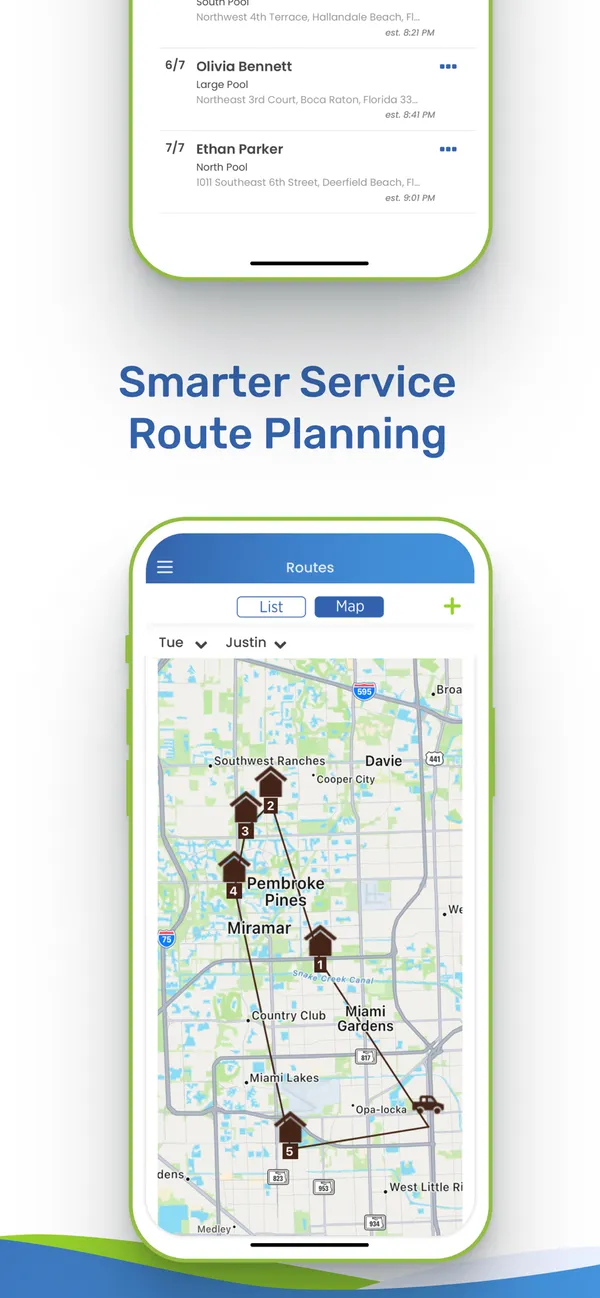
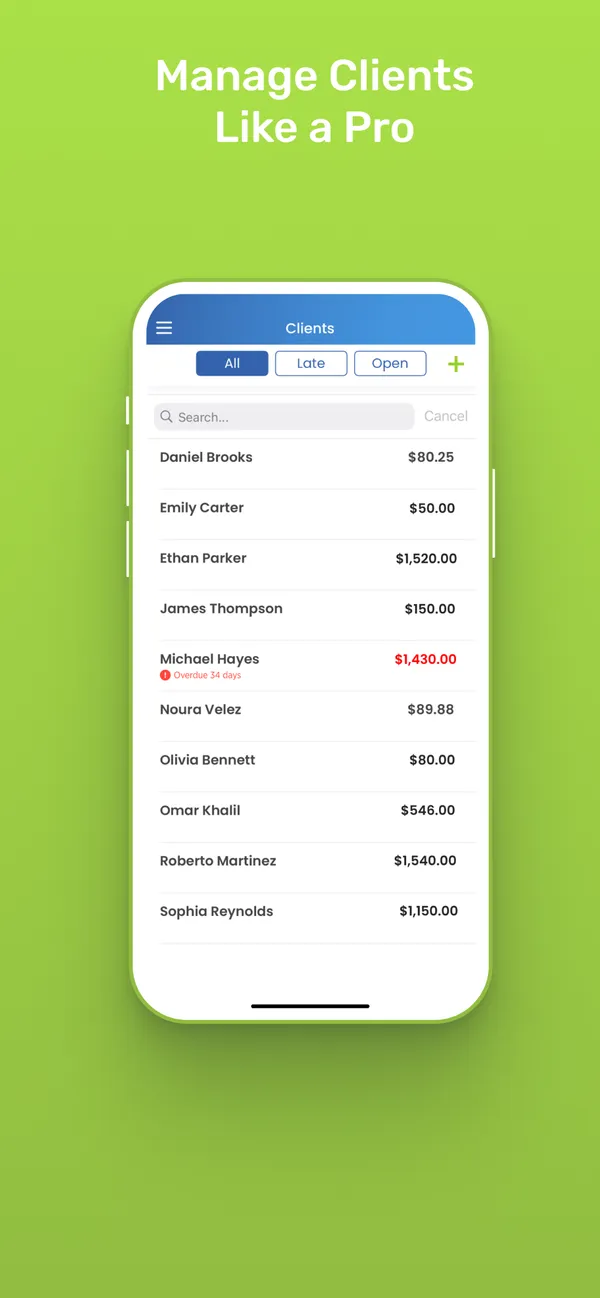
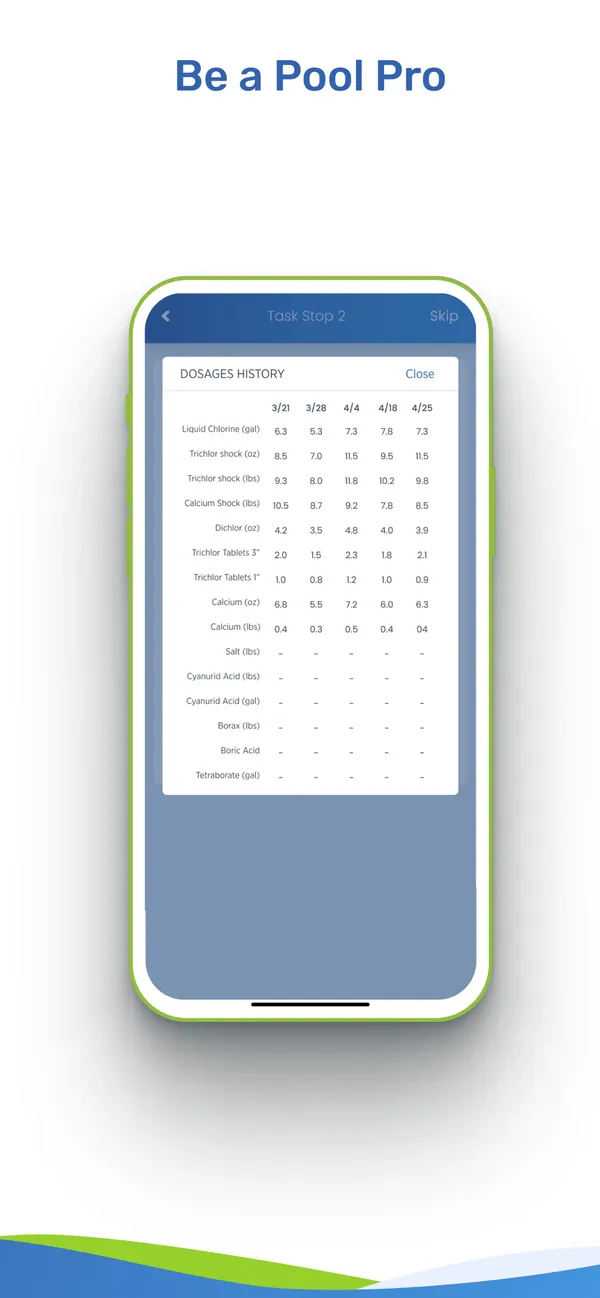
Pool Service Software ranks third, and on chemistry features alone it could rank higher. It covers readings, dosages, LSI, chemistry history, chemical and dosage cost visibility, and configurable service reports, with LaMotte meter and Orenda help-desk integrations. I rank it behind Skimmer and Pool Brain on public evidence, not depth: it had only three Capterra reviews and 43 on Google Play as of August 12, 2026.
It is also free to start. Every feature is free up to 10 properties, then it is $49.99 a month through 50, $99 through 100, and $0.95 per property after that, checked August 12, 2026, before a 15% annual discount. A property is a body of water, so count yours first.
Test the import with the meter you actually use. I didn’t find clear public documentation for a complete outbound export, so check which chemistry records come with you if you leave. Trace chemicals and dosage costs through a real week of work.
4. PoolDial

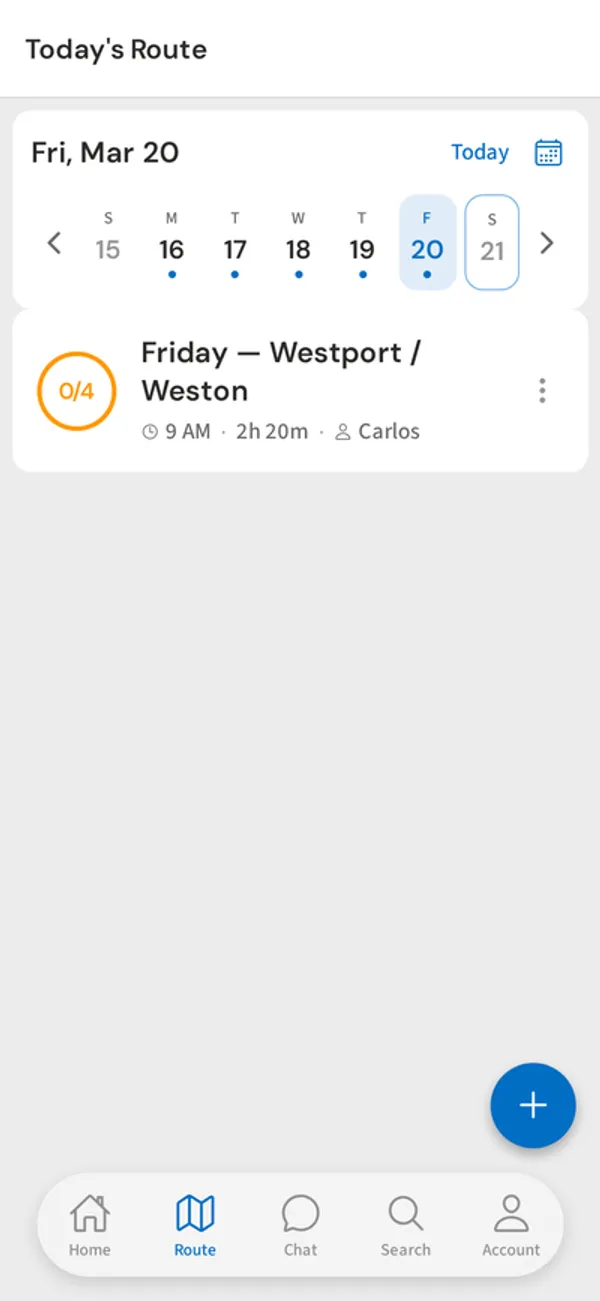
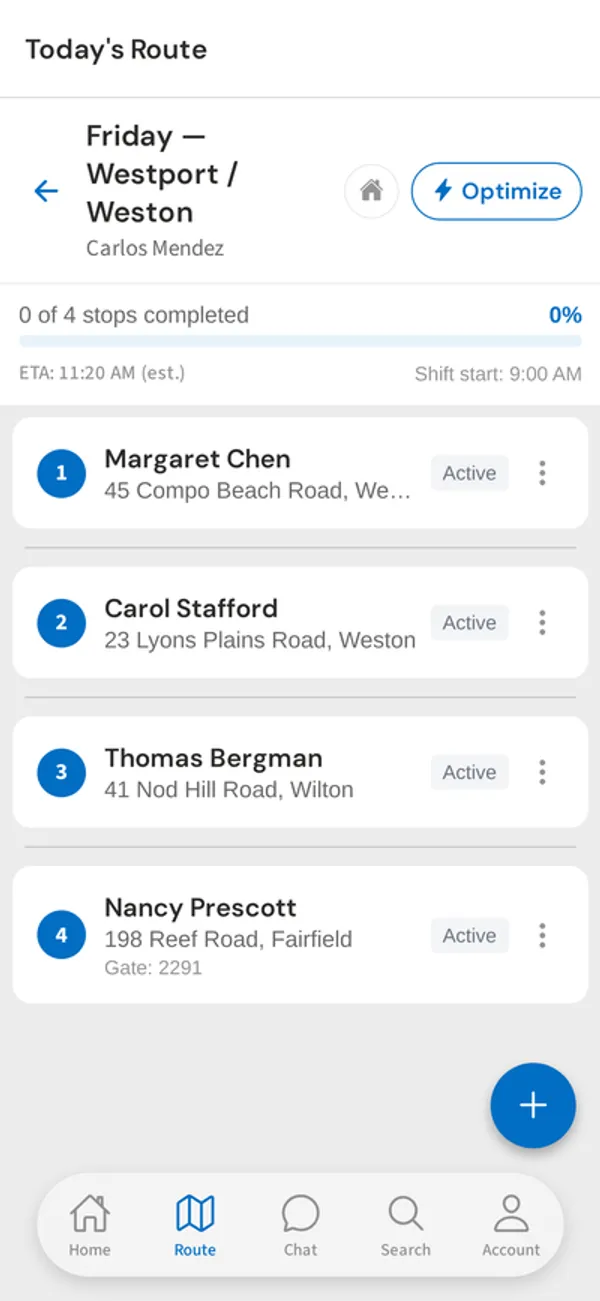
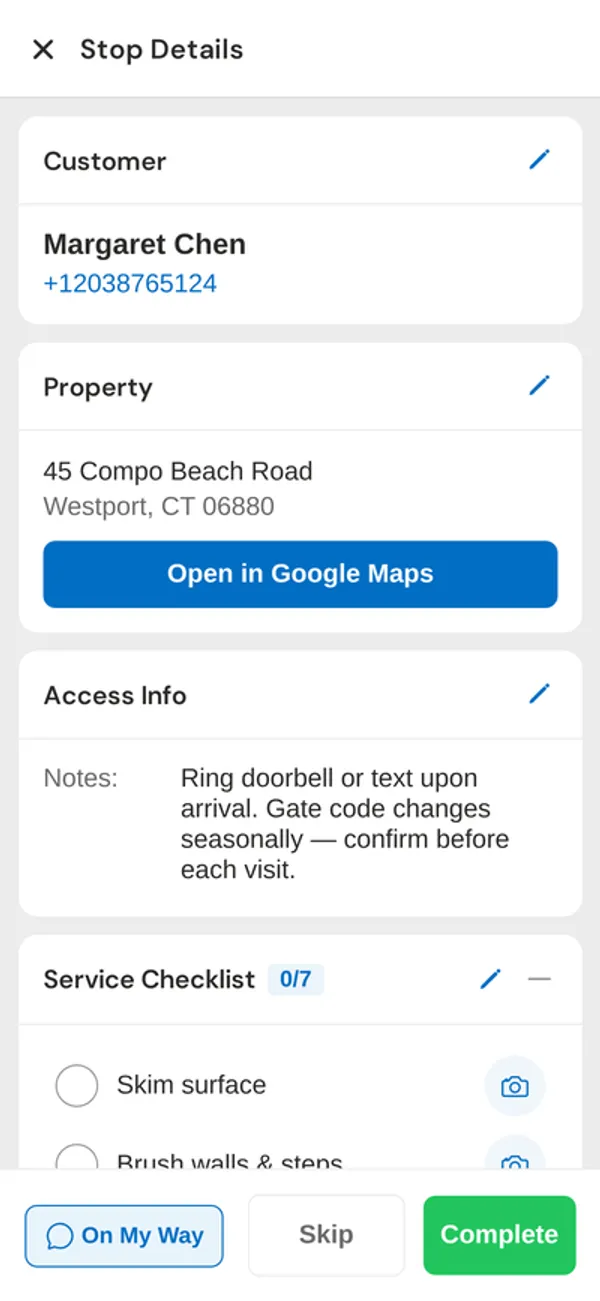
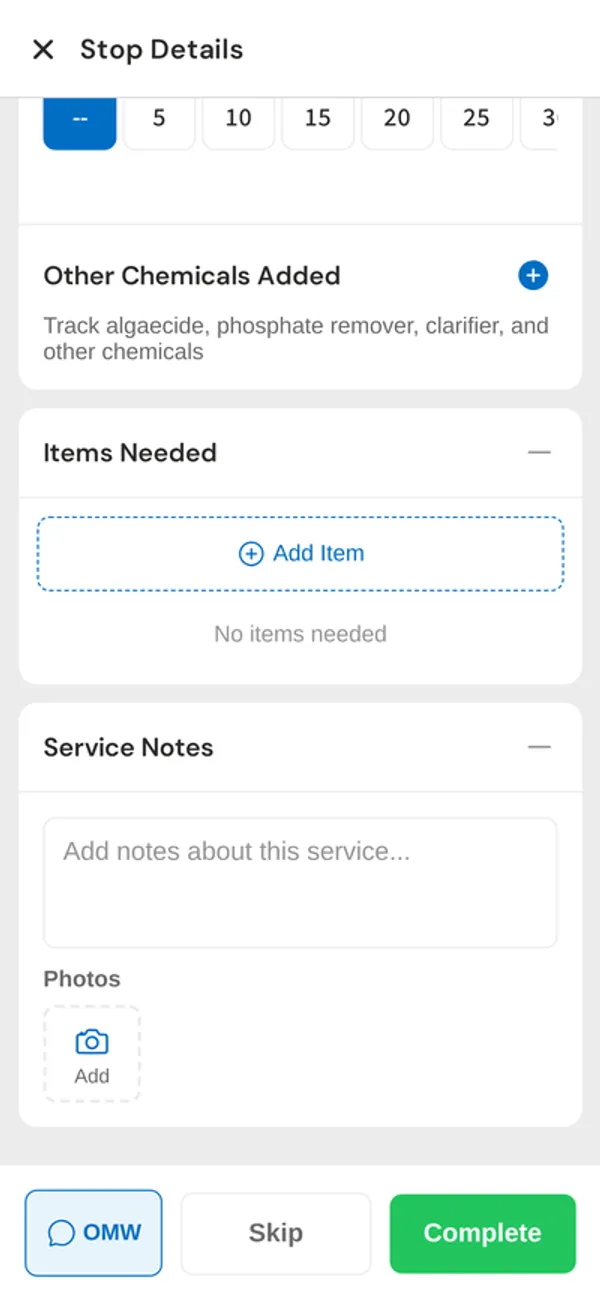
PoolDial ranks fourth because its chemistry workflow is strong at the stop, but it has a real gap for anyone who uses a meter. Technicians enter readings by hand, and PoolDial calculates LSI automatically and recommends doses based on pool volume and current readings. It keeps unlimited service history, and customers can see readings in the customer portal.
It doesn’t currently integrate with photometers. Pool Service Software, Paythepoolman, and Pooltrackr all beat PoolDial here, so if your techs use a meter, one of those may suit you better. Pool Service Software also costs less at every size in our August 2026 estimates, and it adds chemical and dosage cost visibility.
PoolDial costs $2 per pool with a $40 monthly minimum after a 14-day trial, with metric units and regional currencies available. Enter a full set of your real readings, then check the LSI and dosing suggestion against your own math before you trust them.
5. Paythepoolman

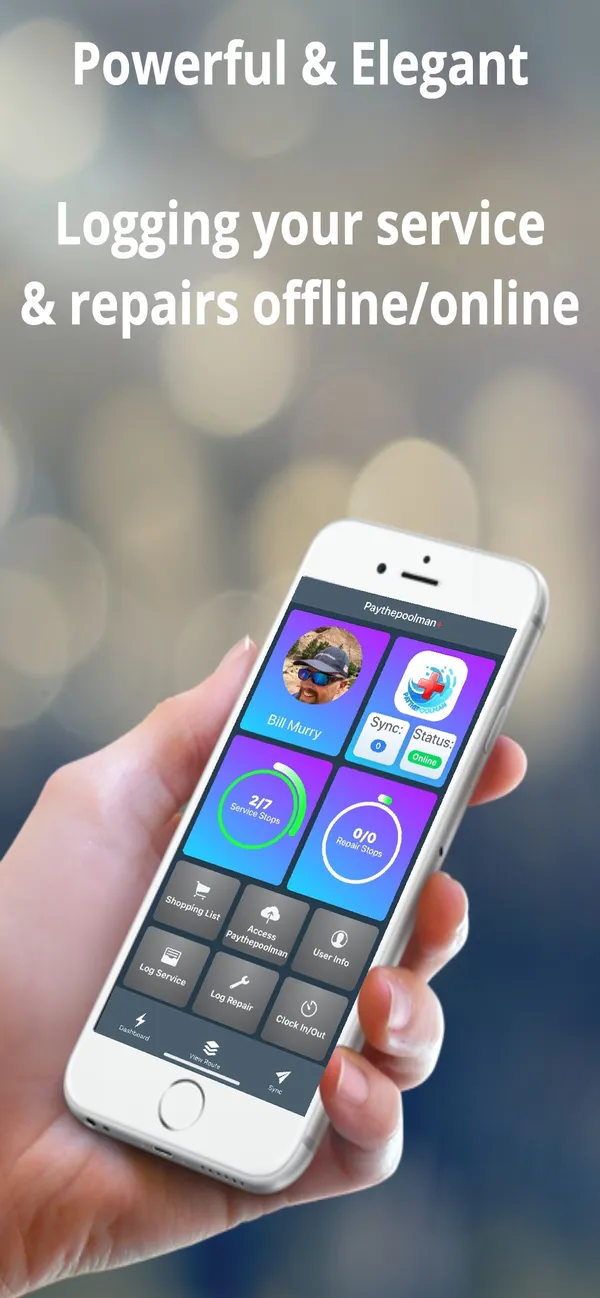

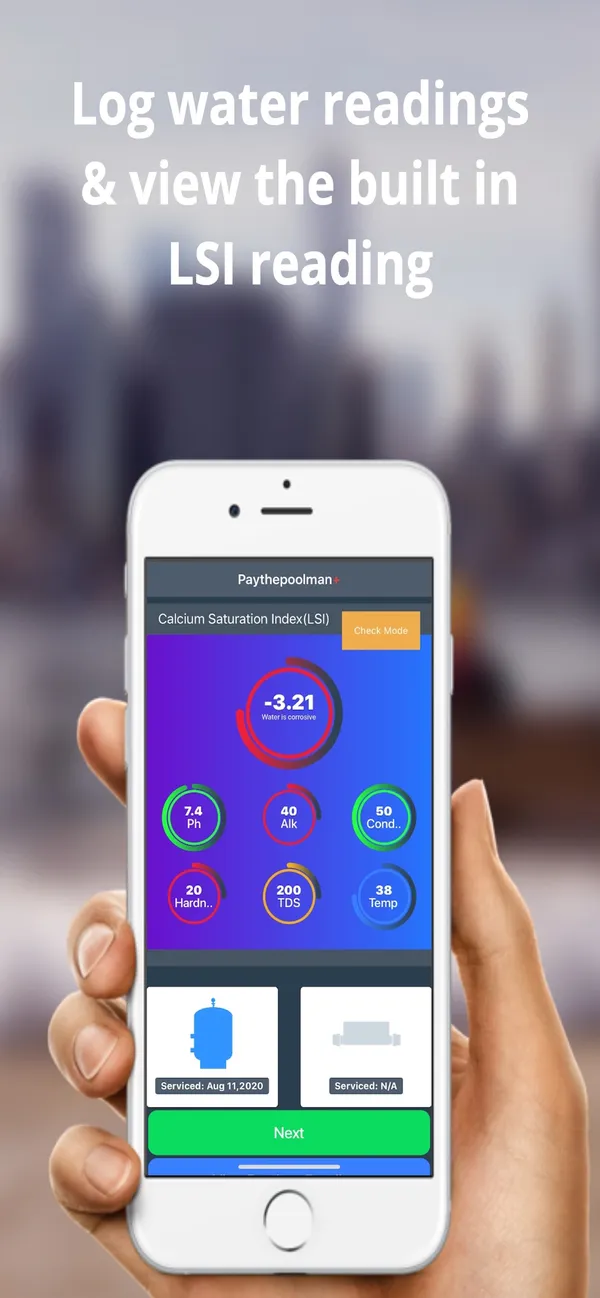

Paythepoolman ranks fifth because it has serious chemistry features at a low price, but you need to confirm what your package includes. Its published features include Orenda dosing and LSI, SpinTouch imports, and chemical billing, which lets you connect what goes in the pool to what the customer pays. That billing link is something few products here describe.
It costs $50 a month plus $15 per technician, checked August 12, 2026, so one technician comes to about $65 and three to about $95, excluding add-ons and custom-priced services. It costs less than PoolDial at every size in our estimates.
Some features are add-ons, custom-priced, new, or beta, so ask for a written list of what your price covers, including the chemistry tools. If you rely on a SpinTouch meter, test that import with real results. I also didn’t find clear public documentation for a complete outbound export, so ask for a sample that includes history.
6. Pooltrackr

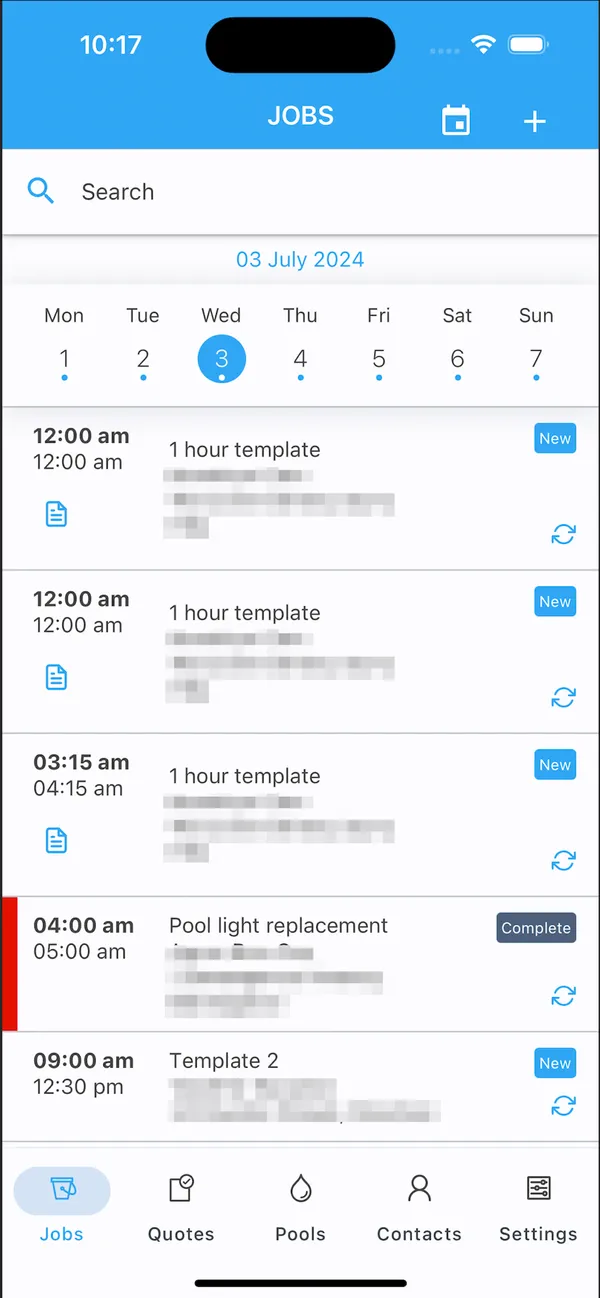
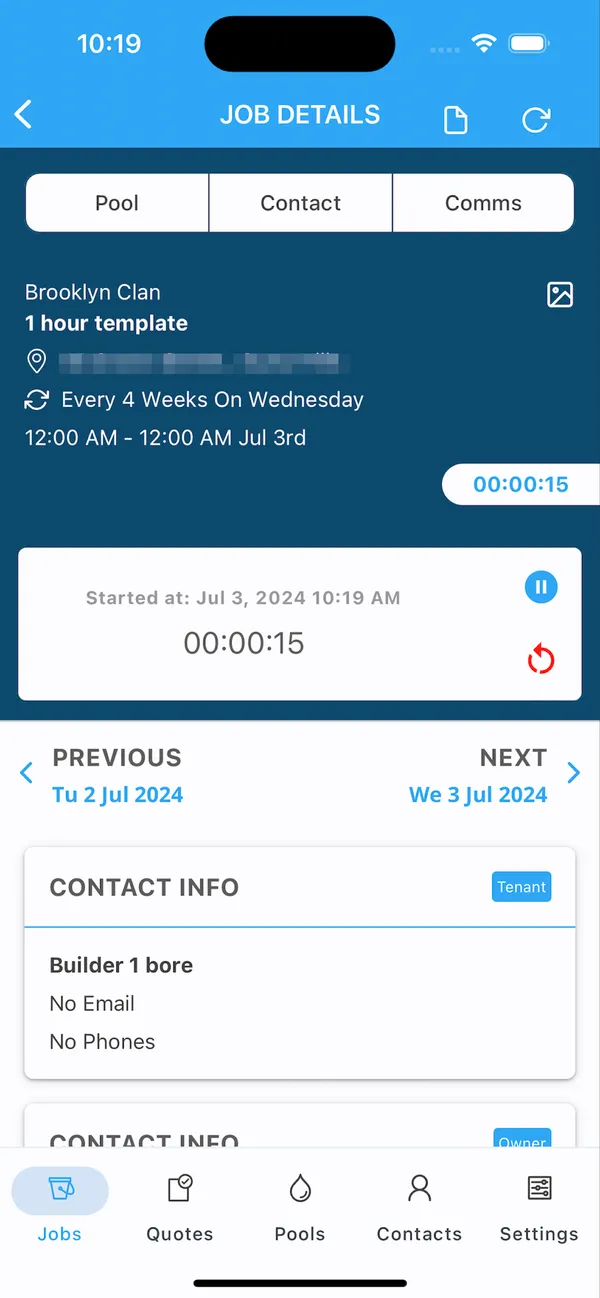
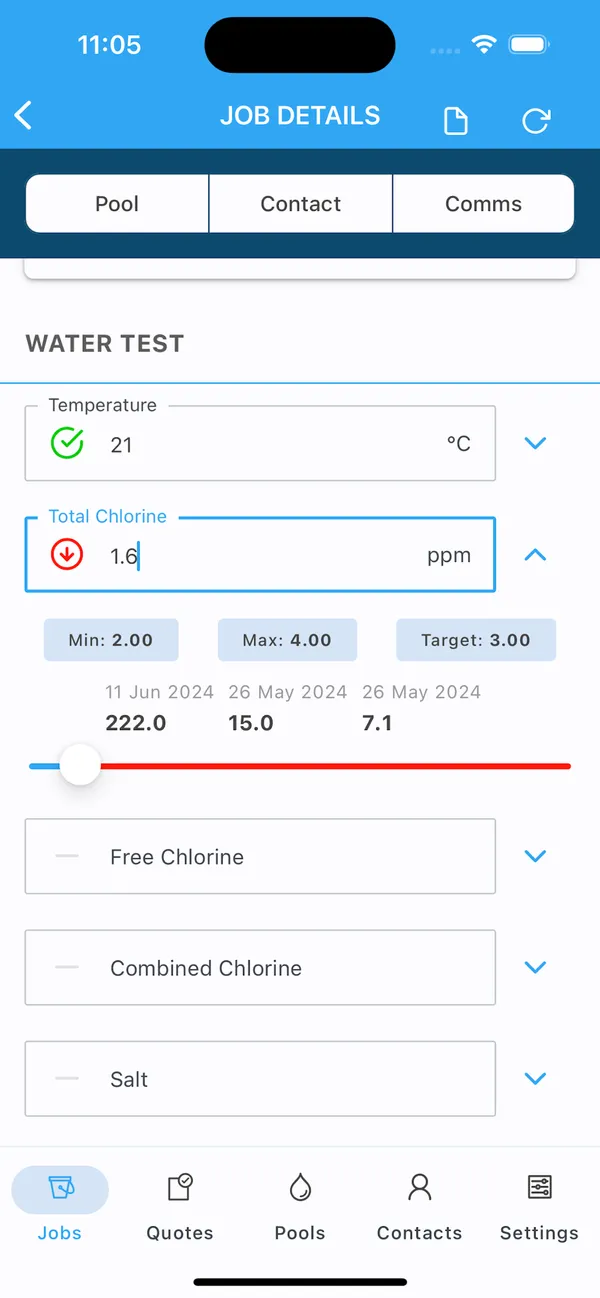
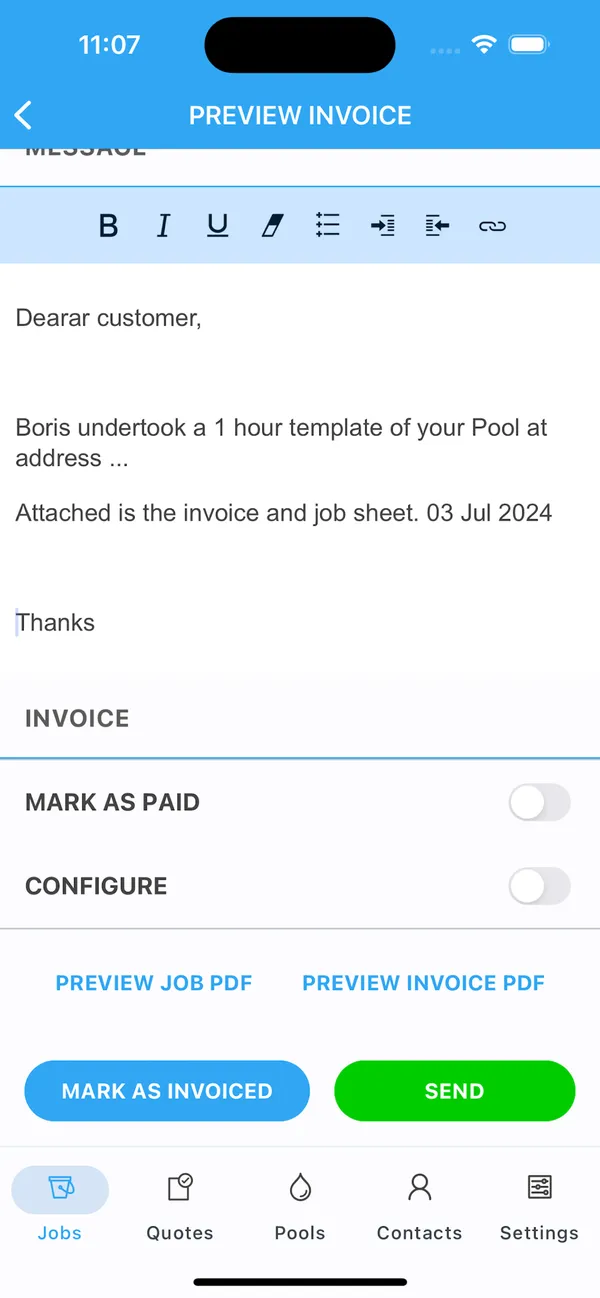
Pooltrackr ranks sixth because its chemistry tools are strong but only some readers can buy it. Its public site and signup say it is available in Australia and New Zealand, so confirm your country first. Its chemical calculator turns water tests into dosage and product recommendations, which connects testing to what a pool shop sells at the counter.
It has the widest device list here, syncing results from Palintest, SpinTouch, SpinLab, and Xpress Flex devices. That is a real strength over PoolDial, which uses manual entry. Our sources don’t say whether it calculates LSI, so confirm that as well.
The AU/NZ pricing page displayed $66 a month for the Field plan with one technician and one administrator, checked August 12, 2026, without a currency label or added-user prices. Larger teams need an Enterprise quote. Test the sync with the device you actually use, and check that a service-only route needs its retail and franchise scope.
7. The Dip App

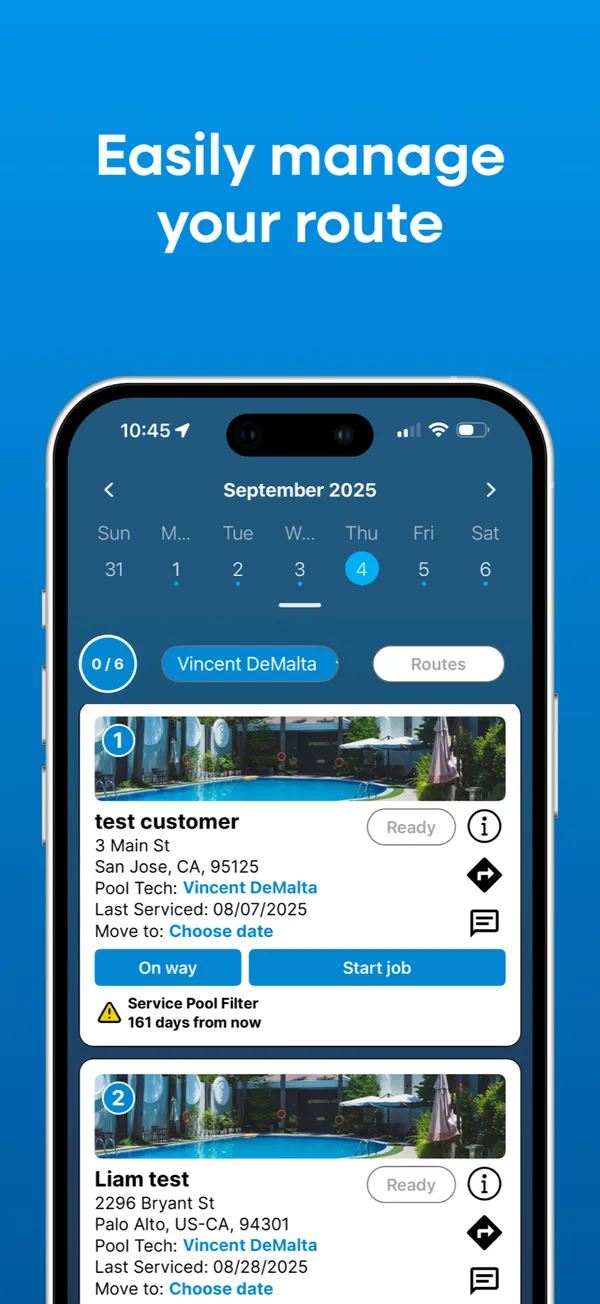
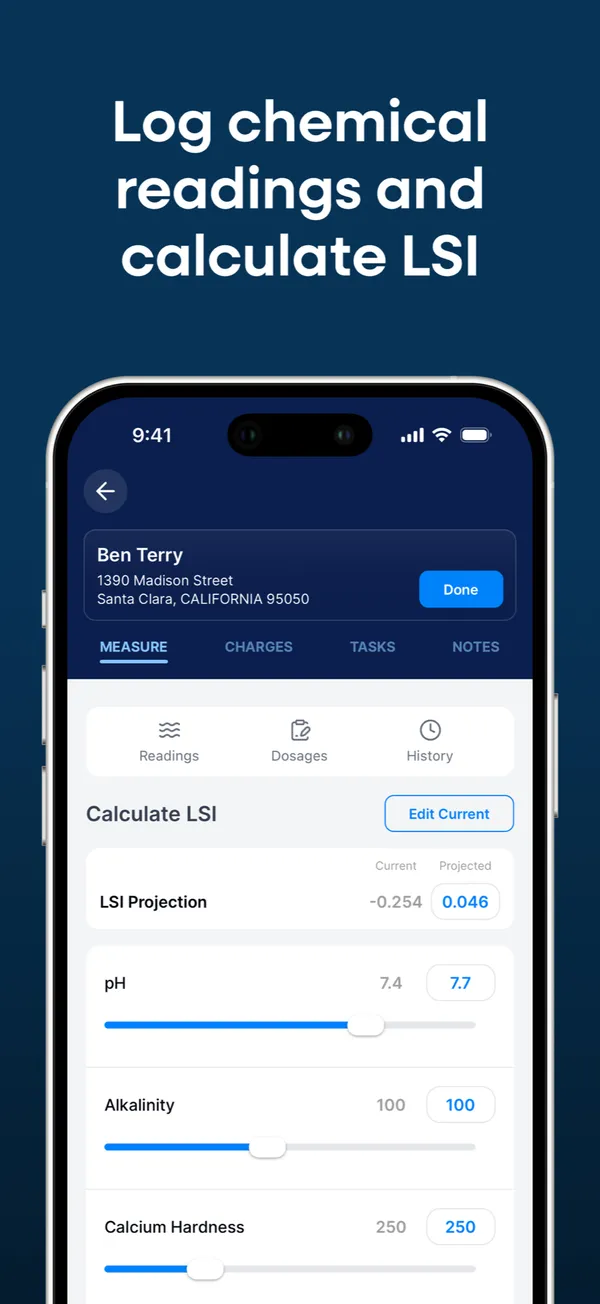
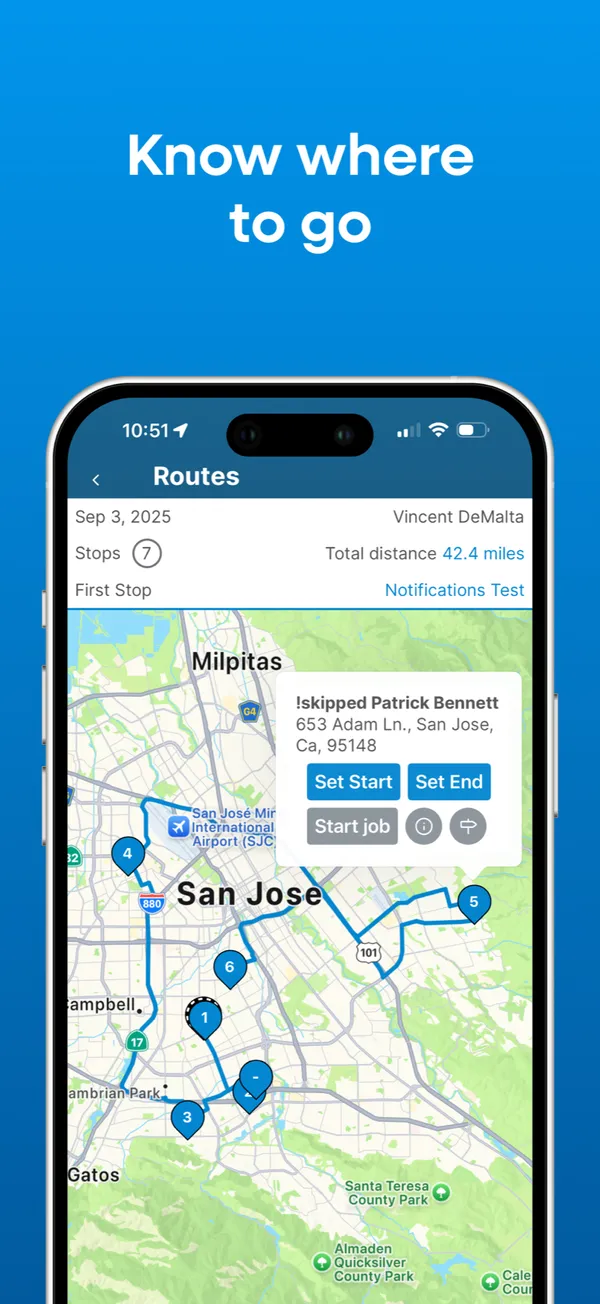
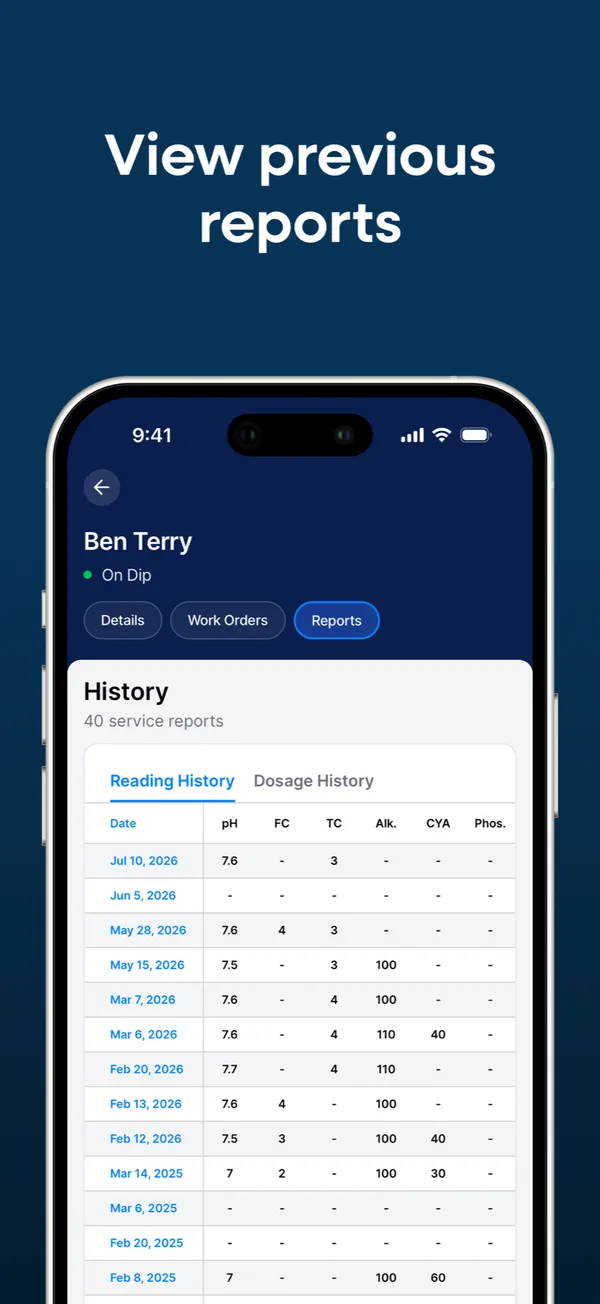
The Dip App ranks seventh because it offers the basics for free, with less depth than the tools above it. Technicians get chemical readings and LSI on a single screen, with history, in a core that has no per-user or per-pool fees. Pool owners can see readings in its customer app, which shows 12 months of history.
Our sources don’t describe dosing recommendations or meter imports, so confirm both. PoolDial adds dosing recommendations and unlimited service history, but it charges a software fee that The Dip App doesn’t.
You pay through customer payments instead: 3% + $2 per card transaction and $3.50 per ACH transfer, as listed in May and August 2026. A $100 invoice leaves $95 by card or $96.50 by ACH. For a solo operator who mainly wants a record and an LSI number, that can be a good deal. Check whether 12 months of customer-visible history is long enough for you.
8. PoolProof

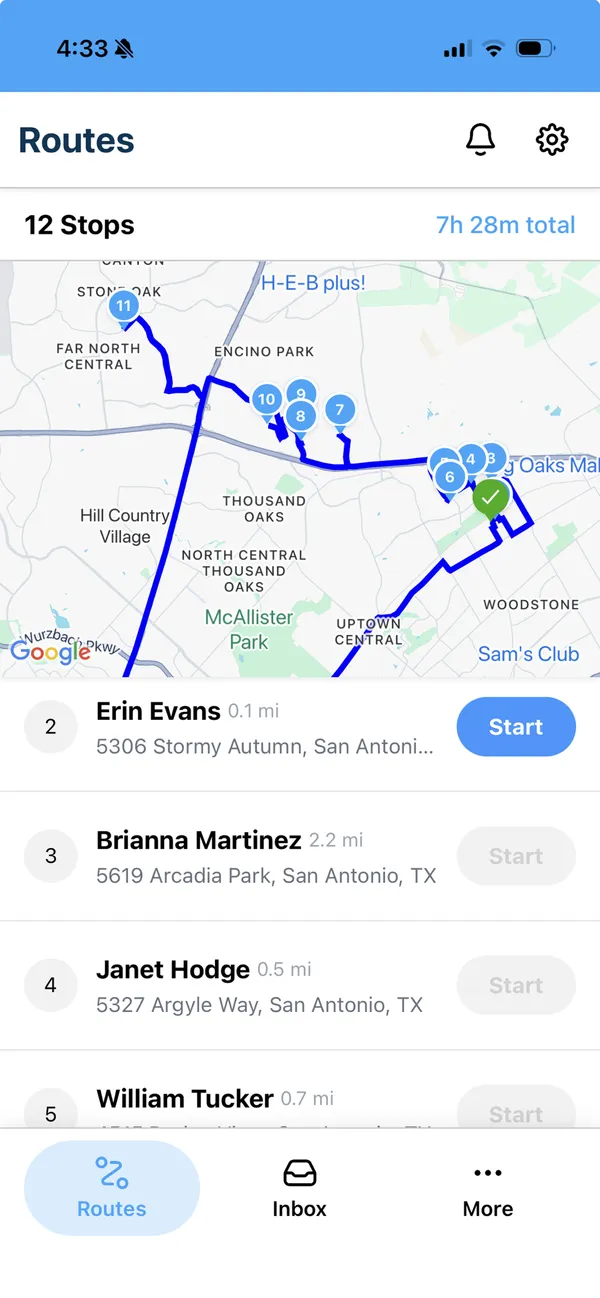
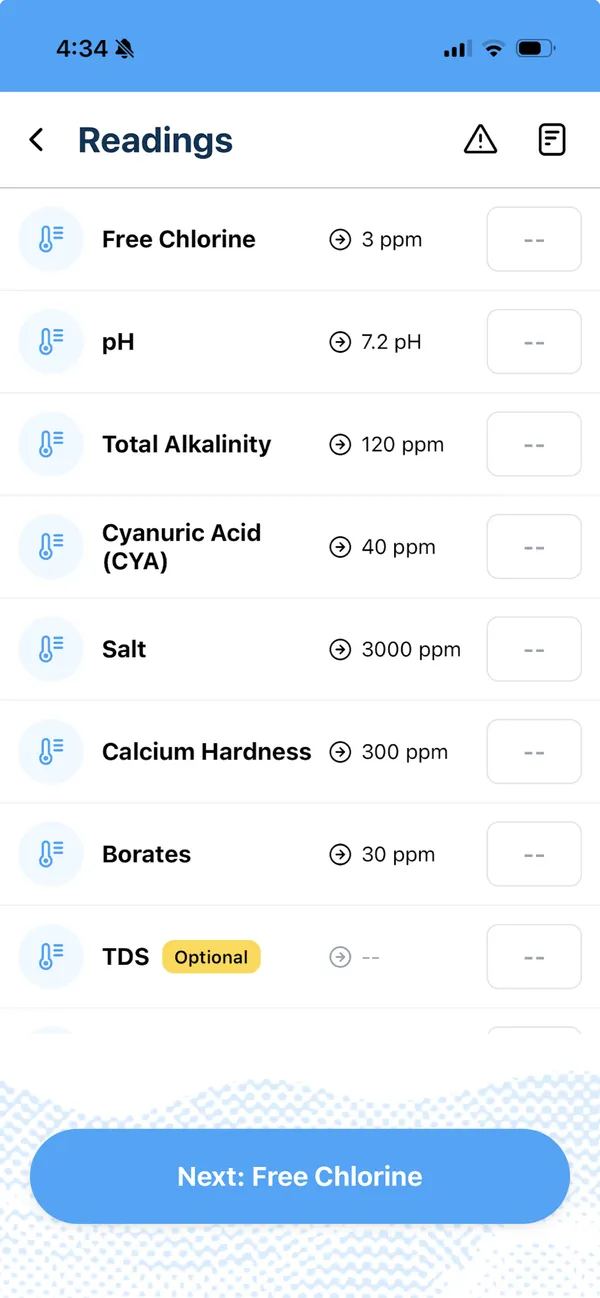
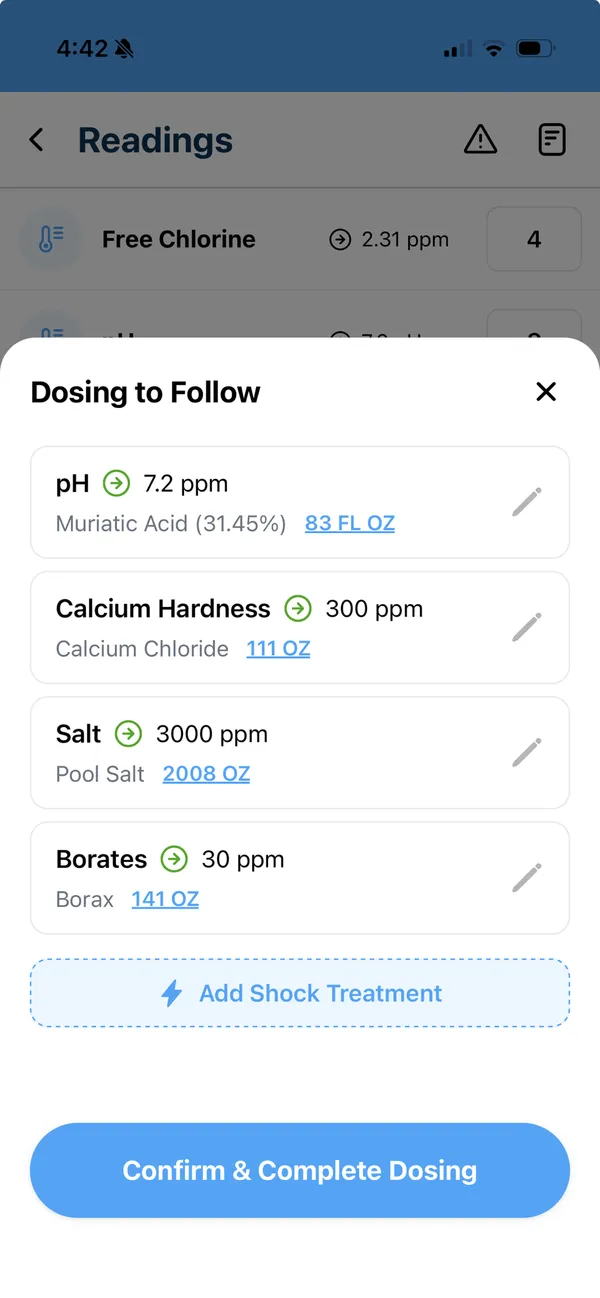
PoolProof ranks eighth because its chemistry tools look capable, but there is little outside evidence and the entry price is high for a small route. It records water readings and dosing, with LSI, and can require specific readings by service plan. Like Pool Brain’s service levels, that suits owners who want one standard across a growing team.
Our sources don’t mention meter imports, so ask. It also had no meaningful public review history as of August 14, 2026, with zero reviews on Capterra, so you can’t lean on other pool pros’ experience yet.
The annual plan is $249 a month billed annually with 5 users, plus $40 for each additional user, as of August 14, 2026, and onboarding starts with a demo. Run your own readings through it during that demo, check the LSI against your own math, and look at how a required reading works when a technician tries to skip it.
9. ProValet

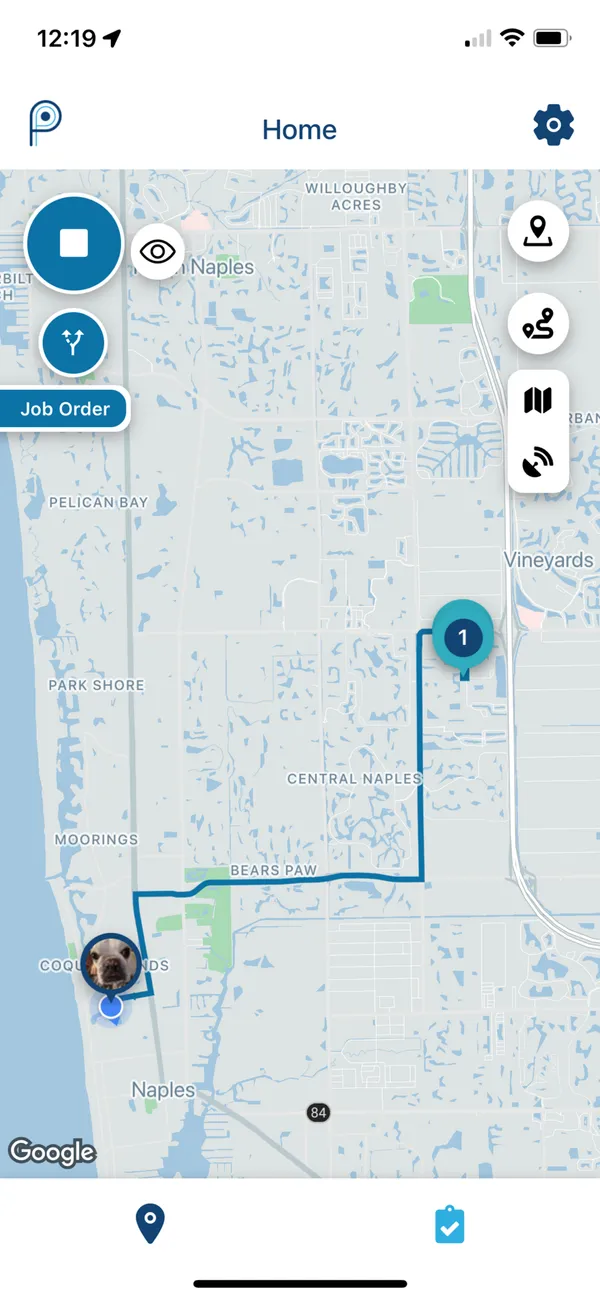
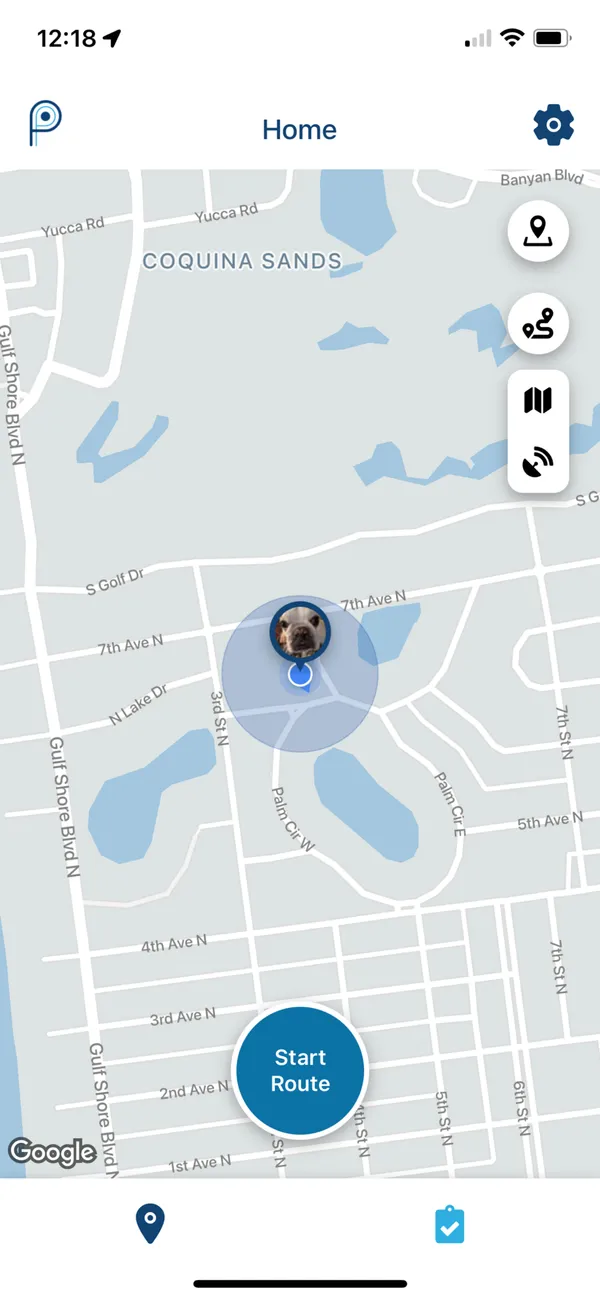
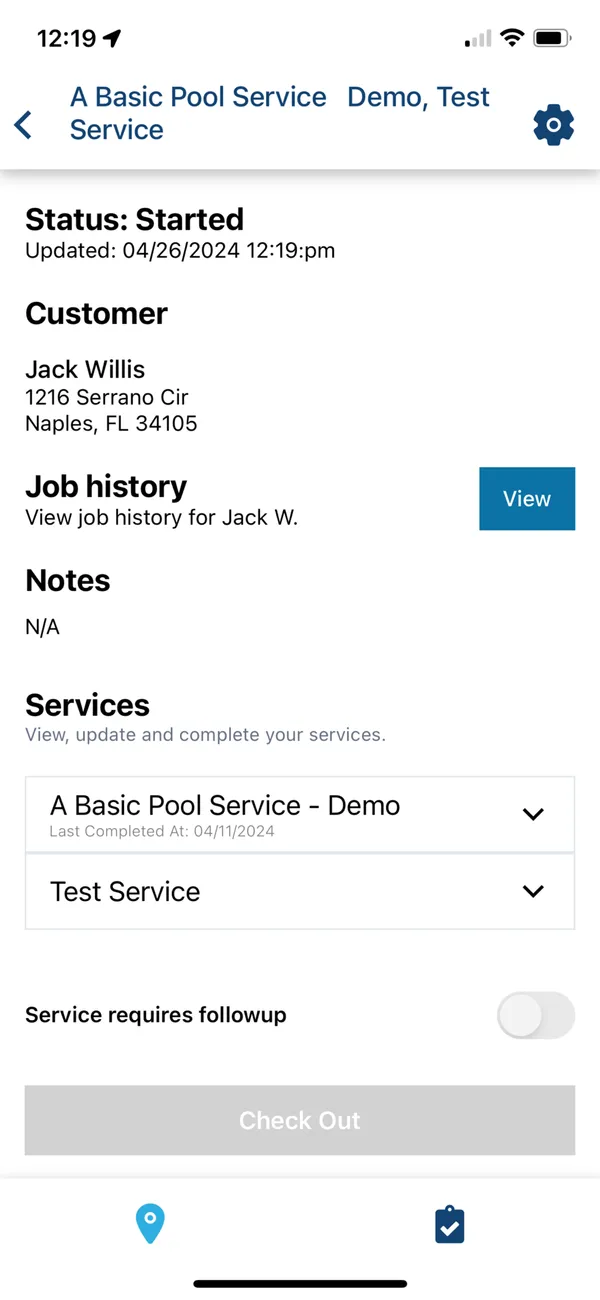
ProValet ranks ninth because chemistry is part of its technician app, but our sources describe less of it than the tools above. The app listing includes custom chemistry reading requirements and supply usage, which helps you set what must be recorded and see what was used. Our sources don’t say whether it calculates LSI, suggests doses, or imports from a meter, so confirm each one.
Its market position is also broader than pools, covering lawn, pest, home watch, and other route services, so test pool-specific work directly. Public evidence is thin, with seven reviews as of August 12, 2026.
It publishes one plan at $149 a month including one technician, plus $59 for each additional technician, checked August 12, 2026. Complete a real stop with readings, supply usage, photos, and notes, then send the customer report and look at what they actually see. If its route tools are your main interest, this test tells you whether the chemistry side is enough.
10. ServiceTitan

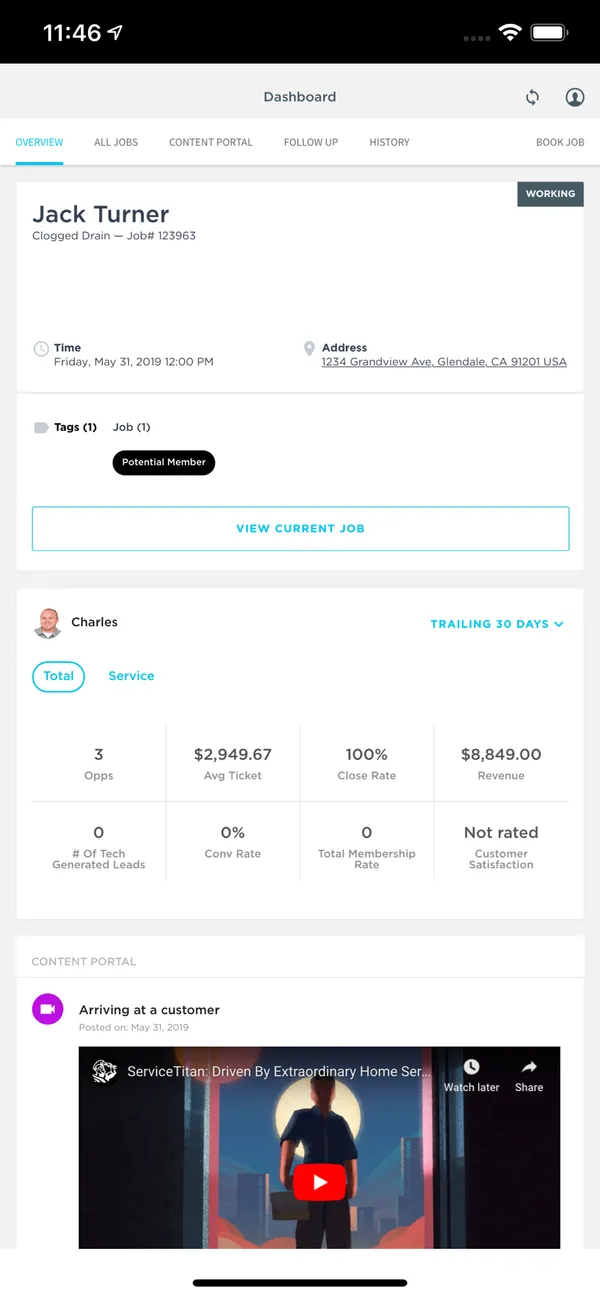
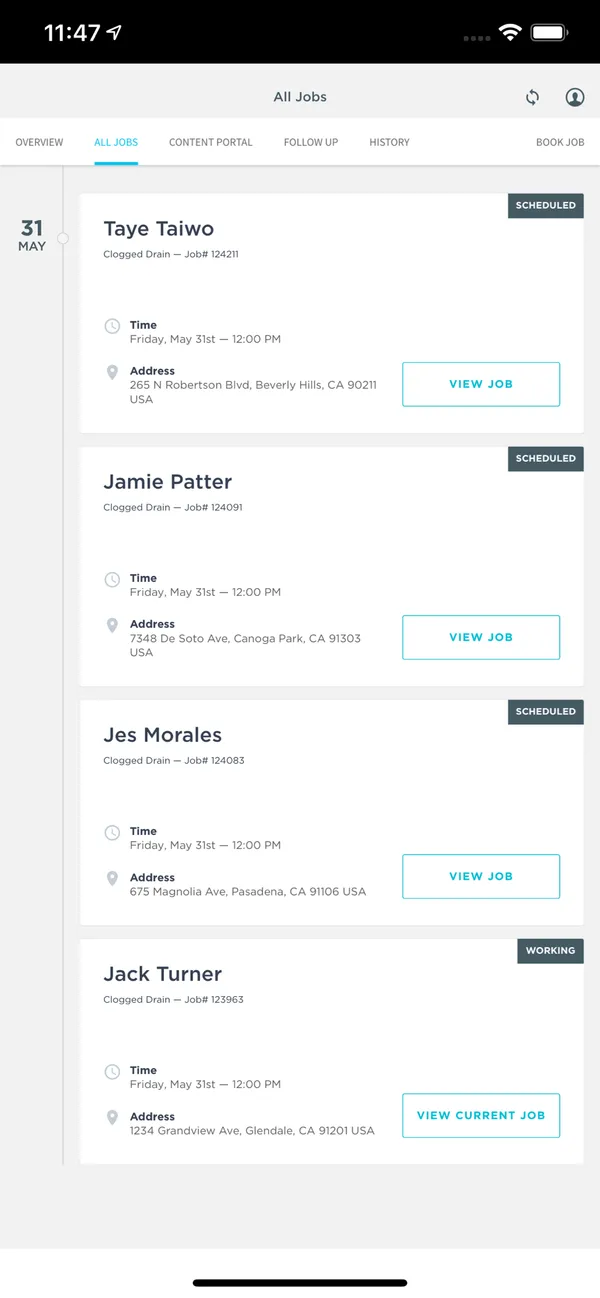
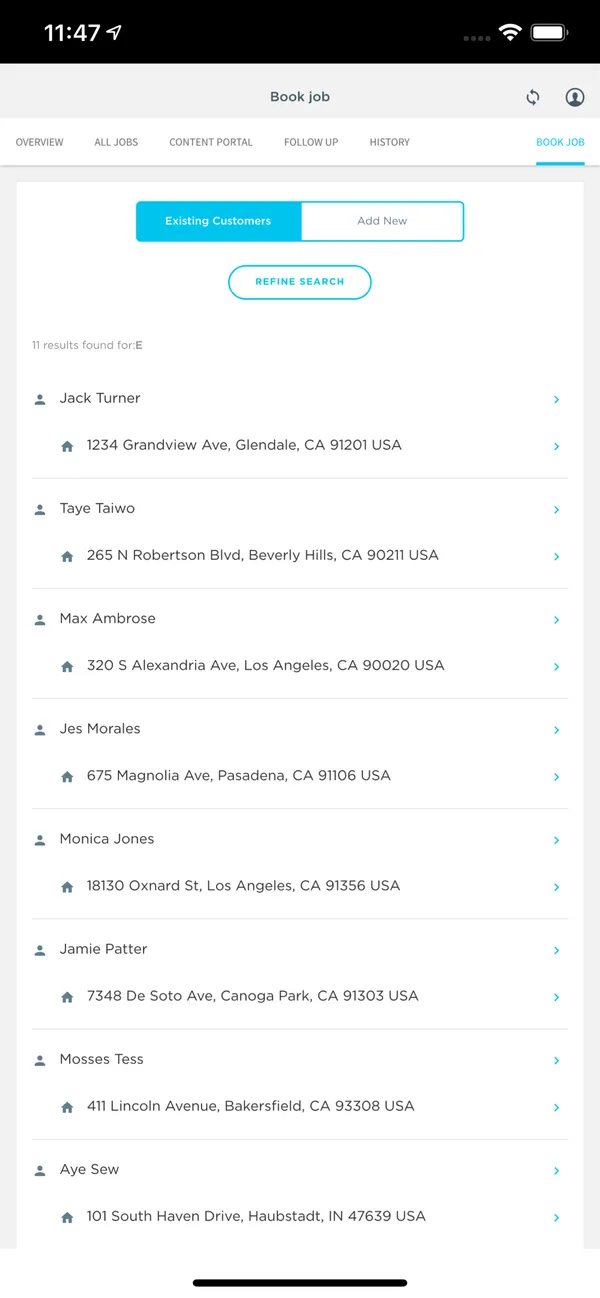
ServiceTitan ranks last here because chemistry is a small part of a very large system. It has an official pool service offering, and its pool page says customers can check chemical readings in the portal. Its technician app, ServiceTitan Field, supports forms, photos, and notes, so ask whether readings would run through those forms. Our sources don’t describe LSI, dosing suggestions, or meter imports, so confirm them.
It is built for much larger companies. Azureon selected it across pool construction and service operations, which gives you a sense of the scale it targets.
Every package requires a quote, priced per technician, and modules and implementation can affect the total. No dollar amounts were published as of August 12, 2026. If you already need its enterprise process, complete a recurring route with readings, dosages, photos, and customer proof, and check how Field forms capture them. If chemistry is your main reason for shopping, the tools above are a closer fit.
Running a facility instead of a route?
A club, waterpark, school, or recreation department may need staff-entered chemistry logs, alerts, and inspection exports more than routes and billing. In a recent multi-pool log discussion, pool pros pointed out that facility tools are built for logs rather than billing or route work. See the aquatic facility management software guide for that comparison.
Frequently Asked Questions
Which pool service software calculates LSI?
Pool Service Software, Paythepoolman, The Dip App, PoolProof, and PoolDial list LSI. For Skimmer and Pool Brain, our sources describe readings and dosages but not LSI, so confirm it in a trial and check the result against your own calculation.
Which software imports readings from a water-test meter?
Pool Service Software integrates with LaMotte meters and the Orenda help desk. Paythepoolman imports from SpinTouch. Pooltrackr syncs Palintest, SpinTouch, SpinLab, and Xpress Flex devices in Australia and New Zealand. PoolDial uses manual reading entry and does not currently integrate with photometers.
Can I connect a water-testing meter?
Some tools can. PSS integrates LaMotte meters, Paythepoolman imports SpinTouch results, and Pooltrackr syncs Palintest, SpinTouch, SpinLab, and Xpress Flex devices in Australia and New Zealand. PoolDial uses manual entry. Test with the meter you actually use.
Is there free chemical tracking software for pool service?
Pool Service Software includes every feature, including readings, dosages, and LSI, free for up to 10 properties. The Dip App’s free core includes chemical readings with LSI, and it charges fees on card and ACH payments. Check what each costs once you grow past the free level.
Is this guide independent?
No. PoolDial publishes it, and I founded PoolDial. That’s why each product comes with its tradeoffs, competitors rank above PoolDial where they fit better, and prices carry the date they were checked.
If your current chemistry records work well, staying with them can be the right decision. For the full picture, see the pool service software guide, or the guides to route optimization software, the best mobile app for pool technicians, and free pool service software.