
When to Recommend Equipment Replacement: Using Service History Data


You show up to service a pool and the pump is making that noise again. You fixed it three months ago. You fixed it six months before that. The customer keeps paying for repairs, and you keep doing them. But at some point, you both know the truth: this pump is done.
The hard part is not knowing when to replace. The hard part is making the case to the customer. Most pool pros rely on gut feeling. "I think you need a new pump." That does not work. Customers want proof. They want numbers. And if you track your service history the right way, you have those numbers sitting right in front of you.
This guide will show you how to use service history data to know when equipment should be replaced instead of repaired. You will learn the exact decision framework, the real lifespans for every major piece of pool equipment, and how to present replacement recommendations so customers say yes instead of "let me think about it."
Key Takeaways
- Use the 50% rule. If the repair cost is more than 50% of replacement cost and the equipment is past half its expected lifespan, recommend replacement.
- Track every repair. You need a complete service history to make a strong case. PoolDial's equipment tracking logs every repair automatically.
- Lead with data, not opinion. "You've spent $680 on repairs in 18 months" is stronger than "I think it's time for a new one."
- Replacement is a service, not a sales pitch. You are saving the customer money by stopping the cycle of expensive repairs.
- Know the lifespans. Pumps last 8 to 12 years. Heaters last 7 to 10. Salt cells last 3 to 7. Filters last 7 to 10.
The Repair vs. Replace Decision Framework with PoolDial
Most pool techs use gut feeling to decide when something should be replaced. That is a problem for two reasons. First, you might replace something too early and lose the customer's trust. Second, you might keep repairing something that should have been replaced months ago, and you end up eating the labor costs on warranty callbacks.
Here is a simple decision framework that works every time. It is based on two numbers: the cost of the repair and the age of the equipment.
The 50% Rule: If the cost of the current repair is more than 50% of the cost of a brand new replacement, and the equipment is past the halfway point of its expected lifespan, recommend replacement.
Let's walk through an example. A customer has a variable speed pump that is 7 years old. The expected lifespan is 8 to 12 years, so the halfway point is 4 to 6 years. This pump is past the halfway mark. The current repair quote is $450 for a new motor. A brand new pump costs $1,200. Is $450 more than 50% of $1,200? Yes. 50% of $1,200 is $600, and $450 is close enough that when you add in the labor for the next repair in 6 months, you are over that line. Recommend replacement.
Now look at the other side. A customer has a pump that is 3 years old. It needs a $150 seal replacement. A new pump costs $1,200. Is $150 more than 50% of $1,200? No, not even close. And the pump is not past the halfway point of its life. Repair it.
Here is the decision table:
| Situation | Repair Cost vs. 50% of Replacement | Past Half Lifespan? | Recommendation |
|---|---|---|---|
| Repair is cheap, equipment is young | Under 50% | No | Repair |
| Repair is cheap, equipment is old | Under 50% | Yes | Repair, but flag for monitoring |
| Repair is expensive, equipment is young | Over 50% | No | Repair, but discuss replacement timeline |
| Repair is expensive, equipment is old | Over 50% | Yes | Replace |
There is a third factor that makes the case even stronger: repair frequency. If a piece of equipment has needed 3 or more repairs in the past 18 months, that is a pattern. Even if each individual repair is under the 50% line, the total cost of all those repairs added together often crosses it. This is where service history data from PoolDial's equipment tracking becomes so important. You can pull up the full history and show the customer the pattern.
Pool Equipment Lifespans Every PoolDial User Should Know
You cannot use the 50% rule if you do not know how long equipment is supposed to last. Here are the real-world lifespans for every major piece of pool equipment. These are based on typical residential use in a properly maintained pool. Harsh water chemistry, heavy commercial use, or poor maintenance will shorten these numbers.
| Equipment | Expected Lifespan | Halfway Point | Typical Replacement Cost |
|---|---|---|---|
| Variable speed pump | 8 to 12 years | 4 to 6 years | $1,000 to $1,800 |
| Single speed pump | 8 to 12 years | 4 to 6 years | $400 to $800 |
| Gas heater | 7 to 10 years | 3.5 to 5 years | $2,500 to $4,500 |
| Heat pump | 10 to 15 years | 5 to 7.5 years | $3,000 to $5,500 |
| Salt chlorine generator (cell) | 3 to 7 years | 1.5 to 3.5 years | $400 to $1,200 |
| Cartridge filter | 7 to 10 years | 3.5 to 5 years | $500 to $1,200 |
| DE filter | 7 to 10 years | 3.5 to 5 years | $600 to $1,500 |
| DE grids | 5 to 7 years | 2.5 to 3.5 years | $150 to $350 |
| Pool automation system | 8 to 15 years | 4 to 7.5 years | $1,500 to $4,000 |
| Pool cleaner (robotic) | 3 to 5 years | 1.5 to 2.5 years | $500 to $1,500 |
| Pool cleaner (suction/pressure) | 4 to 7 years | 2 to 3.5 years | $200 to $600 |
When you add equipment to a customer's profile in PoolDial, you record the install date and model number. That means you always know exactly how old the equipment is and can check it against these lifespans in seconds. You do not have to guess or ask the customer when it was installed. For more on setting this up, read our guide on tracking pool equipment by customer.
Warning Signs That Equipment Is Dying in PoolDial
Age and repair cost are the two big factors, but there are other warning signs that tell you a piece of equipment is on its way out. When you see two or more of these at the same time, it is time to have the replacement conversation.
Increasing repair frequency. This is the biggest red flag. One repair a year is normal for older equipment. Two repairs in 12 months is a yellow flag. Three or more repairs in 18 months is a clear sign the equipment is failing. Each repair fixes the symptom, but the root cause is age and wear. PoolDial's service history makes this pattern obvious because you can see every repair on a timeline.
Declining performance. The pump runs but the flow rate is lower than it used to be. The heater fires but takes 3 hours to heat the pool instead of 1. The salt cell is at 100% output but the chlorine level is still low. When equipment cannot do its job at full capacity, it is wearing out from the inside.
Rising energy costs. Old single speed pumps can cost $100 or more per month to run. A new variable speed pump might cost $30. If a customer complains about their electric bill, that is your opening. The replacement pays for itself in 12 to 18 months through energy savings alone. You can show them the math: $70 per month savings times 12 months equals $840 per year. If the new pump costs $1,400 installed, it pays for itself in under 2 years.
Unusual noises. Grinding, squealing, or humming that was not there before. These are mechanical signs of bearing failure, cavitation, or internal corrosion. A noise that goes away after a repair will come back. It always comes back.
Visible corrosion or damage. Rust on a heater manifold. Cracks in a pump housing. Corroded terminals on a salt cell. These are signs that the equipment is breaking down at a structural level, not just at a parts level.
Discontinued parts. When the manufacturer stops making parts for a model, every future repair becomes harder and more expensive. If you have to source aftermarket parts or pull from eBay, it is time to replace. Log this in PoolDial work orders so the customer has a record of why the replacement is needed.
How to Present Equipment Replacement Using PoolDial Data
This is where most pool pros lose the sale. They say something like "I think you need a new pump" and the customer hears "this guy wants to sell me something." That is because opinions are easy to dismiss. Data is not.
Here is how to present a replacement recommendation using your service history:
Step 1: Pull up the equipment history. Open the customer's profile in PoolDial and go to their equipment tab. You will see every piece of equipment, the install date, the model number, and every repair that has been done.
Step 2: Add up the numbers. Count the repairs. Add up the costs. Calculate the time span. These are the facts you will present.
Step 3: Present it as a simple comparison. Here is an example script:
"Hey Mrs. Johnson, I wanted to talk to you about your pool pump. I pulled up the service history and here is what I found. Your pump is a Pentair SuperFlo VS installed in 2018. That makes it about 8 years old. In the last 18 months, we have done 4 repairs on it. We replaced the motor capacitor in October 2024 for $185. We replaced the shaft seal in March 2025 for $145. We replaced the impeller in September 2025 for $210. And now the motor bearings are going out, which is a $340 repair. That is $880 in repairs over 18 months. A brand new Pentair SuperFlo VS installed is $1,200. At the rate we are going, you will spend more on repairs in the next year than a new pump costs. I would recommend replacing it. The new one comes with a 3-year warranty, and you will not have any repair bills for a long time."
Notice what happened there. You did not say "I think." You said "here is what I found." You used specific dates, specific dollar amounts, and a specific comparison. The customer can see the math for themselves. That is the power of good service history data.
Step 4: Send a written summary. After the conversation, use PoolDial's billing to send a formal quote for the replacement. Include the repair history summary in the notes. The customer can review it on their own time and share it with their spouse or whoever makes the financial decisions. This removes the "let me think about it" delay because they have everything they need to decide.
PoolDial's Equipment History Gives You the Data
None of this works without good records. If you are keeping repair history on paper tickets or in your head, you do not have the data to make the case. You will forget repairs, mix up dates, and lose track of how much the customer has spent.
PoolDial's equipment tracking solves this. Every piece of equipment is tied to a customer. Every repair is logged with the date, the cost, and what was done. When it is time for the replacement conversation, you pull up the history and the numbers are right there.
Here is what you should track for every piece of equipment:
- Make and model. You need to know the exact model to look up replacement cost and parts availability.
- Install date. This tells you the age. If the customer does not know when it was installed, estimate based on the model year and log it. You can also check warranty records for the original install date.
- Serial number. Useful for warranty claims and for identifying which generation of a product it is.
- Every repair. Date, what was done, parts used, and total cost. This is the data that powers the replacement recommendation.
- Warranty status. Is it still under warranty? When does the warranty expire? Some manufacturers offer prorated replacement after the warranty period.
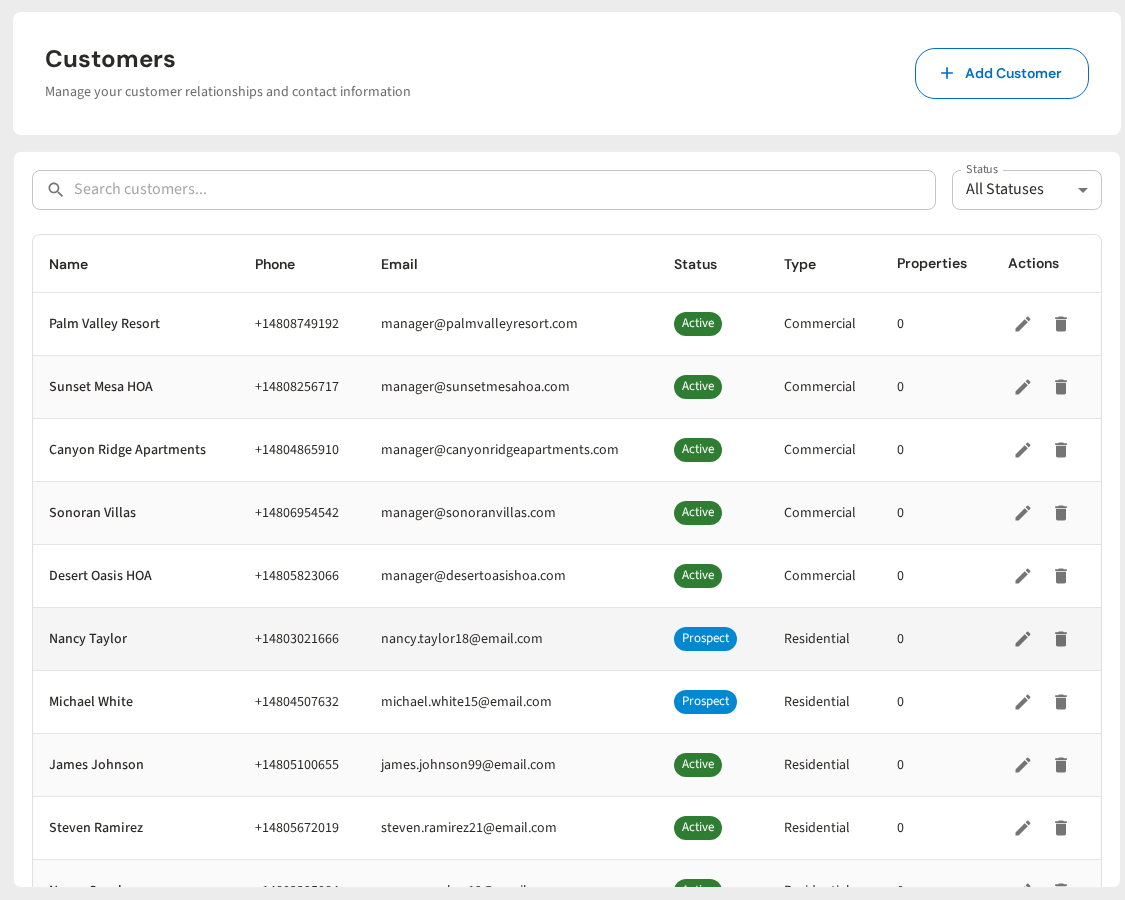
When you have this data for every customer, you can run your entire equipment pad like a fleet manager runs vehicles. You know what is aging, what is costing too much to maintain, and what is about to fail. You can plan replacements in advance instead of reacting to breakdowns. That is a better experience for the customer and more profitable for you.
Replacement as a Service, Not a Sales Pitch, in PoolDial
Some pool pros feel uncomfortable recommending replacements because they think it sounds like a sales pitch. It is not. When you use data to show a customer that they are spending more on repairs than a new unit costs, you are saving them money. That is a service.
Think about it from the customer's side. They do not know how long a pump is supposed to last. They do not know if 4 repairs in 18 months is normal. They do not know that a new variable speed pump will cut their electric bill by $70 a month. You know all of these things. By not telling them, you are actually doing them a disservice.
Here are some ways to frame replacement as a service:
- "I want to save you money in the long run." This is true. Replacing a failing piece of equipment costs less than continuing to repair it.
- "I want to prevent an emergency." A pump that has been repaired 4 times is going to fail completely at some point, probably on a Friday evening in July when you cannot get parts for 5 days. The pool goes green. The customer is upset. Everyone loses.
- "Here are the numbers. You tell me what you want to do." Present the data and let them decide. No pressure. When the facts are clear, most customers choose replacement on their own.
- "A new unit comes with a full warranty." After spending $880 on repairs with no warranty protection, a 3-year manufacturer warranty sounds very good.
When you approach it this way, customers see you as an advisor, not a salesman. They trust you more. They refer you to their neighbors. And they say yes to the replacement because you earned it with data, not a pitch.
Real Numbers: The Cost of Waiting Too Long with PoolDial
Let's look at what happens when you keep repairing instead of replacing. Here is a real-world example with a gas pool heater.
The heater is a Hayward H250FDN installed in 2017. It is now 9 years old. The expected lifespan is 7 to 10 years. Here is the repair history:
| Date | Repair | Cost |
|---|---|---|
| March 2024 | Replaced igniter | $165 |
| July 2024 | Replaced pressure switch | $120 |
| November 2024 | Replaced control board | $485 |
| April 2025 | Replaced heat exchanger gaskets | $210 |
| October 2025 | Replaced bypass valve and headers | $380 |
| April 2026 | Heat exchanger leaking (needs replacement) | $950 (quoted) |
Total repairs over 2 years: $2,310. A brand new Hayward H250FDN installed costs about $3,200. The customer has already spent 72% of the replacement cost on repairs, and the heater is still failing. If you had recommended replacement after the control board failure in November 2024, when the total was $770 and the equipment was already 7 years old, the customer would have saved $1,540 in additional repairs.
This is the cost of waiting. Every repair on old equipment is a gamble. Sometimes you get another year out of it. Sometimes you get 3 months. But the trend only goes one direction. Old equipment breaks more often and costs more to fix each time.
When you track this in PoolDial, you can catch the pattern early. After the third repair in 12 months, the system shows you a clear trend. You do not have to wait for the customer to call you frustrated because their heater died again. You can get ahead of it.
Building a Proactive Replacement Program with PoolDial
The best pool companies do not wait for equipment to fail. They build proactive replacement programs. Here is how to set one up using PoolDial.
Step 1: Audit every customer's equipment. Go through your customer list and make sure every piece of equipment is logged in PoolDial with the install date and model number. If you do not know the install date, estimate it. An estimate is better than nothing.
Step 2: Flag aging equipment. Any equipment that is past the halfway point of its expected lifespan goes on a watch list. A pump installed in 2019 is 7 years old and entering the replacement zone. A salt cell installed in 2022 is 4 years old and could need replacement any time.
Step 3: Review repair history quarterly. Every 3 months, look at which equipment has had the most repairs. Sort by total repair cost. Any equipment with more than $300 in repairs in the past 12 months deserves a closer look.
Step 4: Schedule the conversation. When you identify equipment that meets the replacement criteria, schedule a conversation with the customer. Do it in person at the pool, not over the phone. Show them the equipment. Show them the data. Use the script from earlier in this article.
Step 5: Offer off-season pricing. Replacements done in the off-season (fall and winter for most markets) are cheaper because supply houses are slower and you have more time to schedule the work. Offer a 5 to 10% discount for off-season replacements. The customer saves money, and you fill your slow months with profitable work. Create the work order in PoolDial and schedule it for the right time.
A proactive replacement program does three things for your business. First, it generates predictable revenue from equipment sales. Second, it reduces emergency repairs that blow up your schedule. Third, it builds trust with customers because you are looking out for their best interest, not waiting for things to break.
What to Do After the Replacement with PoolDial
The job is not done when the new equipment is installed. Here is how to close the loop and set yourself up for the next replacement years down the road.
Log the new equipment. Add the new unit to the customer's profile in PoolDial with the exact install date, model number, and serial number. This starts the clock on the new lifespan.
Record the warranty. Log the warranty start date, end date, and what it covers. Set a reminder for 30 days before the warranty expires so you can do a final inspection while it is still covered. Read our guide on pool equipment warranty tracking for more on this.
Send a summary to the customer. Use PoolDial to send the customer a message with the details of what was installed, the warranty information, and any maintenance tips. This is a small touch that makes a big difference in how professional you look.
Schedule the first maintenance check. Most new equipment should be checked 30 to 60 days after installation to make sure everything is running right. Schedule it in PoolDial so you do not forget.
Update the customer's billing. If the replacement included an upgrade (like going from single speed to variable speed), the customer's monthly service cost might change. Update it in PoolDial billing so everything stays in sync.
By closing the loop properly, you create a complete equipment lifecycle in PoolDial. You can see when everything was installed, what it replaced, and when it will need attention next. Over time, this data becomes one of your most valuable business assets. It is the difference between a pool company that reacts to problems and one that manages equipment like a professional.
Track Every Repair. Know When to Replace.
PoolDial logs your equipment history, tracks repair costs, and gives you the data to recommend replacements with confidence. Stop guessing and start showing customers the numbers.
Start Your Free Trial