
How to Set Up Customer Referrals

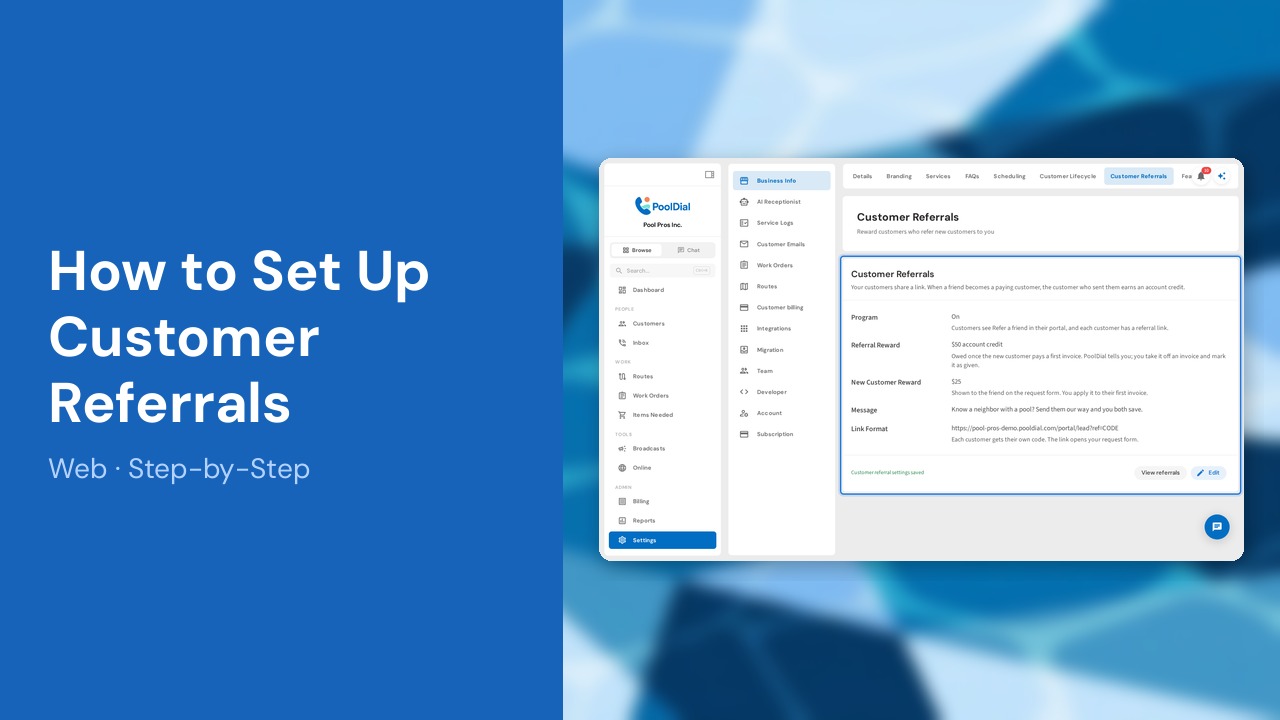
Your happiest customers are your best salespeople. With customer referrals, every customer gets their own link to send to friends and neighbors. When a friend becomes a paying customer, PoolDial tells you the customer who sent them has earned their reward. PoolDial never changes an invoice on its own. You take the credit off an invoice yourself, then mark the reward as given.
This guide covers 7 steps and takes about a minute to complete.
Video Walkthrough
Prefer to watch? Here's a full video walkthrough of How to Set Up Customer Referrals.
1. Open Customer Referrals settings
Go to Settings, open Business Info, and choose Customer Referrals. The program is off until you turn it on.
2. Click Edit
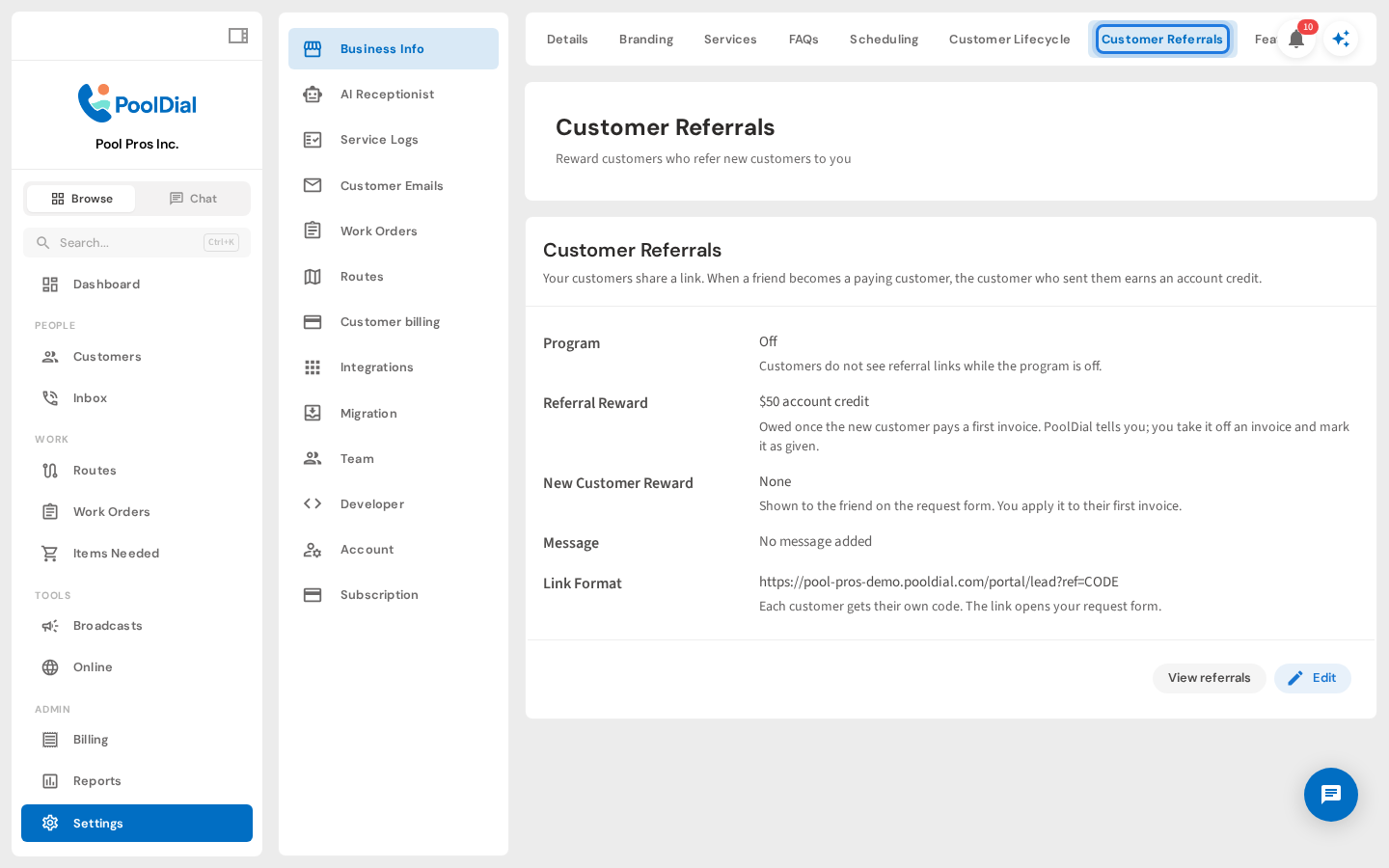
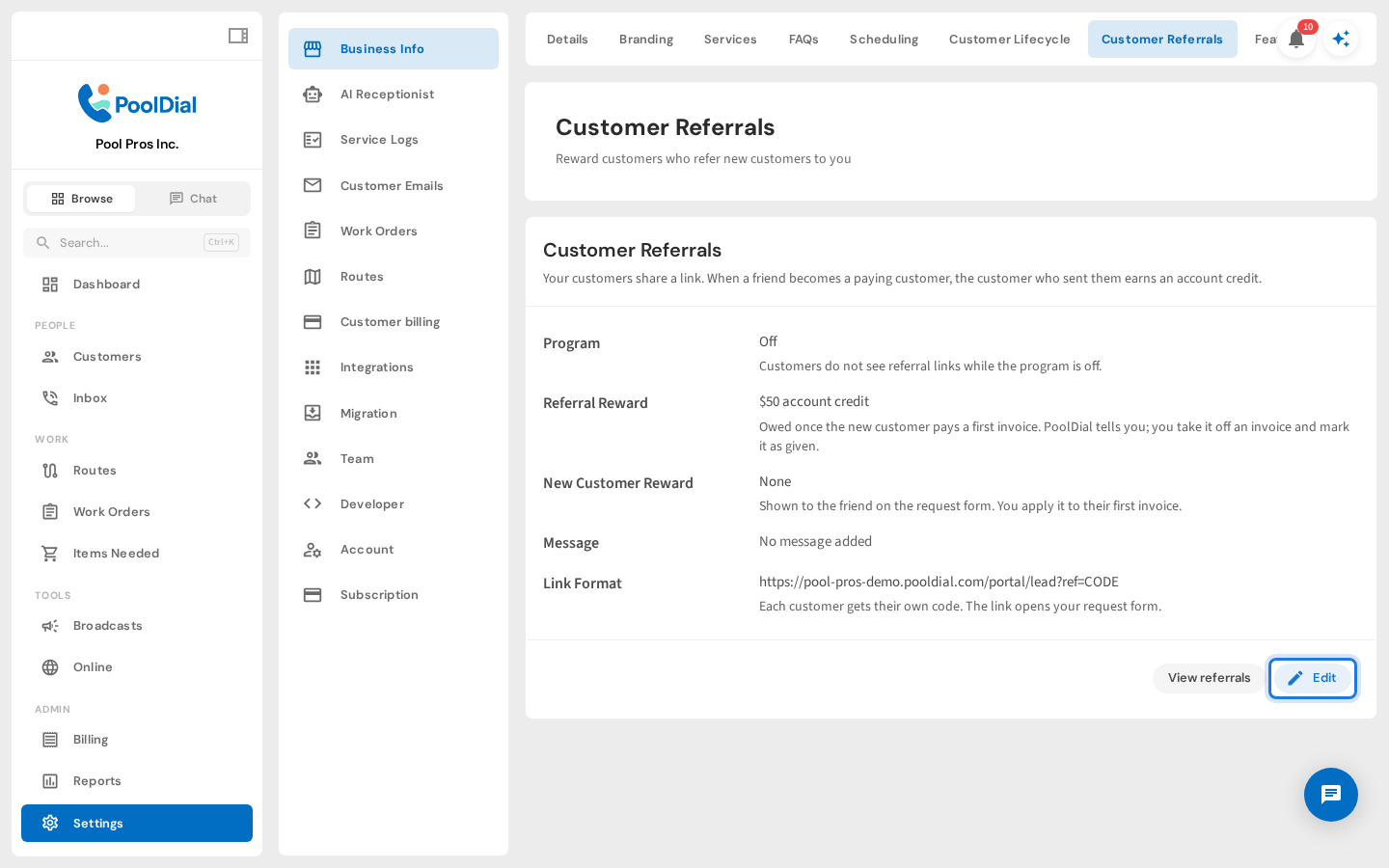
Click Edit at the bottom of the Customer Referrals card.
3. Turn on the program and set the rewards
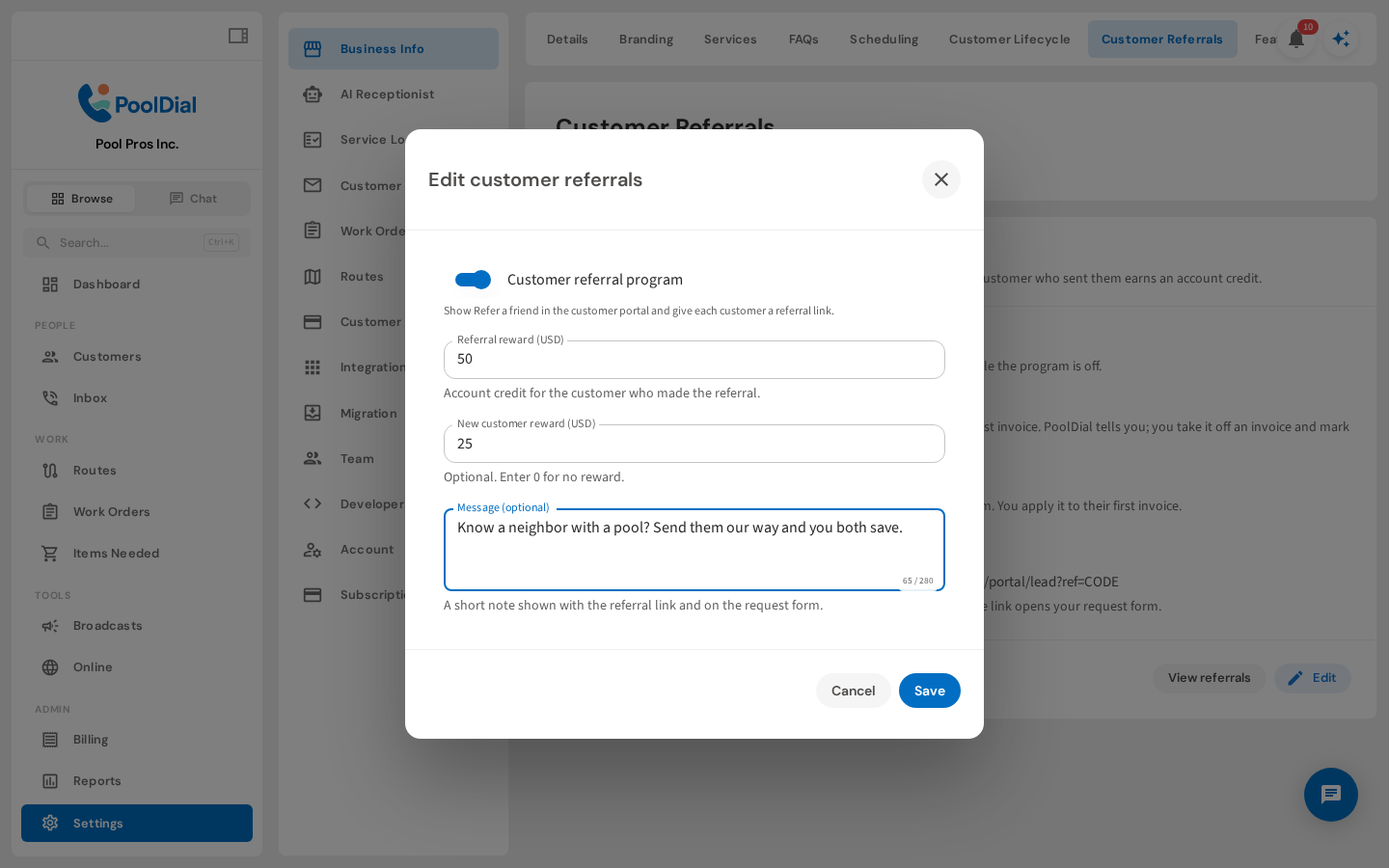
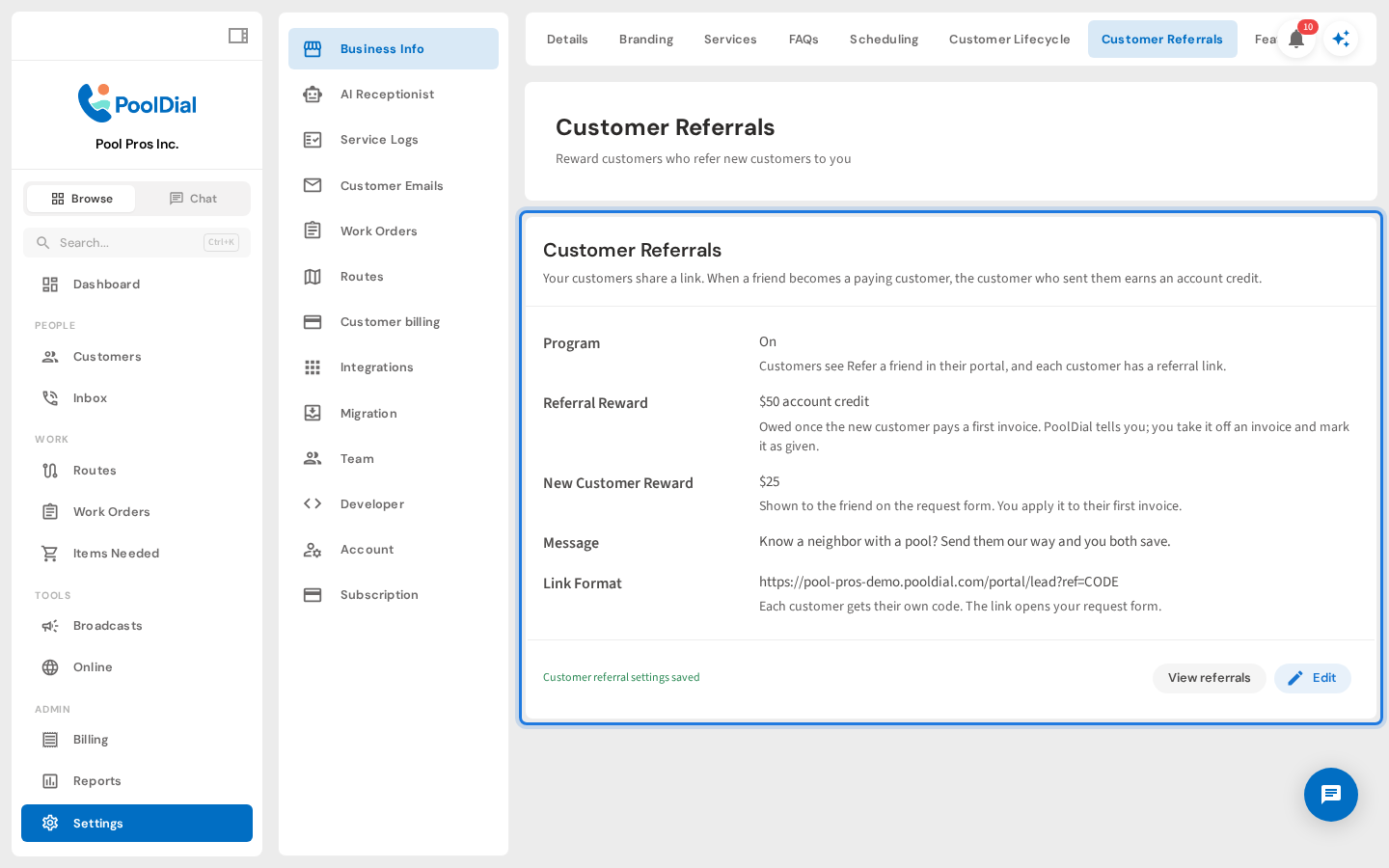
Turn on the Customer referral program. Set the Referral reward the customer earns when a friend becomes a paying customer. You can also set a New customer reward for the friend and add a short message.
4. Save your settings
Click Save. The card now shows the program is on, along with the rewards and the link format your customers will share.
5. Copy a customer's referral link
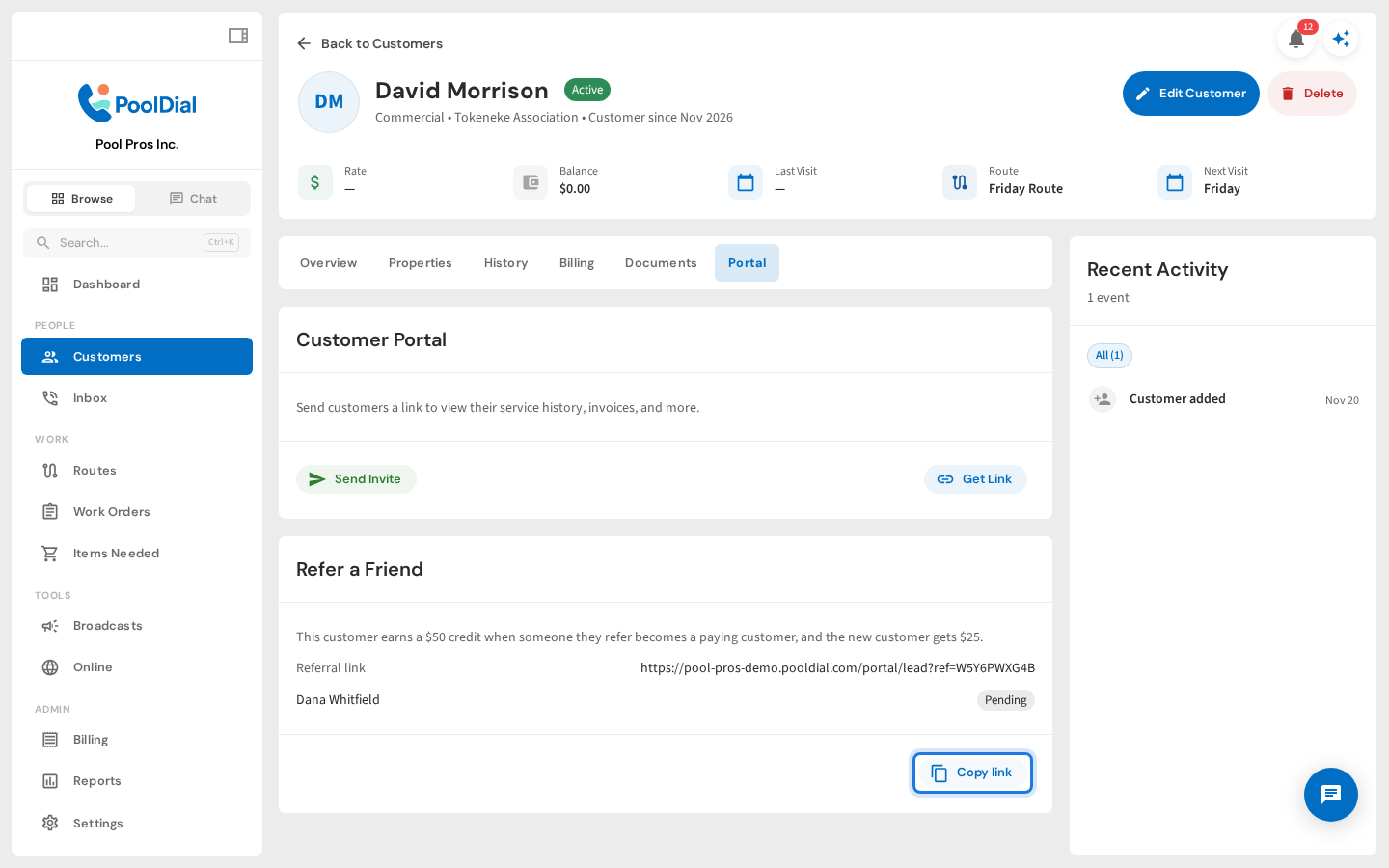
Every customer gets their own link. Open a customer, go to the Portal tab, and find the Refer a Friend card. Click Copy link to send it to them. Customers can also find their link in the customer portal under Refer a friend.
6. Track referrals as they come in
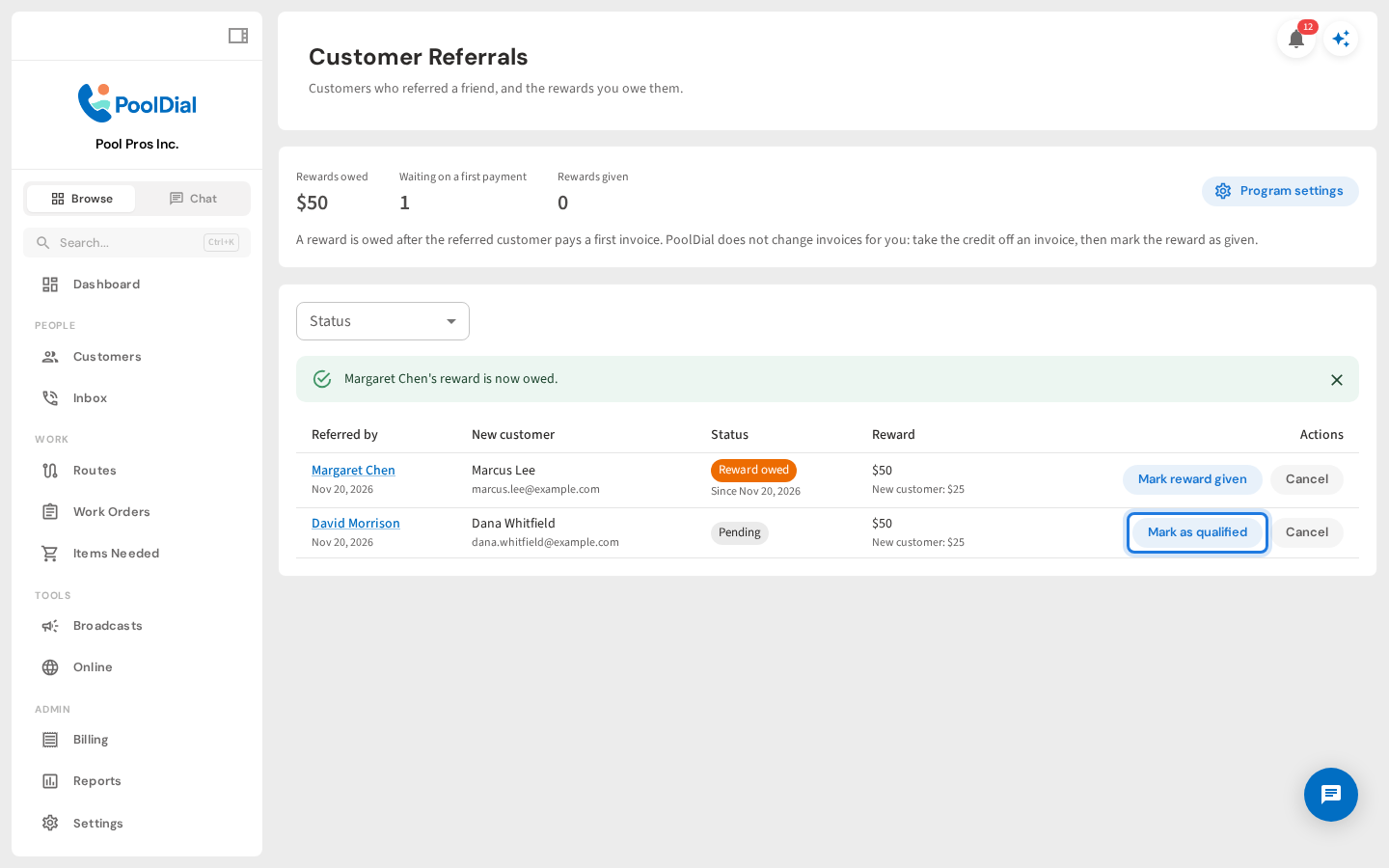
When a friend sends a request through the link, it shows up under Customer Referrals as Pending. PoolDial marks it Qualified once the friend pays their first invoice, and emails you when that happens. You can also click Mark as qualified yourself.
7. Mark the reward as given
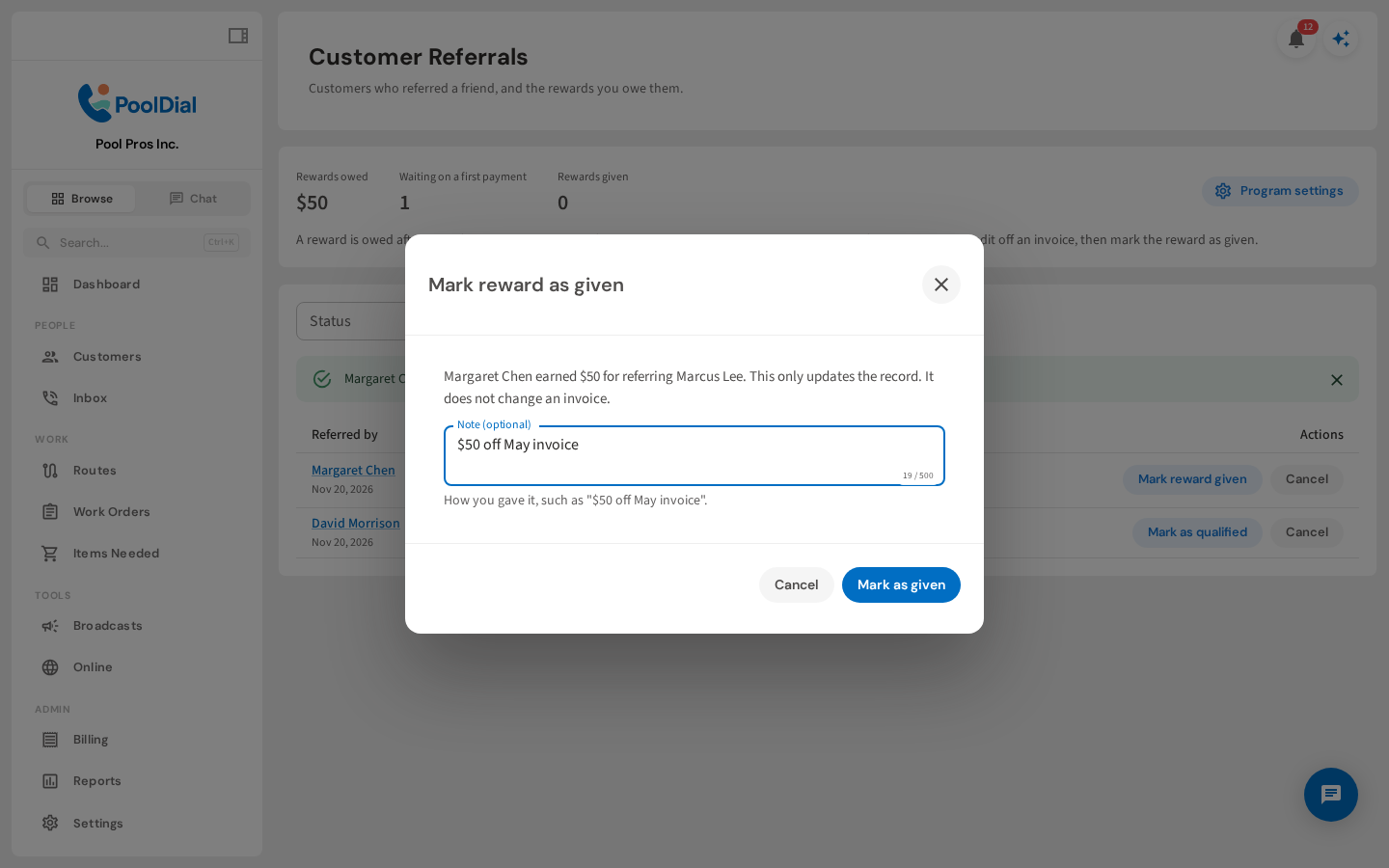
A qualified referral means you owe the reward. Take the credit off the customer's next invoice, then click Mark reward as given. Add a note like $50 off May invoice so you remember how you paid it.
Not using PoolDial yet?
Manage your customers, routes, billing, and more — all in one place.
Start Free Trial