
Custom Pool Inspection Forms: What to Include for Different Pool Types


Not every pool is the same. A backyard pool with a simple chlorine system is very different from a commercial pool with an automation controller and a salt chlorine generator. So why would you use the same inspection form for both?
A one-size-fits-all checklist leaves gaps. Your tech might check everything on the list but miss items that matter for that specific pool. The fix is simple: build custom inspection forms for each pool type. That way, every pool gets the checks it actually needs.
Key Takeaways
- One checklist does not fit all pools. Residential, commercial, salt, spa, and automated pools each need different inspection items.
- Custom forms catch problems a generic list misses. A salt pool form includes cell inspection. A spa form includes jet and temperature checks.
- PoolDial lets you create templates for each pool type. Assign the right form to each customer, and techs see it on their phone at every stop.
- Photos and notes make every form more useful. Attach before-and-after pictures to any checklist item for proof of service.
- Good forms save time and cut callbacks. When techs check the right things, problems get caught early.
Why One Checklist Does Not Work with PoolDial
Most pool service companies start with a single checklist. It covers the basics: water chemistry, filter pressure, pump check, water level, surface cleaning, and a quick equipment look. That works fine when every pool on your route is a standard residential pool with a cartridge filter and a chlorine feeder.
But routes grow. You pick up a hotel pool. You add a customer with a saltwater system. Someone has a pool with a full automation controller. Another has a spa attached to the pool. Now that basic checklist is not enough. Your tech shows up to a salt pool and there is no line item for checking the salt cell. They visit a commercial pool and there is nothing about drain covers or safety signs.
The result is missed items. And missed items lead to callbacks, angry customers, and problems that get worse over time. Custom forms solve this by matching the checklist to the pool.
PoolDial Inspection Forms for Residential Pools
Residential pools are the simplest to inspect. Your base checklist covers most of what you need. But even within residential pools, there are differences worth noting on the form.
A good residential form should include:
- Water chemistry: free chlorine, pH, alkalinity, CYA
- Filter pressure and cleaning status
- Pump basket and skimmer basket cleaning
- Water level check
- Surface skimming and brushing
- Auto-cleaner check (if they have one)
- Pool cover condition (if present)
- Equipment pad look-over for leaks or damage
Keep it short. A residential form should take about two minutes to fill out. The goal is to make sure the basics are covered without slowing your tech down. You can track water test results over time using PoolDial's chemical tracking to spot trends at each property.
PoolDial Inspection Forms for Commercial Pools
Commercial pools need a longer form. Health departments in most states require specific records. Your form should make sure techs collect that data at every visit.
On top of the standard residential items, a commercial form should add:
| Commercial Item | Why It Matters |
|---|---|
| Combined chlorine reading | Health codes often require it. High combined chlorine means the pool needs a shock treatment. |
| Flow meter reading | Proves the pool has proper flow. Required in many states. |
| Water clarity check | Can the main drain be seen from the deck? If not, the pool should be closed. |
| Drain cover inspection | VGBA compliance. Check for cracks, missing screws, or loose covers. |
| Safety equipment check | Life rings, shepherd hooks, signage, and gate latches. All required for code. |
| Bather load estimate | Helps explain chemical demand. A busy pool needs more chlorine. |
Commercial forms also help if a health inspector shows up. You can pull up the customer record in PoolDial and show months of completed inspections with timestamps and photos. That goes a long way toward proving you do your job right.
PoolDial Inspection Forms for Salt Pools
Salt pools have extra parts that need regular attention. If your form does not include them, your tech will skip them. And skipping salt cell checks leads to expensive problems.
A salt pool form should add these items on top of the base checklist:
- Salt level reading. Test the water with a salt strip or meter. Compare it to the system's readout. They do not always match.
- Salt cell inspection. Pull the cell and look for scale buildup. Note the condition and clean it if needed.
- Control board check. Look for error codes, warning lights, or unusual readings on the display.
- Cell runtime hours. Many systems track how many hours the cell has run. Log this so you know when it is nearing the end of its life.
- Sacrificial anode check. If the pool has one, inspect it for wear. A worn anode means corrosion will start hitting other metal parts.
Salt cells typically last 3 to 5 years. By logging cell condition and runtime hours with PoolDial's equipment tracking, you can predict when a replacement is coming. That lets you give the customer a heads-up instead of waiting for it to fail.
PoolDial Inspection Forms for Pools with Automation and Water Features
Pools with automation systems like Pentair IntelliCenter, Hayward OmniLogic, or Jandy iAquaLink have settings that can get changed by homeowners, power outages, or firmware updates. A quick controller check should be part of the form.
Add these items for automated pools:
- Pump schedule verification (correct run times and speed settings)
- Heater setpoint check (make sure it matches the customer's preference)
- Chemical feeder settings (if the system controls chlorine output)
- Alert or error code review
- Freeze protect settings (important in cooler climates)
For pools with water features like waterfalls, bubblers, deck jets, or fountains, add a few more items:
- Water feature operation check (turn each one on and confirm it works)
- Nozzle or jet alignment (make sure nothing is clogged or spraying outside the pool)
- Valve position check (features often share plumbing with the main pool)
- LED light function test (if the features have lights)
These checks only take a minute or two. But they catch small problems before they turn into service calls. A clogged deck jet or a changed pump schedule is easy to fix on the spot. It is a lot harder to fix after algae takes over because the pump was only running two hours a day.
PoolDial Inspection Forms for Spas and Hot Tubs
Spas and hot tubs run hotter than pools, which changes the chemistry and wear patterns. They also have parts that pools do not, like jets, blowers, and ozone systems. Your inspection form for a spa should cover those differences.
Add these items for spas:
- Water temperature reading. Make sure the heater is holding the right temp.
- Jet operation check. Turn on the jets. Check for weak flow, air locks, or jets that are not spinning.
- Spa cover condition. Look for waterlogging, tears, or broken straps. A bad cover wastes energy and lets debris in.
- Blower check. If the spa has an air blower, turn it on and listen for unusual noise.
- Ozone or UV system check. If fitted, make sure the indicator light shows it is running.
- Bromine or chlorine level. Spas often use bromine. Make sure you are testing for the right sanitizer.
Spas also need more frequent water changes than pools. Adding a "days since last drain" counter to your form can help you remind customers when it is time. PoolDial stores all of this in the customer profile, so nothing gets lost between visits.
How to Build Custom PoolDial Inspection Templates
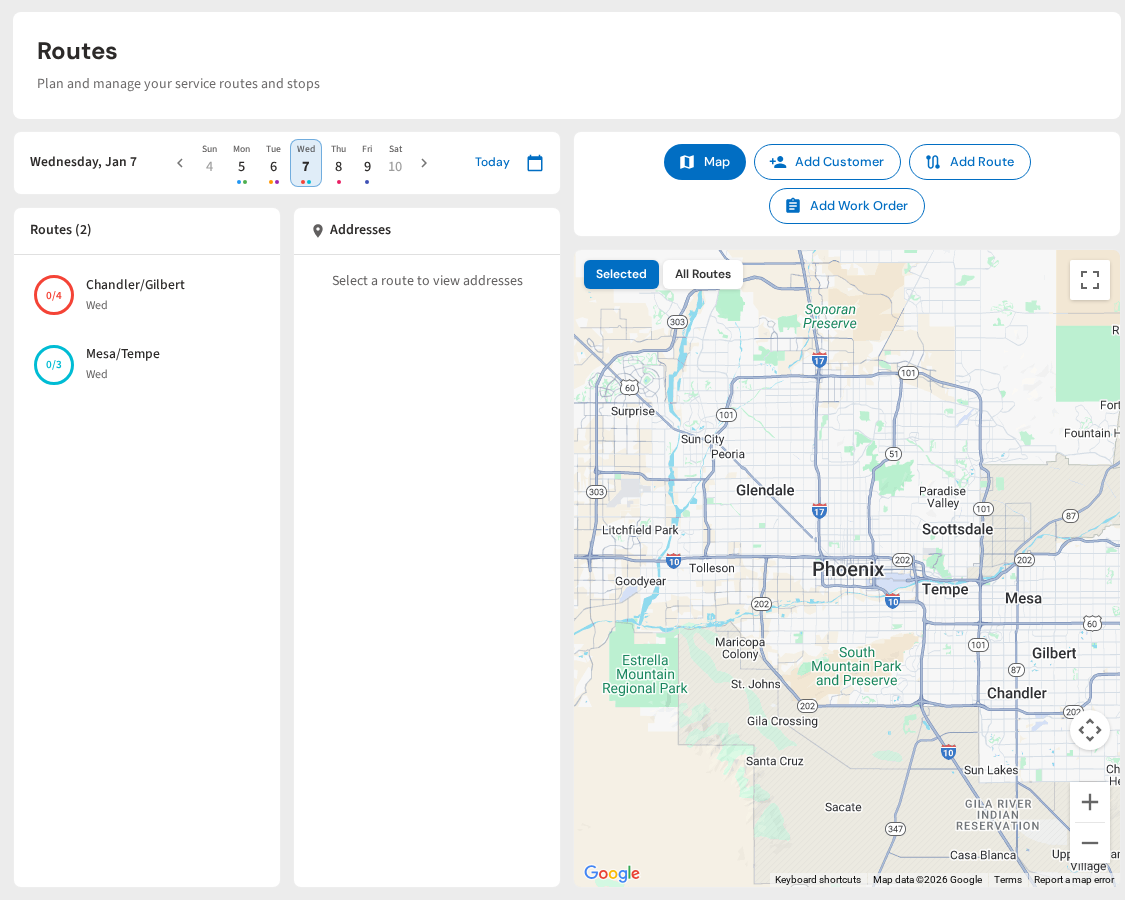
PoolDial makes it easy to create different inspection templates and assign them to the right customers. Here is how it works.
First, build your templates. Start with your base residential form. Then create versions for commercial, salt, automation, and spa pools. Each template is a list of checklist items. You can add text fields, photo fields, and pass/fail toggles to any item.
Next, assign templates to customers. When you set up a customer in PoolDial, pick the template that matches their pool type. If a customer has a salt pool with a spa, you can combine items from both templates into one custom form.
When a tech starts a stop on the mobile app, the right inspection form loads automatically. They tap through each item. They add notes where something looks off. They snap a photo when they see something the customer should know about. For more on using photos in service, read our guide on photo documentation for pool service.
Everything saves to the customer record. You can look back at any visit and see exactly what was checked, what was noted, and what photos were taken. Over time, this data helps you spot patterns and catch problems early.
You do not need to build every template on day one. Start with two: one for residential and one for your most common specialty pool type. Add more templates as your route grows and you take on different kinds of pools.
For a broader look at what every visit should cover, check out our guide on pool inspection checklist best practices.
Build Custom Inspection Forms in Minutes
PoolDial lets you create inspection templates for every pool type. Your techs fill them out on their phone, with photos and notes. Plans start at $2/pool.
Start Your Free Trial