

Pool Service Software for Australian Companies
Run routes, service logs, quotes, invoices, customer portal, and payments with AUD currency, Australia/Sydney scheduling, metric units, and configurable GST invoice fields.
Start Free TrialTrusted By



As Featured On



Regional settings without a separate workflow
PoolDial keeps Australia-specific currency, timezone, measurement, and invoice labels inside the same route and billing tools your team uses every day.
AUD quotes and invoices
Show customer-facing totals in AUD across quote approval, invoice PDFs, online booking, and portal balances.
Australia/Sydney scheduling
Keep routes, work orders, reminders, and Cody's time awareness aligned to Australian operating hours.
Metric service records
Use metric defaults for distance, temperature, volume, pressure, and chemical quantities for technicians.
Configurable GST fields
Set labels like GST, ABN, and Tax Invoice on customer documents without treating PoolDial as tax advice.
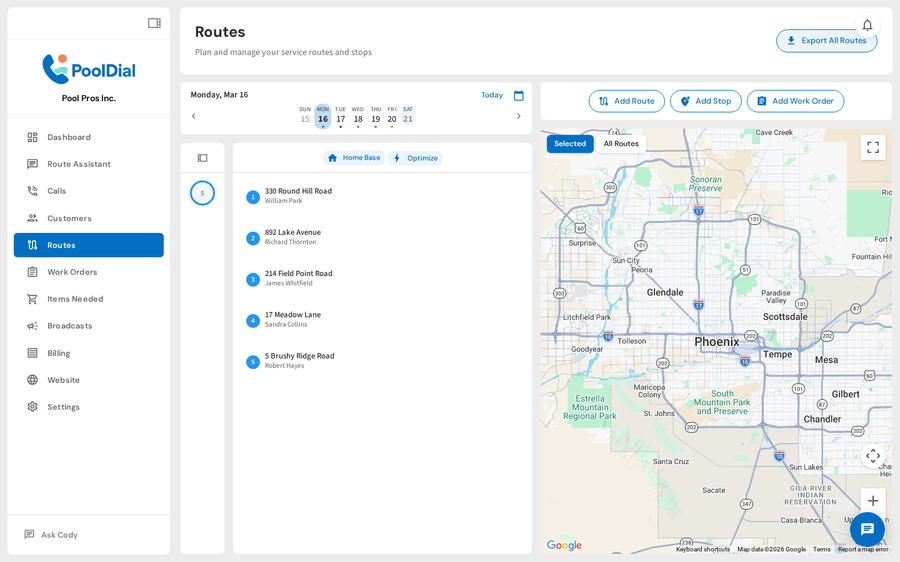
Plan Australian routes from the office.
See the day on a map, assign technicians, review stop counts, and keep recurring service organized before the team heads out.
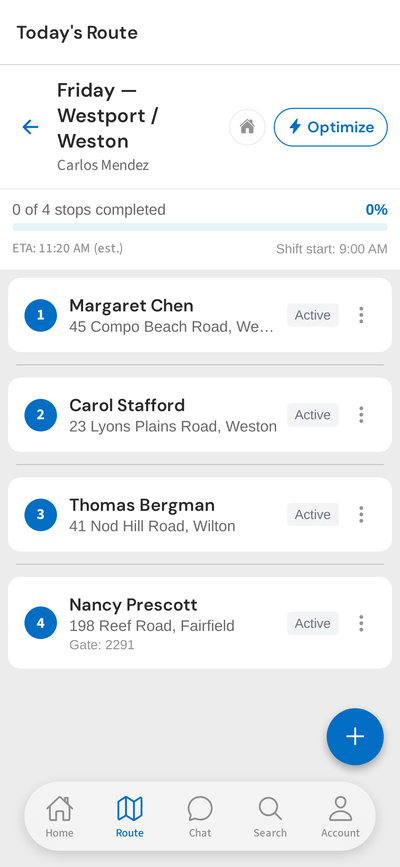
Give technicians the actual stop details.
Customer names, addresses, access notes, gate codes, route status, and service history stay available from the field app.
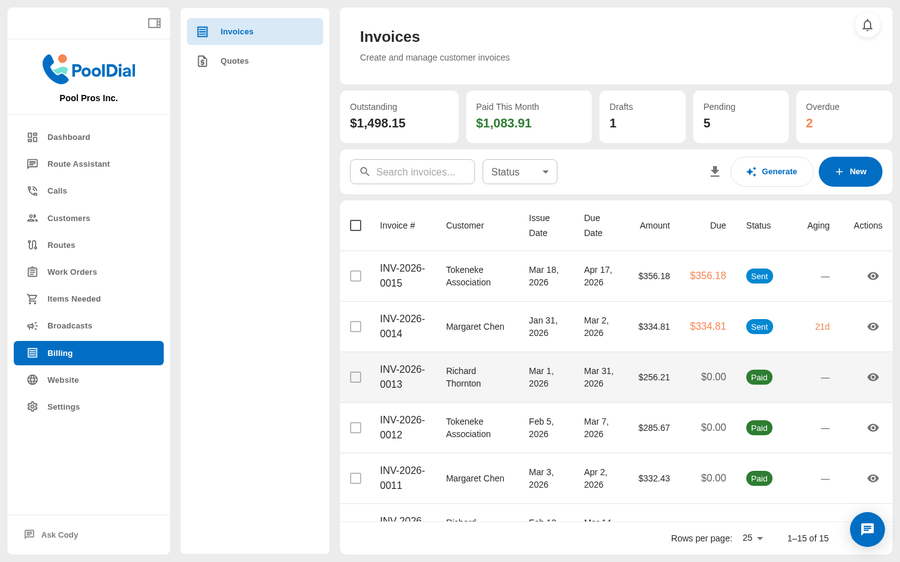
Send AUD invoices from the billing workspace.
Track drafts, sent invoices, paid invoices, overdue balances, due dates, and customer totals from a searchable billing view.
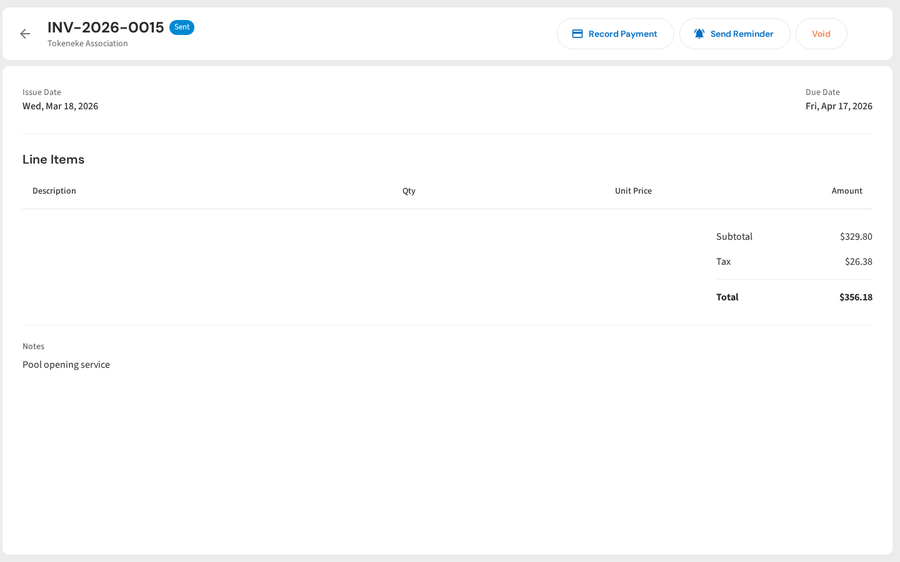
Keep invoice records readable for Australian customers.
Use configurable invoice labels for tax names, business tax IDs, and invoice titles while keeping line items, payment history, and PDFs in one place.
What Australia support means in PoolDial
Account region defaults
Set the account country to Australia to default currency to AUD, locale to en-AU, timezone to Australia/Sydney, and service units to metric.
Route scheduling in local time
Technician schedules, route planning, appointment windows, and automated reminders use the account timezone instead of assuming a US timezone.
Invoice labels you control
Use billing settings to choose the tax label, business tax ID label, business tax ID, and invoice title shown on PDFs and customer-facing billing flows.
Want to try PoolDial for an Australian pool company?
Start with routes, service logs, customer portal, AUD billing, and the AI receptionist. QuickBooks sync availability depends on accounting-region support.
Start Free Trial