Interactive diagnostic wizard for the Pentair Prowler 930W WiFi-enabled robotic inground pool cleaner. Troubleshoot app connectivity, cleaning modes, scheduling, wall climbing, and Spot Clean issues.
Select the symptom your Prowler 930W is displaying to get step-by-step troubleshooting guidance.
Click a symptom to see diagnostic steps.
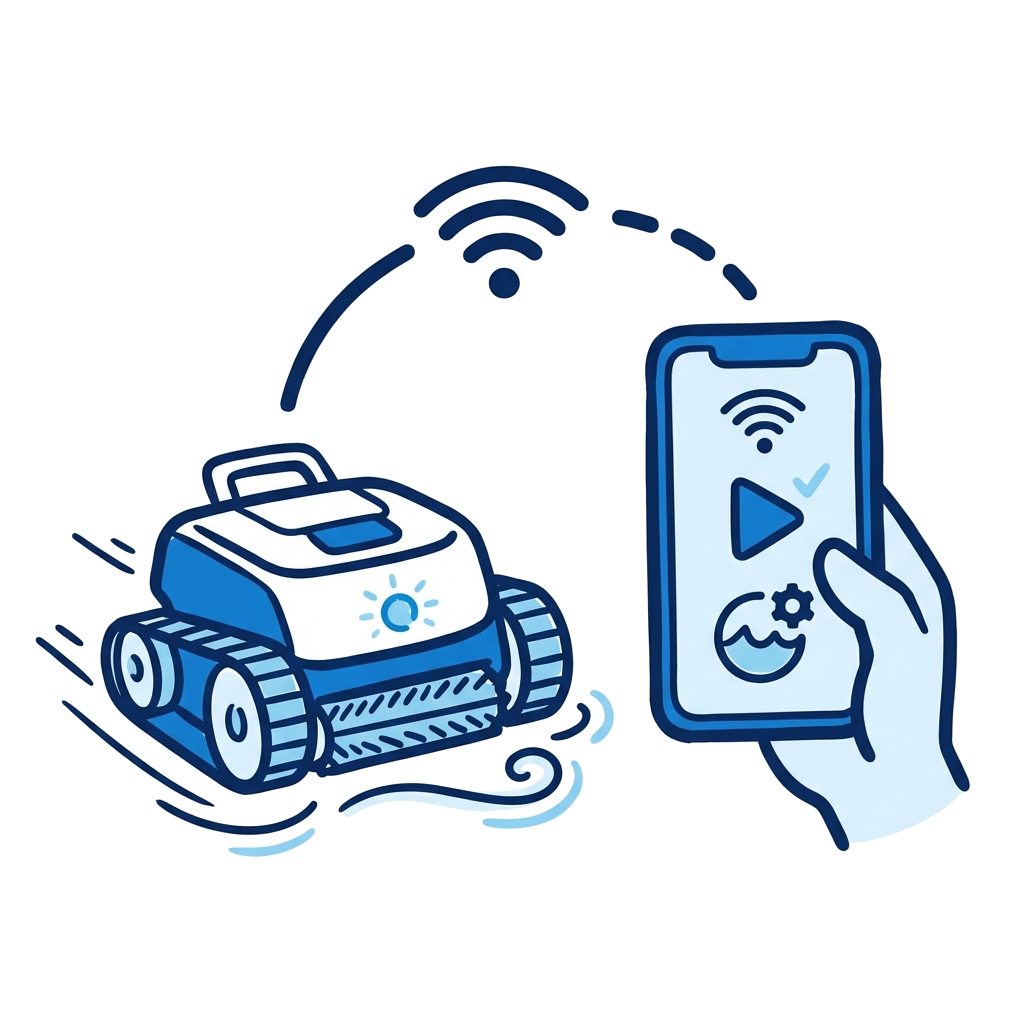
This interactive troubleshooting wizard is designed specifically for the Pentair Prowler 930W WiFi-enabled robotic inground pool cleaner. The 930W connects to the Pentair Home app via Bluetooth and WiFi for remote control, scheduling, Spot Clean mode, and run history tracking. It offers two cleaning modes: Floor Only (1 hour) and Regular (2 hours for floor, walls, and waterline).
Select the "Homeowner" role for safe, practical checks you can perform yourself, or switch to "Technician" mode for detailed diagnostic procedures including connectivity troubleshooting, drive mechanism inspection, and LED configuration.
First ensure the power supply is plugged in and has power, your smartphone Bluetooth is on, location services are enabled, and Pentair Home has camera permissions. Open the app, tap Add a Device, select Prowler 930W, scan the QR code on the power supply, then follow the prompts for Bluetooth pairing followed by WiFi setup. The cleaner history and remote scheduling features require a WiFi connection.
Floor Only is a 1-hour cleaning cycle that cleans only the pool floor. The cleaner will not climb walls or clean the waterline. Regular mode is a 2-hour cycle that cleans the pool floor, walls, and waterline. Both modes can be started immediately or scheduled for a delayed start through the Pentair Home app.
Spot Clean mode allows you to manually direct the cleaner to specific areas of the pool using the Pentair Home app. You can control the cleaner with an in-app joystick (default) or by tilting your phone in the direction you want it to go. This is useful for targeting stubborn debris in a particular area of the pool.
Yes. The Prowler 930W supports Direct Connect mode via Bluetooth, which allows you to program and operate the cleaner without an internet connection. However, cleaner run history and remote scheduling features will not function without a WiFi connection. Access Direct Connect through Device Settings in the Pentair Home app.
Yes. Select the "Homeowner" role and the wizard will show only the checks that are safe and practical for a non-professional to perform. Technician-level steps are hidden unless you switch to Technician mode. Always follow the safety warnings and consult a licensed pool service professional for any repair you are not comfortable performing.
PoolDial helps pool service professionals manage customers, routes, billing, and equipment tracking from one place. Try it free for 14 days.
Start Free Trial