
How to Spot Water Chemistry Problems Before They Get Expensive


A single chemical reading tells you what's happening right now. A trend tells you what's about to happen. If pH has been climbing a little each week for the past month, you're about to have a problem. If you only look at today's number, you won't see it coming until the plaster starts etching or the chlorine stops working.
Tracking trends is what separates a pool tech from a pool pro. And it takes zero extra time if your software does it for you.
Key Takeaways
- One reading is a snapshot. Four readings is a trend. You need at least a month of data to spot patterns.
- pH drift is the most common trend to watch. A pool that creeps from 7.4 to 7.8 over a month needs a different fix than one that spikes overnight.
- Rising CYA means rising problems. Stabilizer builds up over time and never goes away on its own.
- Chlorine demand tells you about the pool. If you keep adding chlorine and it keeps disappearing, something else is going on.
- Software makes trends visible. You can't spot a four-week pattern in your head. You need a chart.
Why Single Readings Aren't Enough
You test the water. pH is 7.6. Chlorine is 2.0. Everything looks fine. You add your chemicals and move on. But what if pH was 7.4 last week, 7.5 the week before, and 7.3 a month ago? That steady climb means something is pushing pH up. Maybe the salt cell is running too long. Maybe the alkalinity is too high. Maybe the fill water changed. PoolDial's chemical tracking shows you these trends as a chart so the drift jumps right off the screen.
Without trend data, you're treating symptoms. With trend data, you find the cause.
The Five Trends That Matter Most
You don't need to track 20 things. Focus on these five. PoolDial logs all of them automatically when your tech enters readings at each stop.
| Trend | What It Looks Like | What It Means |
|---|---|---|
| pH creeping up | 7.4 → 7.5 → 7.6 → 7.8 over 4 weeks | Salt cell output too high, high alkalinity, or aeration from water features |
| Chlorine disappearing fast | You add 2 ppm and it's gone by next visit | High bather load, organics, algae starting, or CYA too low |
| CYA building up | 30 → 45 → 60 → 80 over a season | Trichlor tabs adding stabilizer every week. Needs dilution or switch to liquid chlorine |
| Alkalinity dropping | 100 → 85 → 70 over 6 weeks | Acid additions eating alkalinity. May need to reduce acid and manage pH differently |
| Chemical cost per pool rising | $6/visit in January, $14/visit in July | Normal seasonal increase, but if it keeps climbing, something is wasting chemicals |
pH Drift: The Silent Destroyer
pH is the number one trend to watch. A pool that slowly drifts high will etch plaster, scale heaters, and make chlorine useless. A pool that drifts low will corrode metal, eat through heat exchangers, and irritate swimmers' eyes. PoolDial's trend charts show pH week over week so you can catch drift before it causes damage.
The fix depends on the trend:
- pH climbing steadily? Check alkalinity. If it's above 120, lower it. Check if a salt cell or water feature is aerating the water. Use our LSI calculator to find the right balance.
- pH bouncing up and down? Alkalinity is too low. It's not buffering properly. Raise it to 80-100 ppm.
- pH always high after a salt cell runs? Reduce cell output or run time. The cell naturally raises pH every time it makes chlorine.
CYA Buildup: The Slow Poison
Cyanuric acid (CYA, stabilizer) is in every trichlor tab. Every time you add a tab, you add a little CYA. It never breaks down. It never evaporates. It just builds up. By mid-summer, a pool that started at 30 ppm can be at 80 or 100. At that level, chlorine barely works. PoolDial tracks CYA over time so you can see the buildup happening and act before the pool goes green.
The only way to lower CYA is to drain and refill some water. If you see CYA climbing past 50, start planning a partial drain. Or switch from tabs to liquid chlorine, which adds zero CYA. Use our chemical dosage calculator to figure out how much to dose without tabs.
Chlorine Demand: What Is the Pool Eating?
If you add chlorine every week and it's always gone by the next visit, that's high chlorine demand. Something in the pool is consuming the chlorine faster than normal. PoolDial's chemical logs show how much chlorine you're adding per visit over time. If the number keeps climbing, the pool has a problem.
Common causes of high chlorine demand:
- High bather load. More swimmers means more organics. Vacation rental pools and HOA pools eat chlorine fast in summer.
- Algae starting. You can't always see algae when it first begins. But you can see chlorine disappearing faster than usual. That's your early warning.
- High CYA. When stabilizer is too high, chlorine is locked up and can't do its job. The pool acts like it has no chlorine even though you keep adding it.
- Phosphates. High phosphate levels feed algae, which eats chlorine. Test for phosphates if demand stays high after ruling out the other causes.
Chemical Cost Trends
Your chemical cost per pool should follow a predictable seasonal pattern. Low in winter, higher in summer. If it's climbing year over year, something is off. PoolDial's analytics track your chemical spend per pool per month so you can see the trend.
Use our cost per pool calculator to benchmark your chemical costs. If one pool is costing you $18/visit in chemicals while the rest average $8, that pool has a problem worth investigating. Maybe the tech is over-dosing. Maybe the pool has a leak that's diluting chemicals. Maybe the equipment isn't running enough hours. PoolDial flags outlier pools so you can spot them fast.
How to Use Trend Data with Customers
Trend data isn't just for you. It's a powerful tool for customer conversations. When a customer asks "why is my pool always cloudy?" you can pull up six months of readings on PoolDial and show them. "See this line? Your CYA has been climbing since March. It's now at 90. That's why the chlorine isn't holding. We need to do a partial drain."
That's not a sales pitch. It's data. Customers trust data more than opinions. PoolDial's customer portal can even share chemical history with the homeowner so they can see the readings themselves.
See It in Action: PoolDial Chemical Tracking
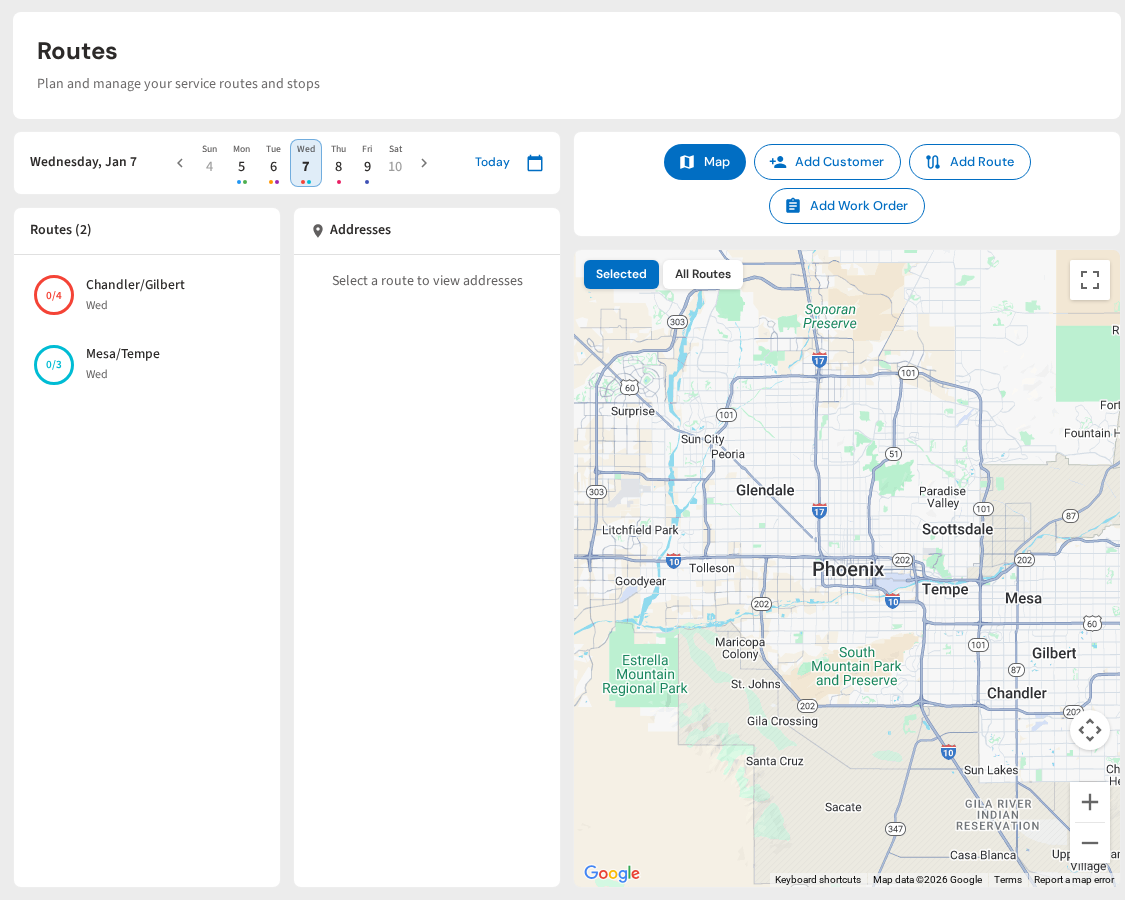
PoolDial logs every chemical reading and shows trends over time as simple charts. Spot pH drift, CYA buildup, and chlorine demand at a glance. Flag problem pools before they become expensive callbacks. Share data with customers in one tap.
Spot Problems Before They Cost You
PoolDial's chemical tracking shows trends over weeks and months. Catch drift, buildup, and demand issues early. Plans start at $2/pool.
Start Your Free Trial