
Help Guide
How to Reset Your Password


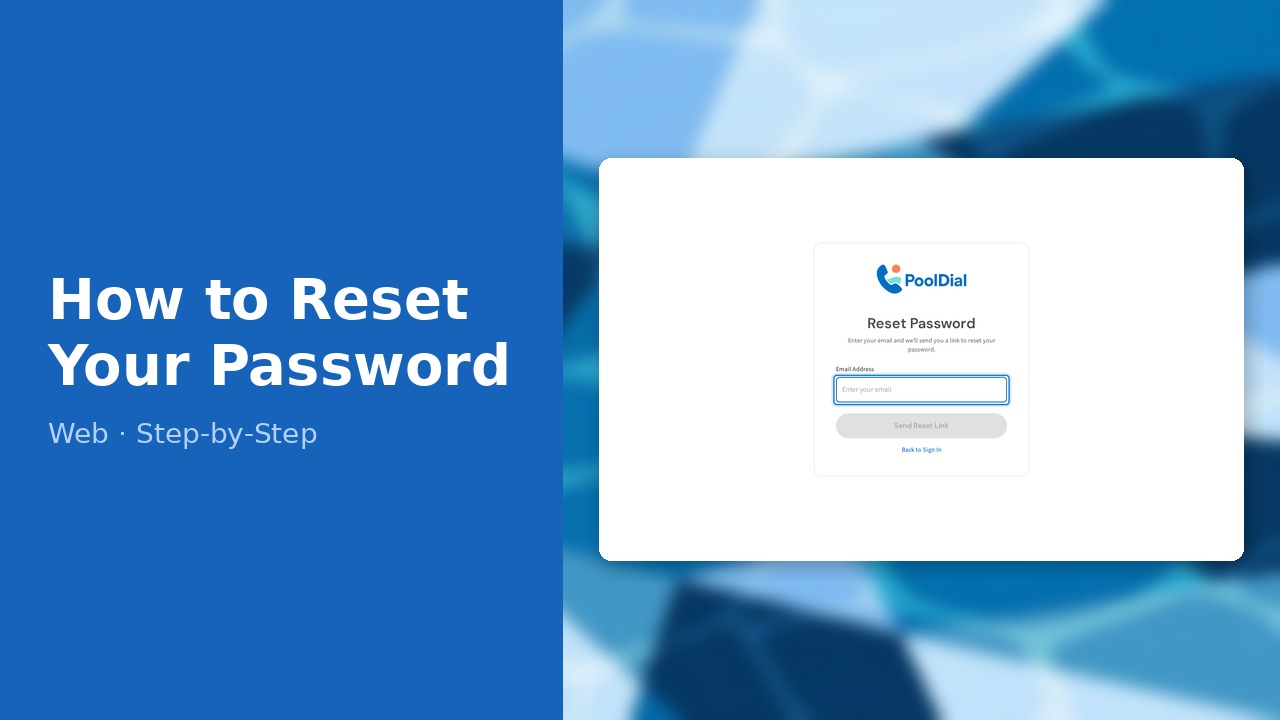
This guide walks you through how to reset your password in PoolDial, step by step.
This guide covers 4 steps and takes about a minute to complete.
Video Walkthrough
Prefer to watch? Here's a full video walkthrough of How to Reset Your Password.
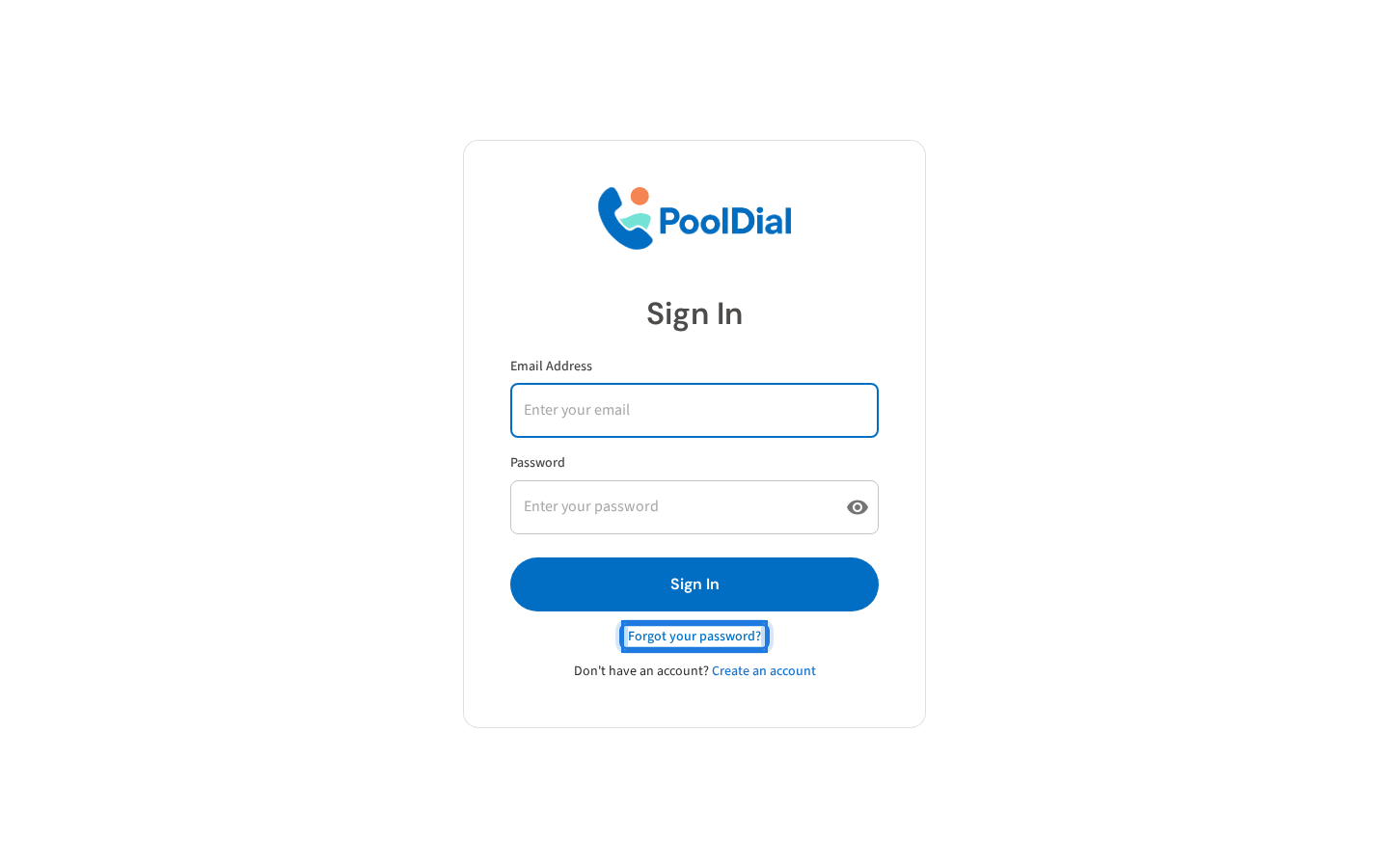
1. Click Forgot your password on the login page
On the PoolDial login page, click the Forgot your password? link below the sign-in button.
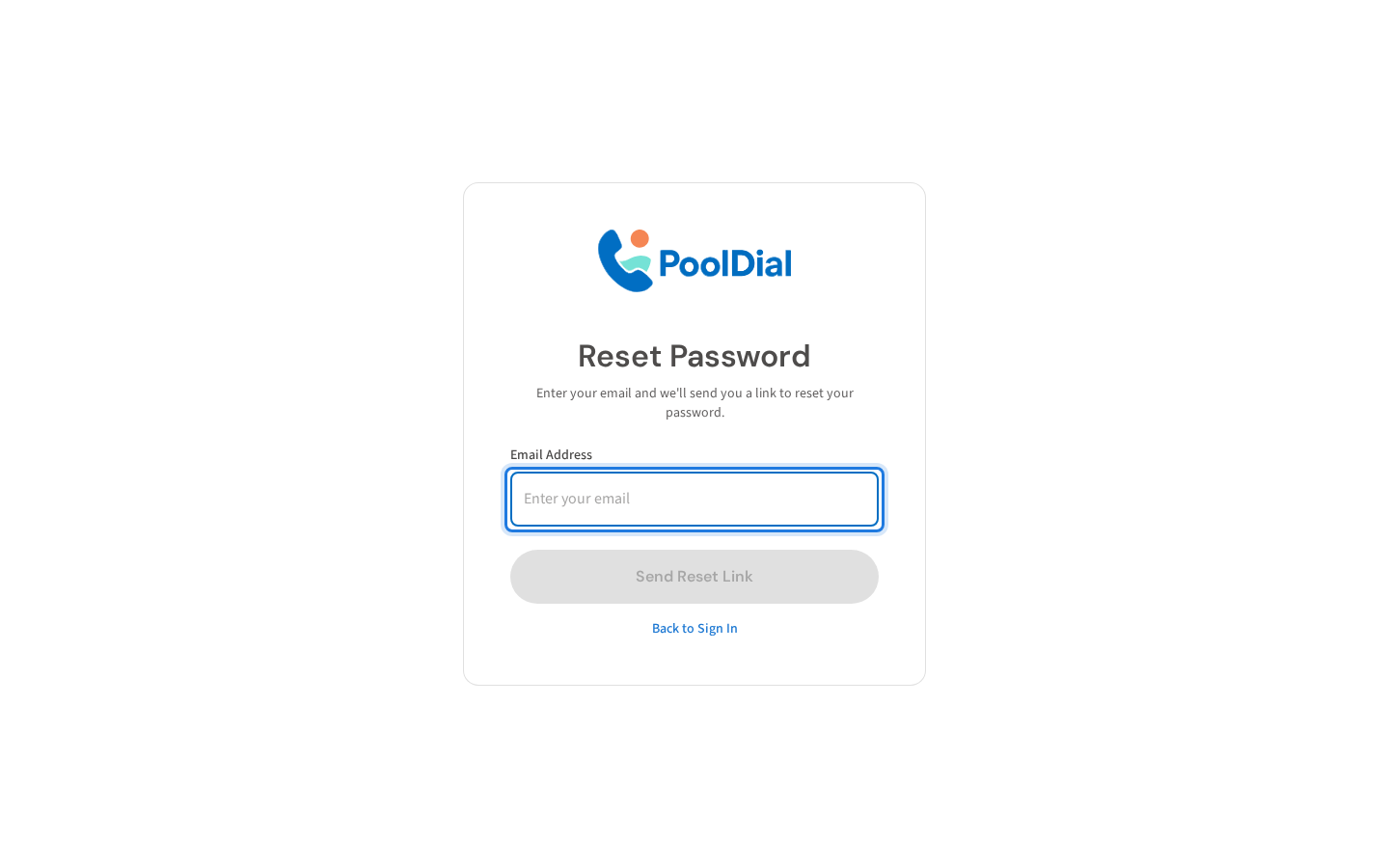
2. Enter your email address
Enter the email address associated with your PoolDial account.
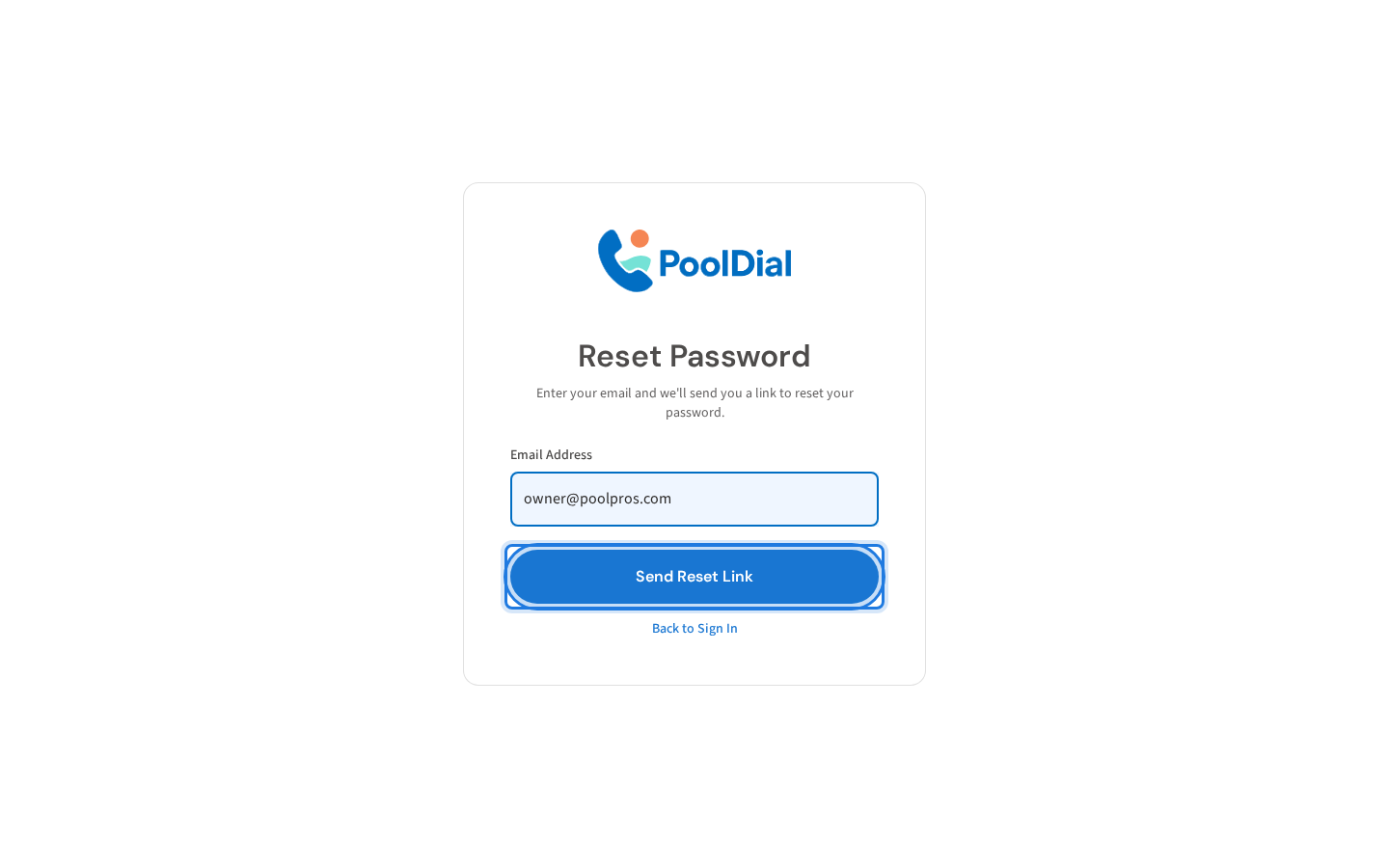
3. Click Send Reset Link
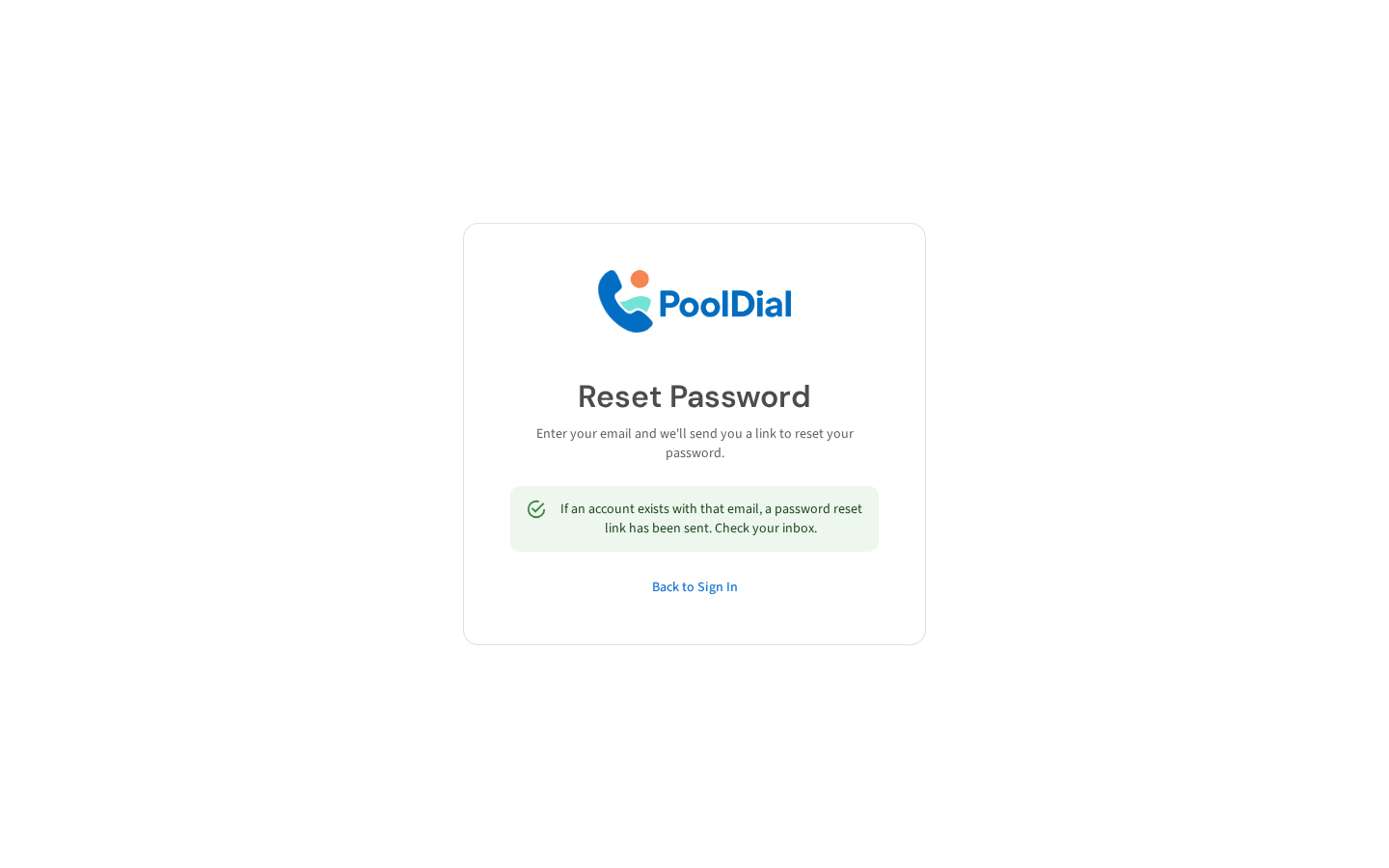
Click Send Reset Link. PoolDial will send a password reset email to your inbox within a few minutes.
4. Check your inbox for the reset email
Check your inbox for an email from PoolDial. Click the link inside to set a new password. If you don't see it, check your spam folder.
Not using PoolDial yet?
Manage your customers, routes, billing, and more — all in one place.
Start Free Trial